
 0
0
TP-Link
0 –
10
of
366
Availability
Sort by
Advance Filters
TP-Link
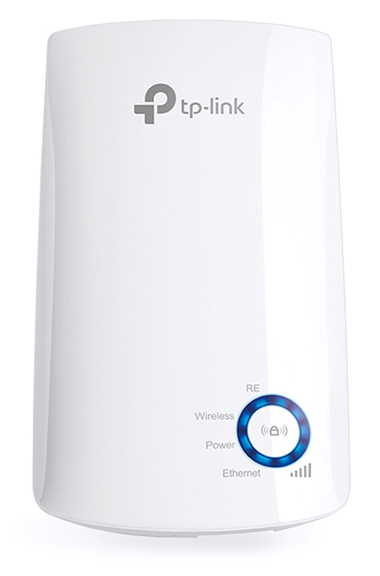
TP-Link WA850RE TP-Link 300Mbps Wi-Fi Range Extender
- Range Extender mode boosts wireless signal to previously unreachable or hard-to-wire areas flawlessly- Miniature size and wall-mounted design make it easy to deploy and move flexibly- Easily expand wireless coverage at a push of Range Extender button- Ethernet port allows the Extender to function as a wireless adapter to connect wired devices- Tether App allows easy access and management using any mobile device- LED Control function includes a Night Mode for peaceful sleepBoost Your Wireless NetworkTired of Wi-Fi ’’dead zone’’? TP-Link’s range extender connects to your router wirelessly, strengthening and expanding its signal into areas it can’t on its own. The device also reduces signal interference to ensure reliable Wi-Fi coverage throughout your home or office.Easy Setup andFlexible PlacementPress the WPS button on your router and the Range Extender button on your 850RE within 2 minutes to easily connect to the network. Once connected with an existing router, you can simply unplug and plug the TL-WA850RE back in a location for the best signal quality and coverage in your house, without needing to configure the extender again.Ethernet BridgeThe TL-WA850RE’s single Ethernet port allows the Extender to function as a wireless adapter to connect wired devices like Blu-ray® players, gaming consoles, DVRs and Internet TVs. At the same time, the device can share the wireless network as well.Smart Signal Indicator Light5 signal lights show the strength of signal that TL-WA850RE receives from the existing router, which can help to find the right location to place the range extender.It’s recommended that you choose a location where at least 3 signal light blue in order to guarantee a good performance.Tether App forEasy UseUse any mobile device to easily access and manage various features, including the LED Control function's Night Mode, which allows you to enjoy a more peaceful night's sleep.
Part# WA850RE
SKU S19454
In
Stock


TP-Link
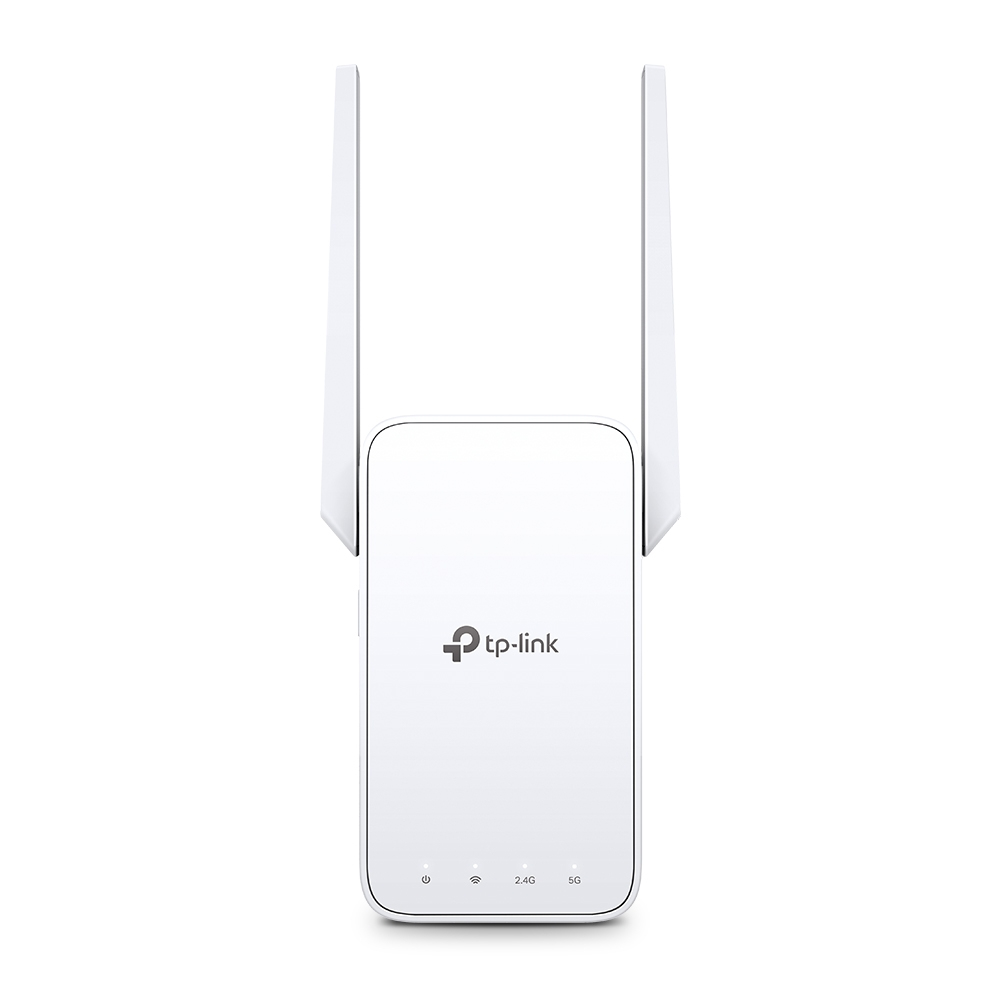
TP-Link RE315 TP-Link AC1200 Mesh Wi-Fi Range Extender
Expand Dual Band WiFi EverywhereAC1200 Mesh WiFi ExtenderBoost Whole Home WiFi with Your Existing RouterA single router has limited WiFi coverage and always causes WiFi dead zones. RE315 wirelessly connects to your existing router and expands its WiFi signal into areas it can’t reach on its own. Enjoy your stable network experience wherever you are at home.WiFi keeps Strongest for Unlimited MovingWith TP-Link Mesh Technology, it’s easy to form a Mesh network with a single WiFi name for seamless whole home coverage. Just connect RE315 to a OneMeshTM router. Always enjoy the strongest WiFi when you’re walking around with no need to search around for a stable connection.Enjoy a Mesh Network with Your Existing RouterWant a Mesh network? Hesitate on whether to replace your existing router and buy a Mesh set?TP-Link OneMesh™ resolves your dilemma.Faster Dual Band WiFi up to 1200 MbpsRE315 delivers dual band (2.4 GHz and 5 GHz) to transmit WiFi signals, doubling the performance of each band. It enables you to keep more devices connected at the same time with its 300 Mbps 2.4 GHz and 867 Mbps 5 GHz dual bands. Use the 2.4 GHz band to send email and browse the web and the 5 GHz band for gaming and HD streaming.Adaptive Path Selection: Keeps Itself Working at Top SpeedAdaptive Path Selection keeps your network running at optimal speeds by automatically choosing the fastest connection path to the router. Always keep your devices fast and stable—ideal for network environments crowded with many devices and applications.High Speed Mode: Maximized Speed with Dedicated BackhaulUses one dedicated WiFi band as backhaul and another dedicated WiFi band as an access point to maximize the bandwidth on the extended WiFi.Built-In Access Point ModeRE315 is more than a wireless range extender. Simply plug an Ethernet cable into its Ethernet port and easily turn your wired internet connection into a 2×2 MIMO dual band wireless access point.Secure One-Touch Connection for Easy SetupStep 1: Simply press the WPS button on your router and, within 2 minutes, the WPS button on RE315 will connect to the network.Step 2: Once connected, place RE315 at the best location—without reconfiguration.Find the Best Location with the Smart Signal IndicatorThe smart signal indicator lets you see signal strength from the existing router at a glance. Easily to find the best place to position your range extender to extend your WiFi.Control at Your FingertipsSet up and manage your WiFi through the TP-Link Tether app from your smartphone (Android, iOS), including TP-Link routers and range extenders.
Part# RE315
SKU S19454
In
Stock
TP-Link
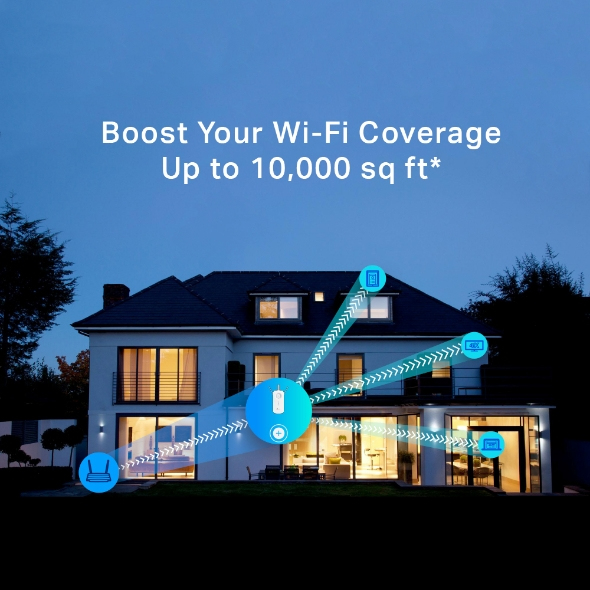
TP-Link RE450 TP-Link RE450 network extender Network transmitter White 10, 100, 1000 Mbit/s
Boost Your Wi-Fi Coverage Up to 10,000 sq ft*Tired of Wi-Fi “dead zones”? The TP-Link AC1750 Wi-Fi Range Extender connects to your router wirelessly, strengthening and expanding its signal into areas it can’t reach on its own. The device also reduces signal interference to ensure reliable Wi-Fi coverage throughout your home or office.Super-Fast Speed Next Generation AC Wi-FiTP-Link's RE450 comes with next generation 802.11AC Wi-Fi technology, it's 3 times faster than the standard 802.11n speeds. The RE450 delivers fast speeds of dual band Wi-Fi up to 1.75Gbps, providing reliable connections for bandwidth-intensive tasks like HD/4K streaming, lag free gaming, large file downloads.Gigabit Wired SpeedA gigabit Ethernet port turns the extender into a wireless bridge, letting you connect a wired device like a Blu-ray player, gaming console, DVR, or smart TV to your Wi-Fi network.Easy Installation & Quick PositionEasy Installation with RE ButtonThe extender RE450 works with any standard wireless router. Instantly connect the RE450 to a router by pressing the extender’s RE button followed by the router’s WPS button (if available).Once connected with an existing router, you can take RE450 anywhere within the wireless range of the existing router, no more further configurations.
Part# RE450
SKU S19454
In
Stock
TP-Link
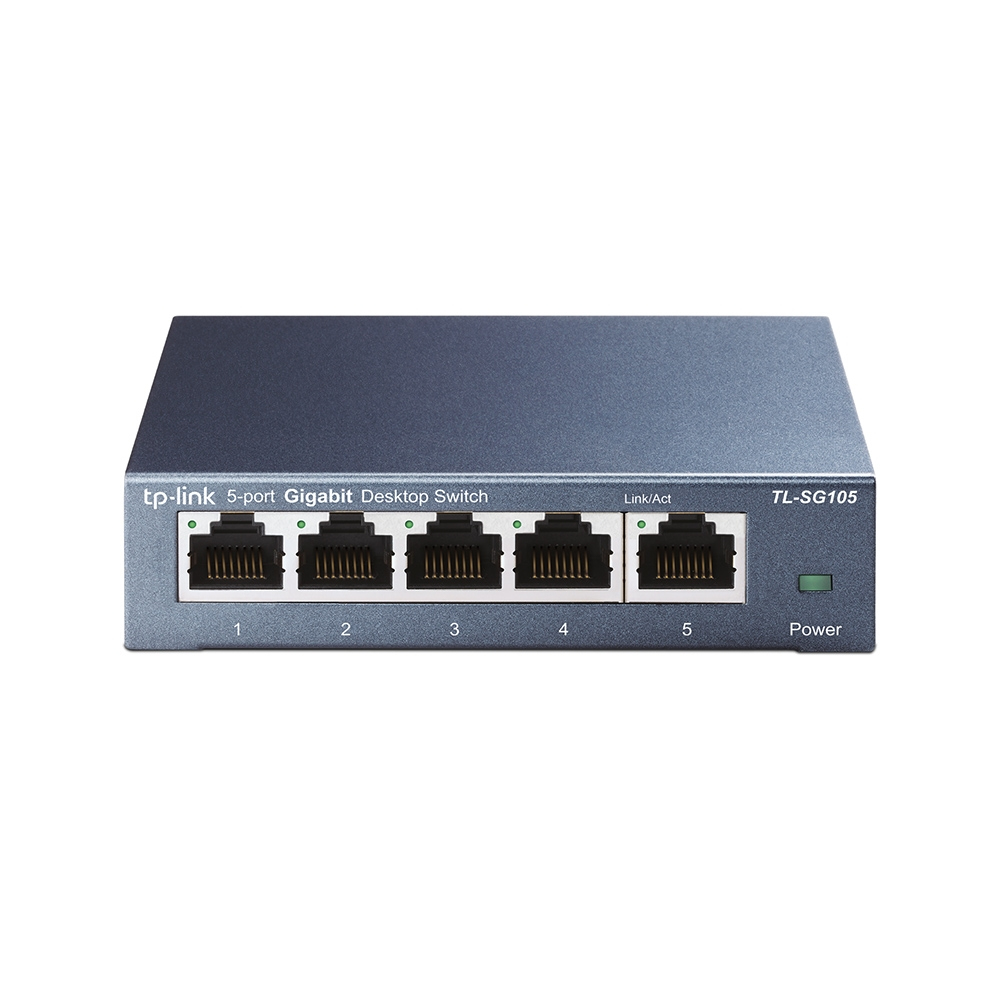
TP-Link TL-SG105 TP-Link TL-SG105 network switch Unmanaged L2 Gigabit Ethernet (10/100/1000) Black
What This Product DoesThe TP-Link 5-Port 10/100/1000Mbps Desktop Switch provides you an easy way to make the transition to Gigabit Ethernet. Increase the speed of your network server and backbone connections, or make Gigabit to the desktop a reality. Plug and Play design, with no configuration required, makes the product easy to use. Moreover, TL-SG105S adopts lower power consumption design. With the innovative energy-efficient technology, the TL-SG105S can save power consumption, making it an eco-friendly solution for your home or office network.Gigabit SwitchFeatured with 5 10/100/1000Mbps ports, TL-SG105S greatly expands your network capacity, enabling instant large files transferring. So, power users in the home, office, workgroup, or creative production environment can now move large, bandwidth-intensive files faster. Transfer graphics, CGI, CAD, or multimedia files across the network instantly. Go Green With Your EthernetYou now have the choice to go green when upgrading to a gigabit network! This new generation TL-SG105S 5-Port 10/100/1000Mbps Desktop Switch features the latest innovative energy-efficient technologies that can greatly expand your network capacity with much less power. It automatically adjusts power consumption according to the link status and cable length to limit the carbon footprint of your network.Traffic Optimization802.1p and DSCP QoS enable smooth latency-sensitive traffic such as voice and video, and IGMP Snooping optimizes the Multicast data stream. Easy to useThe auto features of this gigabit switch make installation plug and play and hassle-free. No configuring is required. Auto MDI/MDIX eliminate the need for crossover cables. Auto-negotiation on each port senses the link speed of a network device (either 10, 100, or 1000 Mbps) and intelligently adjusts for compatibility and optimal performance. Moreover, fanless design ensures quiet operation.
Part# TL-SG105
SKU S19454
In
Stock
TP-Link
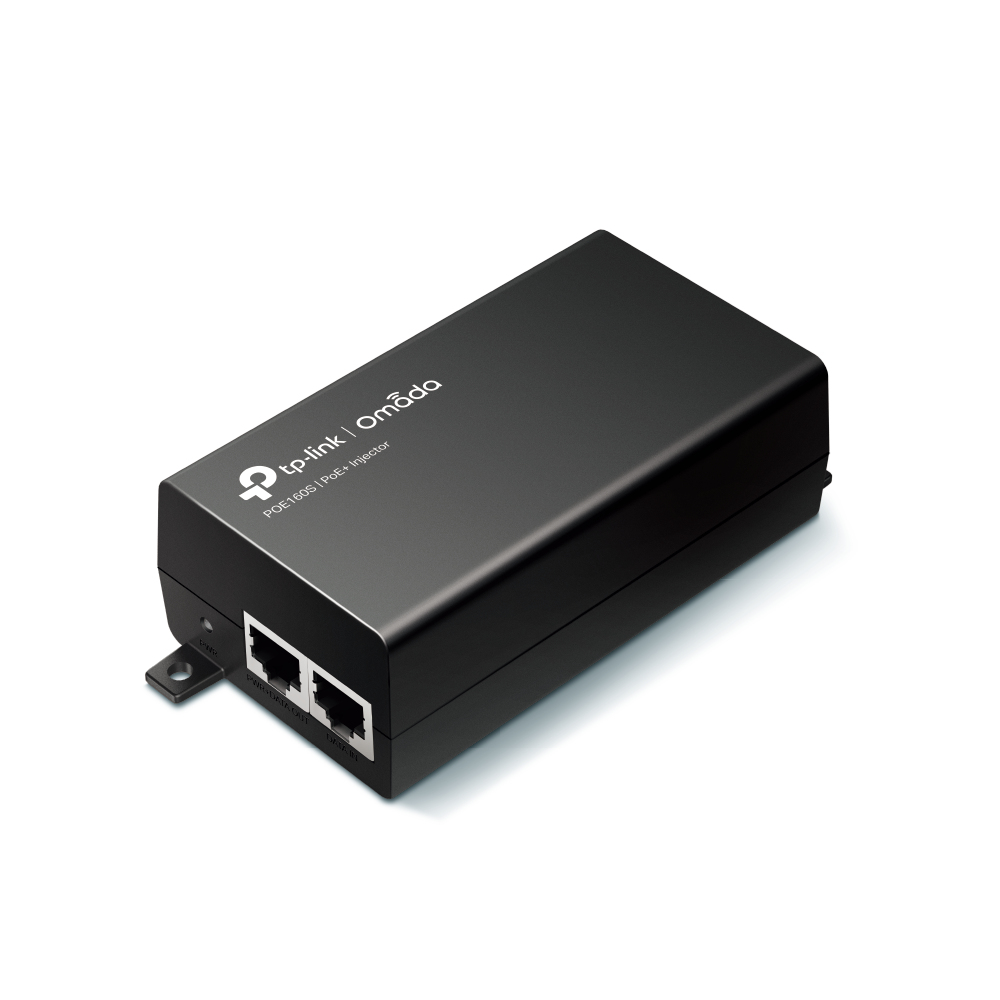
TP-Link POE160S TP-Link Omada PoE+ Injector
The PoE+ Injector POE160S (TL-POE160S) fully complies with IEEE 802.3af/at standards, and can work with all IEEE 802.3af/at PoE compliant PDs (Powered Devices) or PoE Receiver Adapters, such as TP-Link's POE10R (TL-POE10R), or other equivalent product, to expand your network to where there are no power line or outlet, where you wish to fix device such as AP, IP Camera or IP Phone, etc.
Part# POE160S
SKU S19454
In
Stock
TP-Link
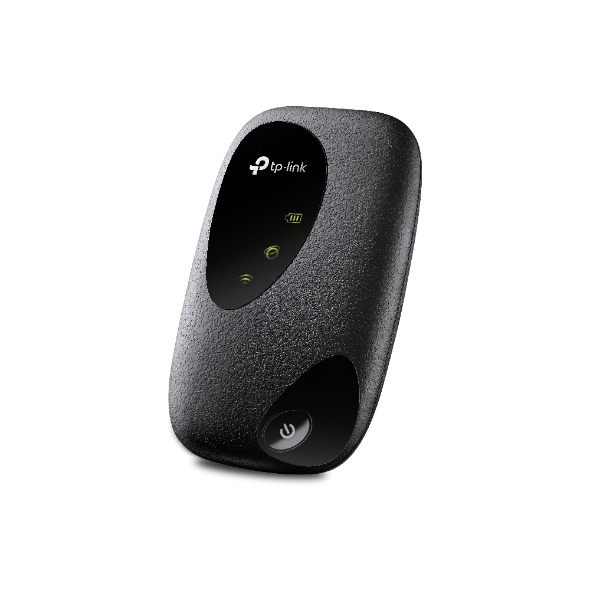
TP-Link M7010 TP-Link 4G LTE Mobile Wi-Fi
Go Anywhere,Connect EverywhereLTE Mobile Wi-FiM7010Share 4G LTE Connections on the GoJust insert your 4G SIM card and M7010 provides WiFi connections for multiple devices, especially when you want to stay online on the road. With an 8-hour battery life, it’ll replace your phone as your mobile hotspot for your laptop, saving your phone’s battery power in the process.Faster Speeds with4G Plug and PlayM7010 supports 4G LTE for a download speed of up to 150 Mbps. Fast enough to enjoy HD movies with zero buffering, download files in seconds, and hold video calls without any drops. Always stay connected and enjoy a fast internet connection.Share with FriendsThis compact mobile hotspot works seamlessly with an impressive range of wireless devices. M7010 enables up to 10 simultaneous 4G/3G connections for tablets, laptops, mobile phones, and more.Power through Your Day with up to 8 Hours of Sharable 4GWith its powerful 2000 mAh battery, M7010 provides up to 8 hours of wireless connectivity, making it theperfect companion for travel, business trips, outdoor activities, and more.Easy Management with tpMiFiWith the tpMiFi app, easily access and manage M7010 from your connected iOS/Android devices. The tpMiFi app allows you to establish data limits, control which devices can access your WiFi, and send messages.
Part# M7010
SKU S19454
In
Stock
TP-Link
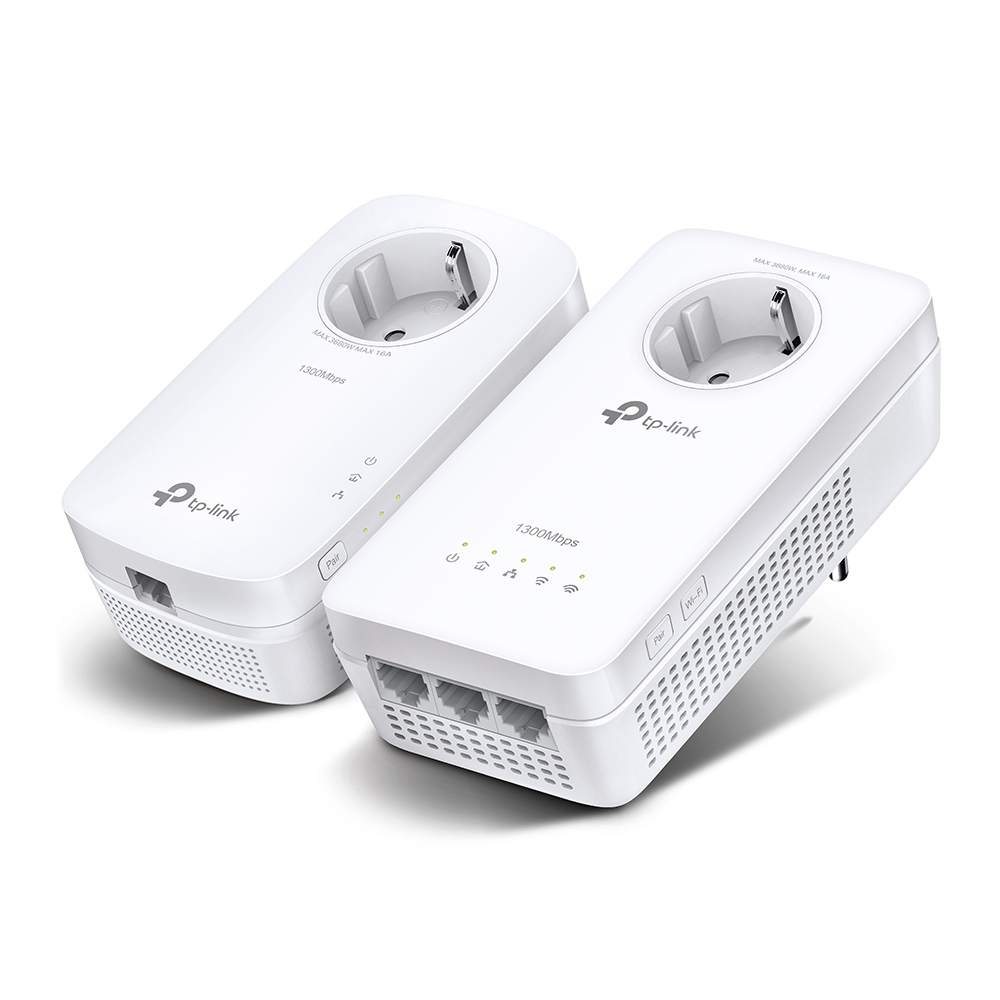
TP-Link TL-WPA8631P KIT TP-Link TL-WPA8631P KIT PowerLine network adapter 300 Mbit/s Ethernet LAN Wi-Fi White 2 pc(s)
TP-Link TL-WPA8631P KIT. Maximum data transfer rate: 300 Mbit/s, Networking standards: IEEE 802.11a, IEEE 802.11ac, IEEE 802.11b, IEEE 802.11g, IEEE 802.11n, Power plug: Type E / F. Power consumption (typical): 11 W. Product colour: White, Antenna type: Internal. Windows operating systems supported: Windows 10, Windows 8, Windows 8.1, Windows Vista, Windows XP. Package width: 230 mm, Package depth: 190 mm, Package height: 100 mm
Part# TL-WPA8631P KIT
SKU S19454
In
Stock
TP-Link
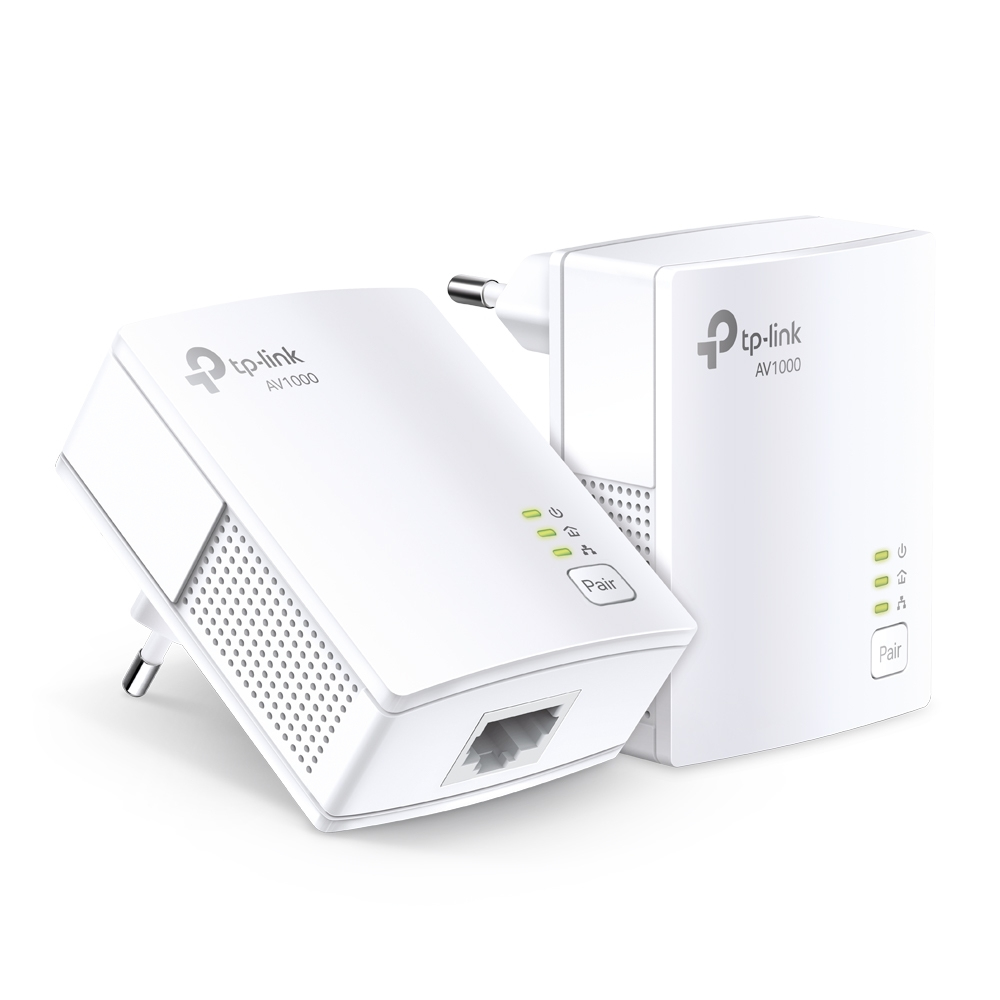
TP-Link TL-PA7017 KIT TP-Link TL-PA7017 KIT PowerLine network adapter 1000 Mbit/s Ethernet LAN White 2 pc(s)
AV1000 Speeds and 300 Meters RangeUsing advanced HomePlug AV2 technology, TL-PA7017 KIT ensures stable and high-speed wired connection, providing data transmissions of up to 1000 Mbps* over the electrical wiring for ranges up to 300 meters. Stream in HD, game online and download large files without interruption thanks to reliable powerline links.Gigabit Port for Maximum ConnectivityWith one Gigabit Ethernet port, TL-PA7017 KIT allows users to connect a bandwidth intensive device to the Internet at high speeds and ensures the smooth transmission of Ultra HD video streaming. This makes the TL-PA7017 KIT the perfect home entertainment companion.Plug and PlayNo Configuration RequiredConnect a powerline adapter to the router, plug another powerline adapter into a wall socket in another room, and you’re done!Reduce Power Consumption by Up to 85%TL-PA7017 KIT, a new-generation of powerline adapter, with its practical design and sophisticated Power-Saving Mode, will automatically switch from its regular "Working" mode to "Power-Saving" mode reducing its energy consumption by up to 85%
Part# TL-PA7017 KIT
SKU S19454
In
Stock
TP-Link
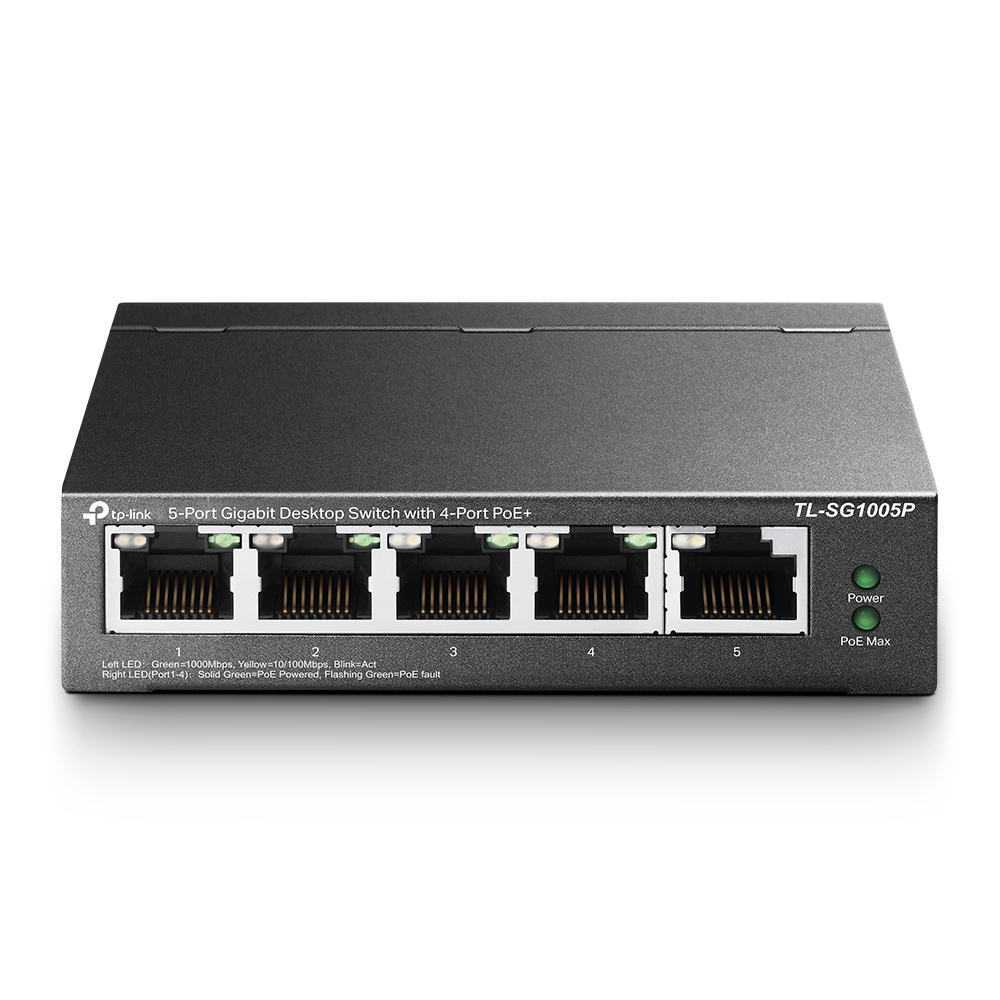
TP-Link TL-SG1005P TP-Link TL-SG1005P network switch Unmanaged Gigabit Ethernet (10/100/1000) Power over Ethernet (PoE) Black
Professional High-Power 5-Port Gigabit Switch with 4 PoE+ Ports - plug and playDedicated 4-Port PoE+ Switch (65 W Budget) for Numerous ApplicationsCompliance with the 802.3af/at PoE+ standard supports up to 30 W on each PoE port. The total 65 W PoE power budget for the 4 x PoE ports opens up a wide range of applications, such as surveillance for offices, dormitories, and small businesses. It is fully compatible with IP cameras, access points, IP phones, computers, printers, and more.Plug and PlayNo Configuration RequiredIntelligent Power ManagementWhen total power consumption exceeds 65 W, the intelligent power management will cut the lower priority port power. This ensures the high priority port’s power supply and protects the device from power overload. It also automatically detects and provides the required power for your PoE devices while protecting your PoE and non-PoE equipment from being damaged.Advanced Functions for Higher PerformanceQoS For Fluent Online ExperienceAdministrators can designate the priority of traffic based on QoS, for example, to ensure that voice and video applications remain clear and lag-free.IGMP Snooping Traffic Optimization for IPTVIGMP Snooping optimizes multimedia traffic delivery, to ensure a better network experience especially for applications like IPTV.Durable Metal CasingThe interior components of TL-SG1005P are protected by high-quality metal casing to ensure a long product life. Having passed an array of stringent reliability tests, TL-SG1005P delivers switching performance you can depend on.Key Features5 x 10/100/1000 Mbps RJ45 portsWith four PoE+ ports, transfers data and power on one single cableWorks with IEEE 802.3af/at compliant PDs802.1p/DSCP QoS enable smooth latency-sensitive trafficSupports PoE Power up to 30 W for each PoE portSupports PoE Power up to 65 W for all PoE portsRequires no configuration and installation SpecificationsInterface5 x 10/100/1000Mbps RJ45 PortsAUTO NegotiationAUTO MDI/MDIXNetwork Media10BASE-T: UTP category 3, 4, 5 cable (maximum 100m)EIA/TIA-568 100O STP (maximum 100m)100BASE-TX: UTP category 5, 5e cable (maximum 100m)EIA/TIA-568 100O STP (maximum 100m)1000BASE-T: UTP category 5, 5e, 6 or above cable (maximum 100m)EIA/TIA-568 100O STP (maximum 100m)Fan QuantityFanlessExternal Power SupplyExternal Power Adapter (Output: 53.5 VDC / 1.31 A)Packet Forwarding Rate7.44 MppsPoE Ports (RJ45)Standard: 802.3 af/at compliantPoE Ports: Ports 1–4Power Supply: 65 WMac Address Table2KJumbo Frame16 KBSwitching Capacity10 GbpsDimensions ( W x D x H )3.9 x 3.9 x1.0 in (99.8 x 98 x25 mm)Max Power Consumption4.29 W (220/50 Hz. no PD connected)74.24 W (220/50 Hz. with 65 W PD connected)Max Heat Dissipation14.63 BTU/h (no PD connected)253.16 BTU/h (with 65 W PD connected)SOFTWARE FEATURESAdvanced FeaturesCompatible With IEEE 802.3af/at Compliant PDsMac Address Auto-Learning And Auto-AgingIEEE 802.3x Flow Control802.1p/DSCP QoSIGMP SnoopingTransfer MethodStore-And-Forward CertificationFCC, CE, RoHSPackage ContentsTL-SG1005PPower AdapterInstallation GuideEnvironmentOperating Temperature: 0–40 degrees (32–104 C)Storage Temperature: -40–70 degrees (-40–158 C)Operating Humidity: 10–90% RH non-condensingStorage Humidity: 5–90% RH non-condensing
Part# TL-SG1005P
SKU S19454
In
Stock
TP-Link
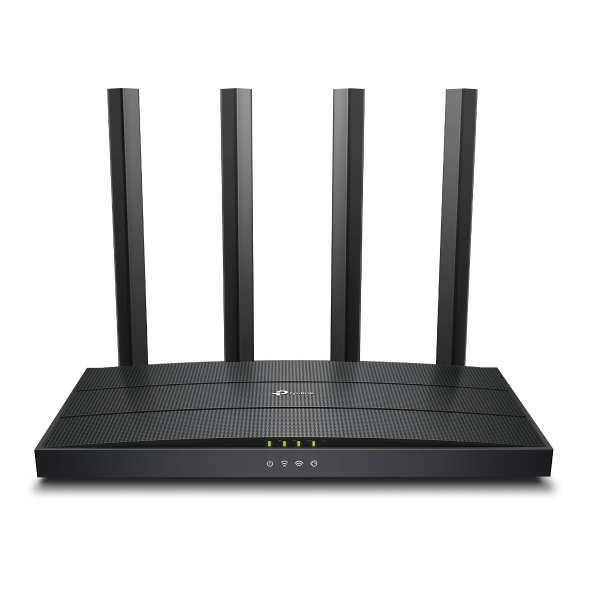
TP-Link ARCHER AX12 TP-Link Archer AX1500 Wi-Fi 6 Router
Wi-Fi 6 Upgrades EverythingThe advanced Wi-Fi technology brings faster speeds, less lag, and higher capacity, enabling more simultaneous connections on your home network.Gigabit Broadband Internet AccessAll gigabit Ethernet ports allow you to take full advantage of your broadband speed up to 1 Gbps. Plug your PCs, smart TVs, and game consoles into one of the three gigabit ethernet LAN ports for fast, reliable wired connections.WiFi Coverage Throughout Your Home4 high-performance external antennas boost WiFi signals throughout your home. Beamforming technology detects devices and concentrates wireless signal strength towards them, especially for previously hard to reach outlets.WPA3—New Level of Cyber SecurityThe latest Wi-Fi security protocol, WPA3, brings new capabilities to improve cybersecurity in personal networks. More secure encryption in Wi-Fi password safety and enhanced protection against brute-force attacks combine to safeguard your home Wi-Fi.Easy Setup and UseWhether you prefer the intuitive Tether app or TP-Link’s powerful web interface, you can set up your Archer AX12 in minutes.The Tether app allows you to manage network settings from any Android or iOS device.
Part# ARCHER AX12
SKU S19454
In
Stock

Item(s) added to cart

