
 0
0
DELL
30 –
40
of
162
Availability
Sort by
Advance Filters
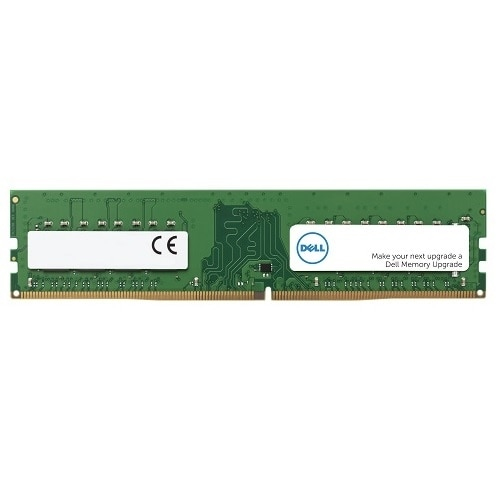
DELL
DELL SNP732YDC/32G DELL SNP732YDC/32G memory module 32 GB 1 x 32 GB DDR4
Random Access Memory (RAM) is a type of hardware that your computer uses to store information. Adding memory is one of the most cost-effective ways to improve your computer's performance.Dell™ Branded memory offered in the Memory Selector has gone through rigorous quality assurance and quality control testing to ensure it will work with your specific Dell System so it is fully compatible and supported by Dell. Getting unqualified or generic products from other vendors can cause downtime that can seriously cost your business and put your entire system at risk.Memory offered now may differ in speed from the original system memory but has been qualified to work in the system. When mixed, the memory will perform at the lowest speed populated or the highest speed allowed by the system.
Part# SNP732YDC/32G
SKU S19454
In
Stock


DELL
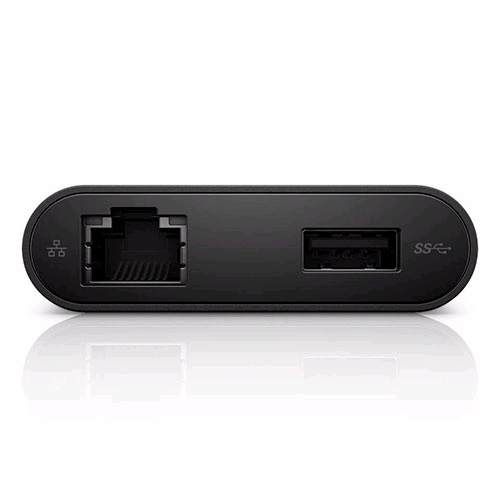
DELL YRPDK DELL YRPDK USB graphics adapter Black
Replaces need for multiple adaptors The compact Dell Adapter - USB-C to HDMI/VGA/Ethernet/USB 3.0 offers a plug-and-play solution for connecting your laptop or notebook to an external display and other essential devices. The adapter also features an Ethernet port, which means it can replace as many as three dongles to save you space on your desk and in your bag. Onboard USB 3.0 means you still have an open port to connect with USB peripherals. Choose from VGA or HDMI video output Choose from available VGA and HDMI ports to connect your mobile computer to an external monitor. The Dell Adapter gives you the flexibility to use a wide variety of monitors to expand your desktop and stay productive while managing multiple applications. Ethernet port connects to wired networks The Dell Adapter - USB-C to HDMI/VGA/Ethernet/USB 3.0 lets you connect to wired networks via an Ethernet port when needed. This ensures you can connect to the Internet and stay productive in virtually any environment. USB 3.0 port lets you connect to more peripherals With the Dell Adapter you can add productivity options without sacrificing USB connectivity. Using the included USB 3.0 port, you're free to connect to a range of everyday peripherals, such as printers, scanners, and external hard drives. The Dell Adapter - USB-C to HDMI/VGA/Ethernet/USB 3.0 connects your mobile computer to an external display with your choice of HDMI or VGA outputs. You can also connect to the internet and all your necessary external devices via Ethernet and USB 3.0 ports. This small, compact adapter will replace up to 3 dongles, leaving you more space in your bag and on your desk.Supports Win 10 32/64 bits for Home and PRO.
Part# YRPDK
SKU S19454
In
Stock
In
Stock
DELL
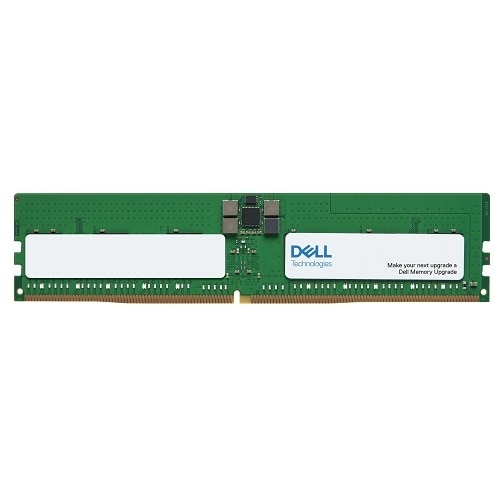
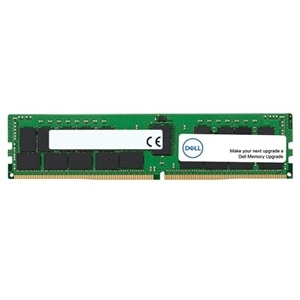
DELL AC239379 DELL AC239379 memory module 64 GB 1 x 64 GB DDR5
Random Access Memory (RAM) is a type of hardware that your computer uses to store information. Adding memory is one of the most cost-effective ways to improve your computer's performance.Dell™ Branded memory offered in the Memory Selector has gone through rigorous quality assurance and quality control testing to ensure it will work with your specific Dell System so it is fully compatible and supported by Dell. Getting unqualified or generic products from other vendors can cause downtime that can seriously cost your business and put your entire system at risk.Memory offered now may differ in speed from the original system memory but has been qualified to work in the system. When mixed, the memory will perform at the lowest speed populated or the highest speed allowed by the system.
Part# AC239379
SKU S19454
In
Stock
DELL
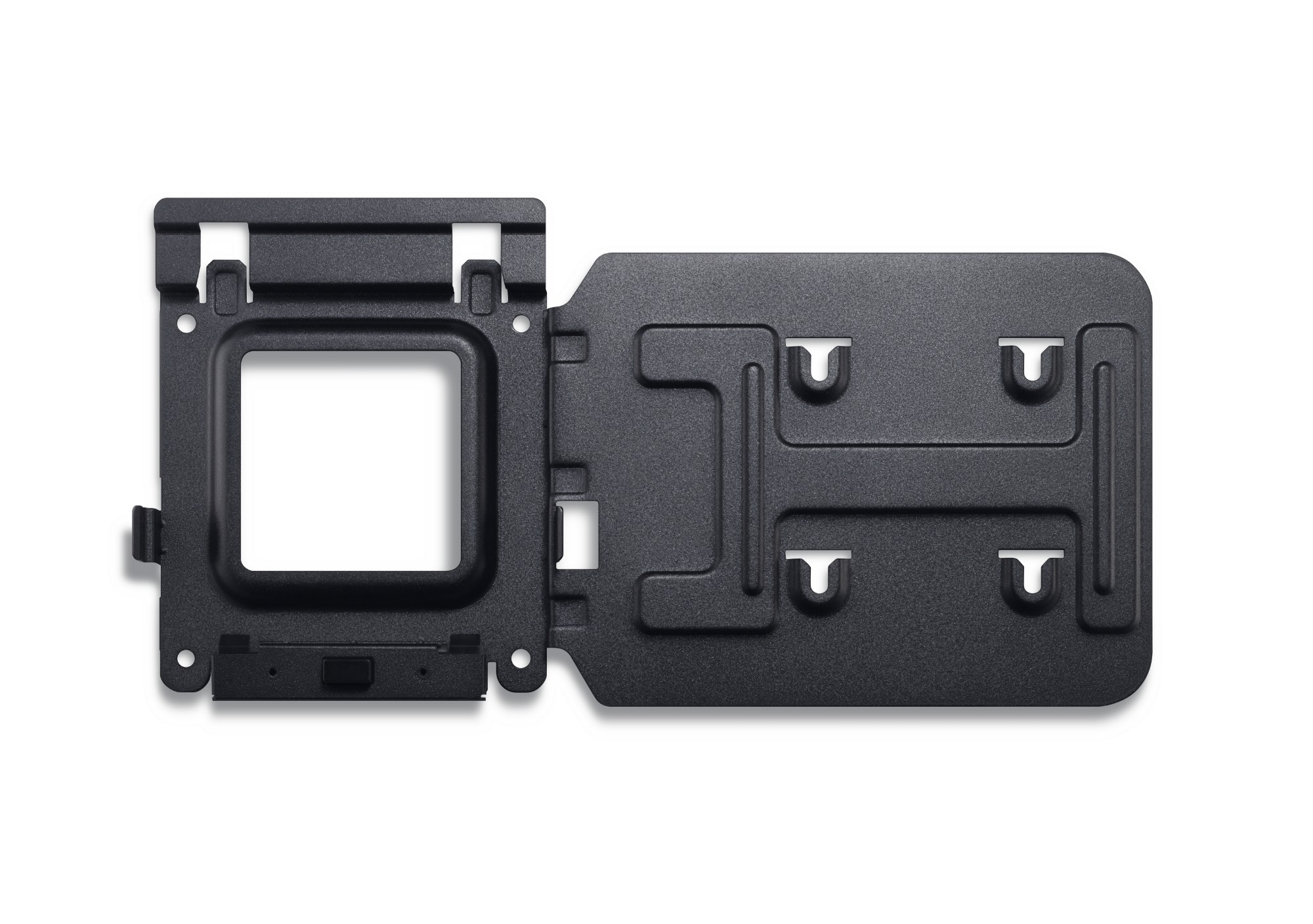
DELL YN6XJ DELL YN6XJ mounting kit Black
Easily mount your Dell™ Dock-WD15 or Dell Thunderbolt Dock-TB15 behind most Dell UltraSharp or P-Series monitors or to a wall, desk, or any flat surface with the Dell Docking Station Mounting Kit. Help create a clutter-free work environment at your desk or workstation by mounting your Dell Dock-WD15 or Dell Thunderbolt Dock-TB15 behind your compatible monitor or under your desk.The kit comes with everything that you need to mount your Dell Dock-WD15 or Dell Thunderbolt Dock-TB15 behind a compatible Dell UltraSharp or P-Series monitor . The bracket easily attaches with four included mounting screws to the VESA mounting holes (100mm) underneath the monitor stand connector. Stand should be removed to attach the bracket, and then reattached to the bracket once the bracket is secured to the monitor. Mounting position for the Dell Dock-WD15 or Dell Thunderbolt Dock-TB15 will be offset to the side of the stand. Two included mounting screws are screwed into the bottom of your dock, which then allows it to slide easily onto the mounting bracket. It can easily be removed when needed. The kit can also be used to mount your Dell Dock-WD15 or Dell Thunderbolt Dock-TB15 on a wall, under a desk, or onto a table (with included mounting hardware). Two included mounting screws are screwed into the bottom of your dock, which then allows it to slide easily onto the mounting bracket. It can easily be removed when needed.
Part# YN6XJ
SKU S19454
In
Stock
In
Stock
DELL
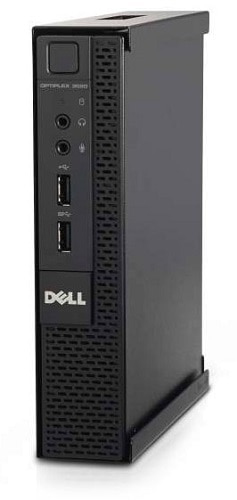
DELL MTN-SGL-MFF DELL 482-BBBP Black
For mounting the Optiplex MFF chassis under a table, desk or wall mounting. Includes Power Adapter mount.The Adapter mount can only be used with the 65w power adapter
Part# MTN-SGL-MFF
SKU S19454
In
Stock
DELL
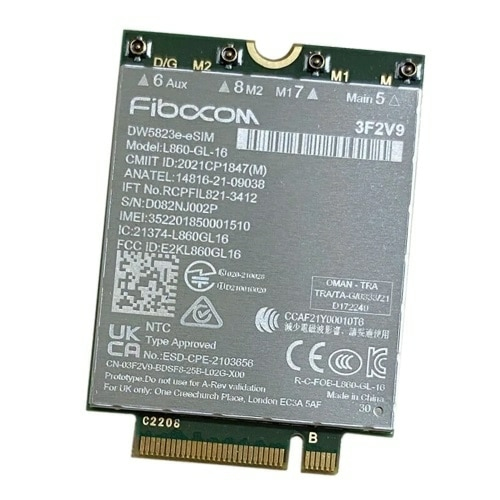
DELL 0YW17 DELL DW5823E Internal WWAN 1000 Mbit/s
The device lets you quickly send email and attachments, and surf the Web. This WWAN Card will enable you to have instant and uninterrupted access to the internet at all times. This product has been tested and validated on Dell systems. It is supported by Dell Technical Support when used with a Dell system.
Part# 0YW17
SKU S19454
In
Stock
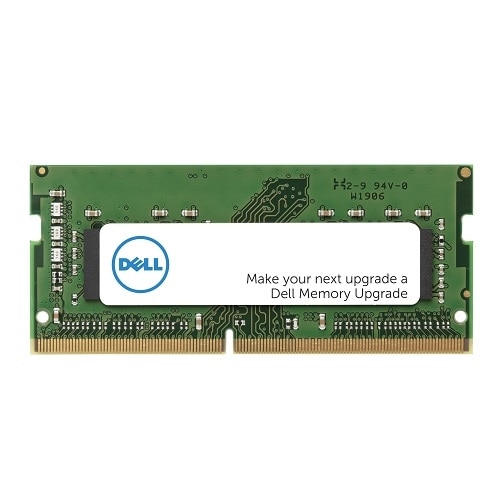
DELL
DELL AB949334 DELL AB949334 memory module 16 GB 1 x 16 GB DDR5 4800 MHz
Part# AB949334
SKU S19454
In
Stock
DELL
DELL SNPVNY72C/16G DELL SNPVNY72C/16G memory module 16 GB 1 x 16 GB DDR5
Random Access Memory (RAM) is a type of hardware that your computer uses to store information. Adding memory is one of the most cost-effective ways to improve your computer's performance.Dell™ Branded memory offered in the Memory Selector has gone through rigorous quality assurance and quality control testing to ensure it will work with your specific Dell System so it is fully compatible and supported by Dell. Getting unqualified or generic products from other vendors can cause downtime that can seriously cost your business and put your entire system at risk.Memory offered now may differ in speed from the original system memory but has been qualified to work in the system. When mixed, the memory will perform at the lowest speed populated or the highest speed allowed by the system.
Part# SNPVNY72C/16G
SKU S19454
In
Stock

Item(s) added to cart

