
 0
0
DELL
70 –
80
of
141
Availability
Sort by
Advance Filters
DELL
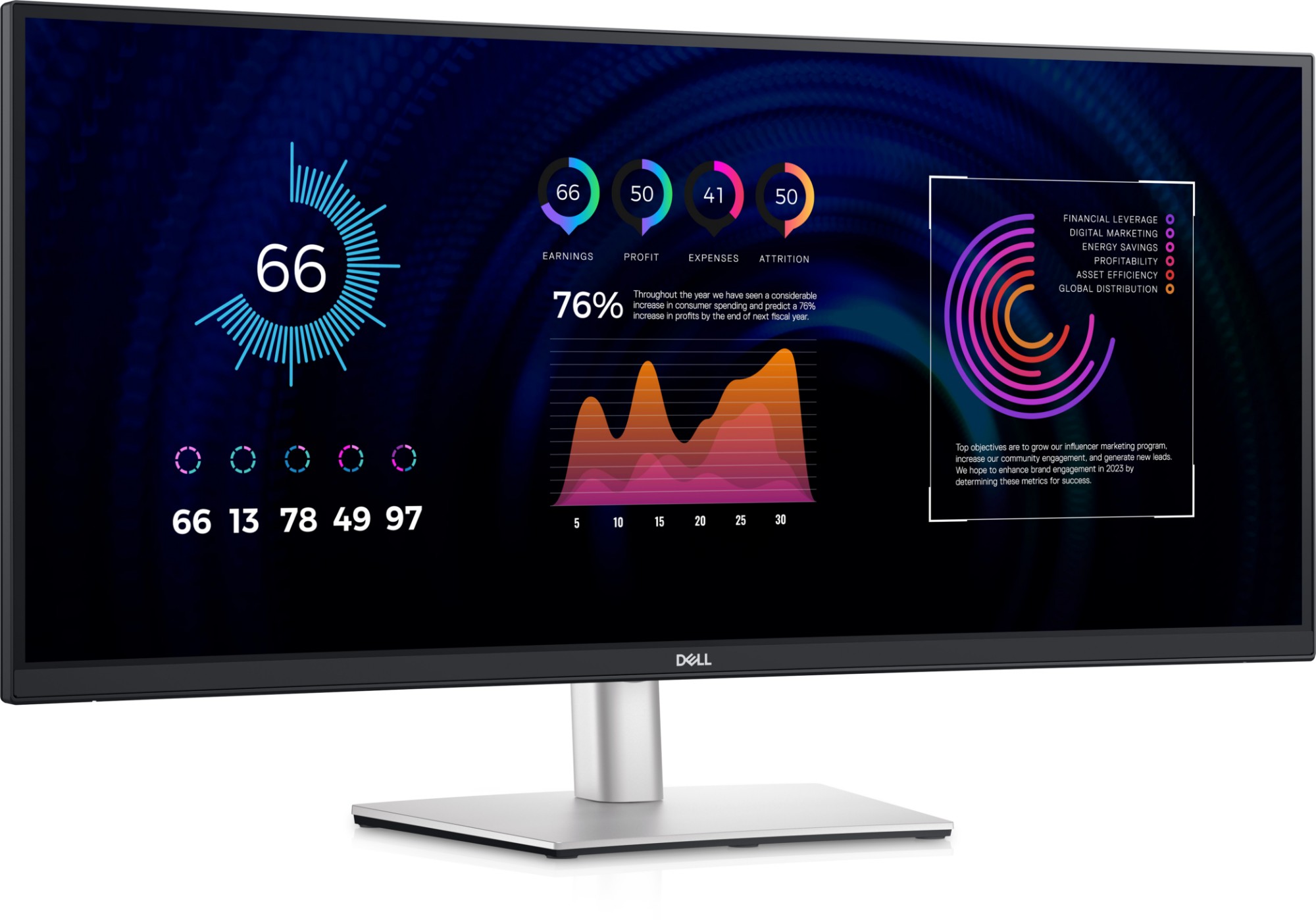
DELL DELL-P3424WE DELL P Series P3424WE computer monitor 86.7 cm (34.1") 3440 x 1440 pixels 4K Ultra HD LCD Black
Focus like never before on this immersive, curved monitor with a WQHD screen, USB-C power delivery of up to 90W and RJ45 Ethernet connectivity.
Part# DELL-P3424WE
SKU S19454
In
Stock


DELL
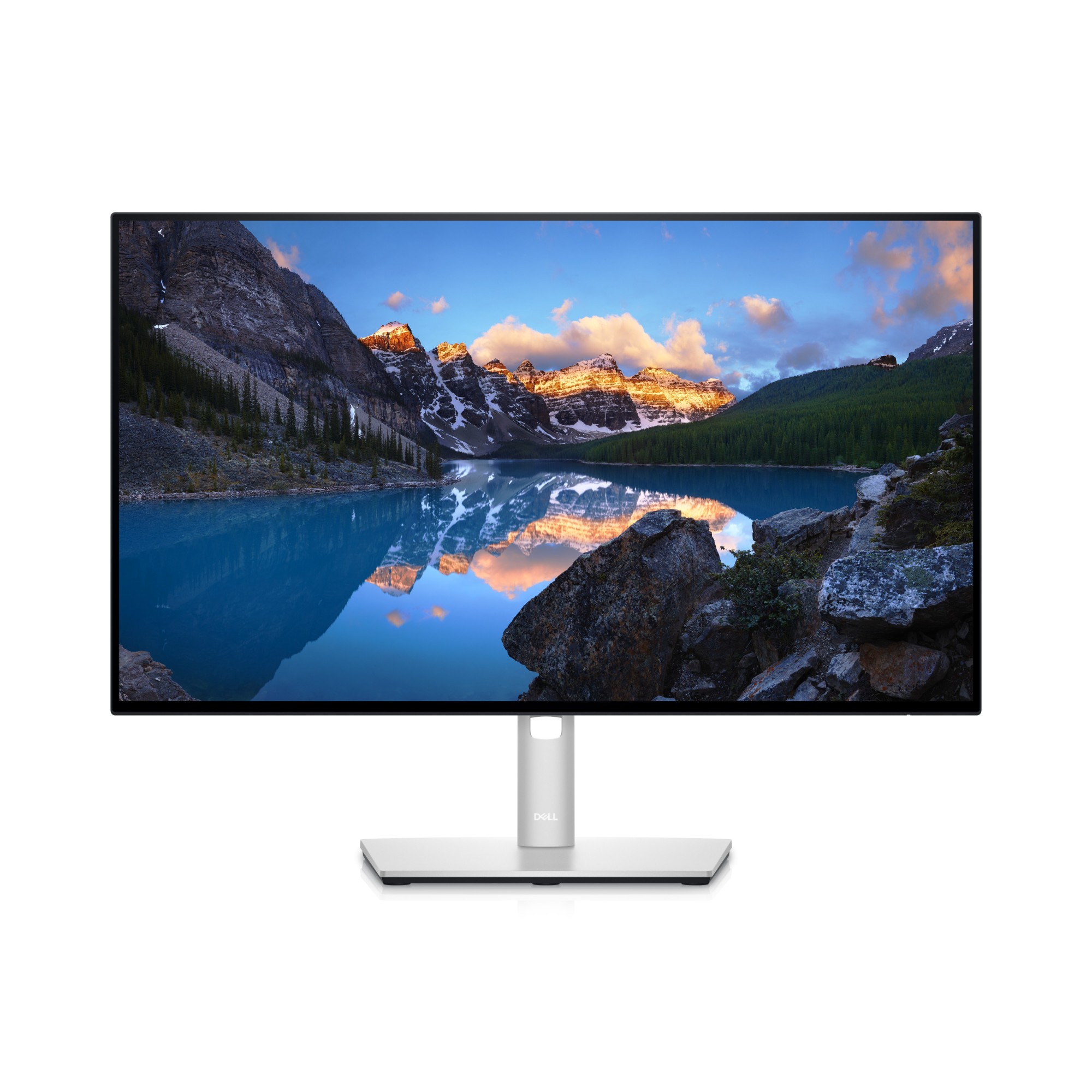
DELL U2422H DELL UltraSharp U2422H LED display 60.5 cm (23.8") 1920 x 1080 pixels Full HD LCD Black, Silver
DELL UltraSharp U2422H. Display diagonal: 60.5 cm (23.8"), Display resolution: 1920 x 1080 pixels, HD type: Full HD, Display technology: LCD, Response time: 8 ms, Native aspect ratio: 16:9. Built-in USB hub. VESA mounting, Height adjustment. Product colour: Black, Silver
Part# U2422H
SKU S19454
In
Stock
DELL
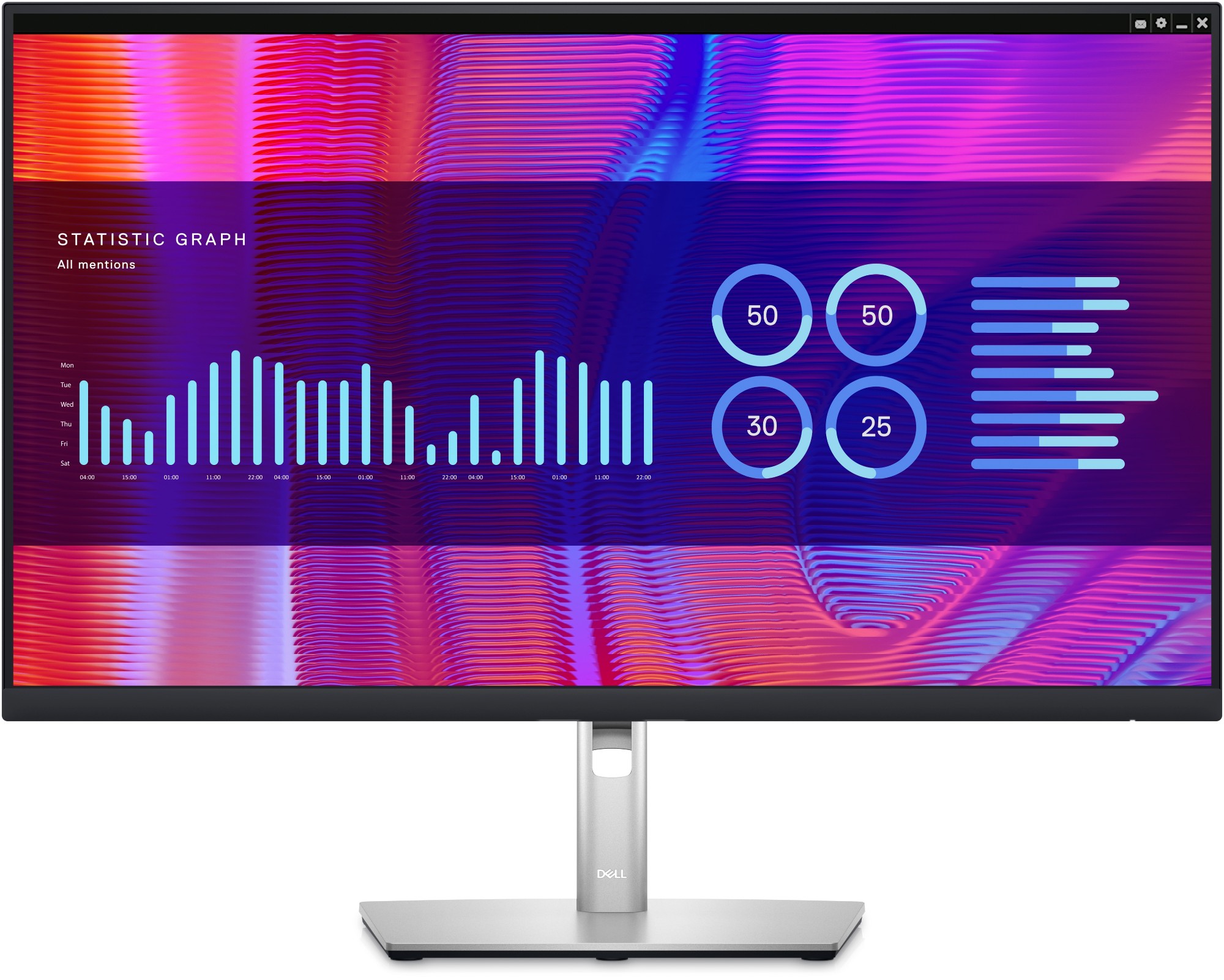
DELL P2723DE DELL P Series P2723DE LED display 68.6 cm (27") 2560 x 1440 pixels Quad HD LCD Black, Silver
Experience pure productivity on a 27-inch QHD monitor featuring extensive connectivity and ComfortView Plus.
Part# P2723DE
SKU S19454
In
Stock
DELL
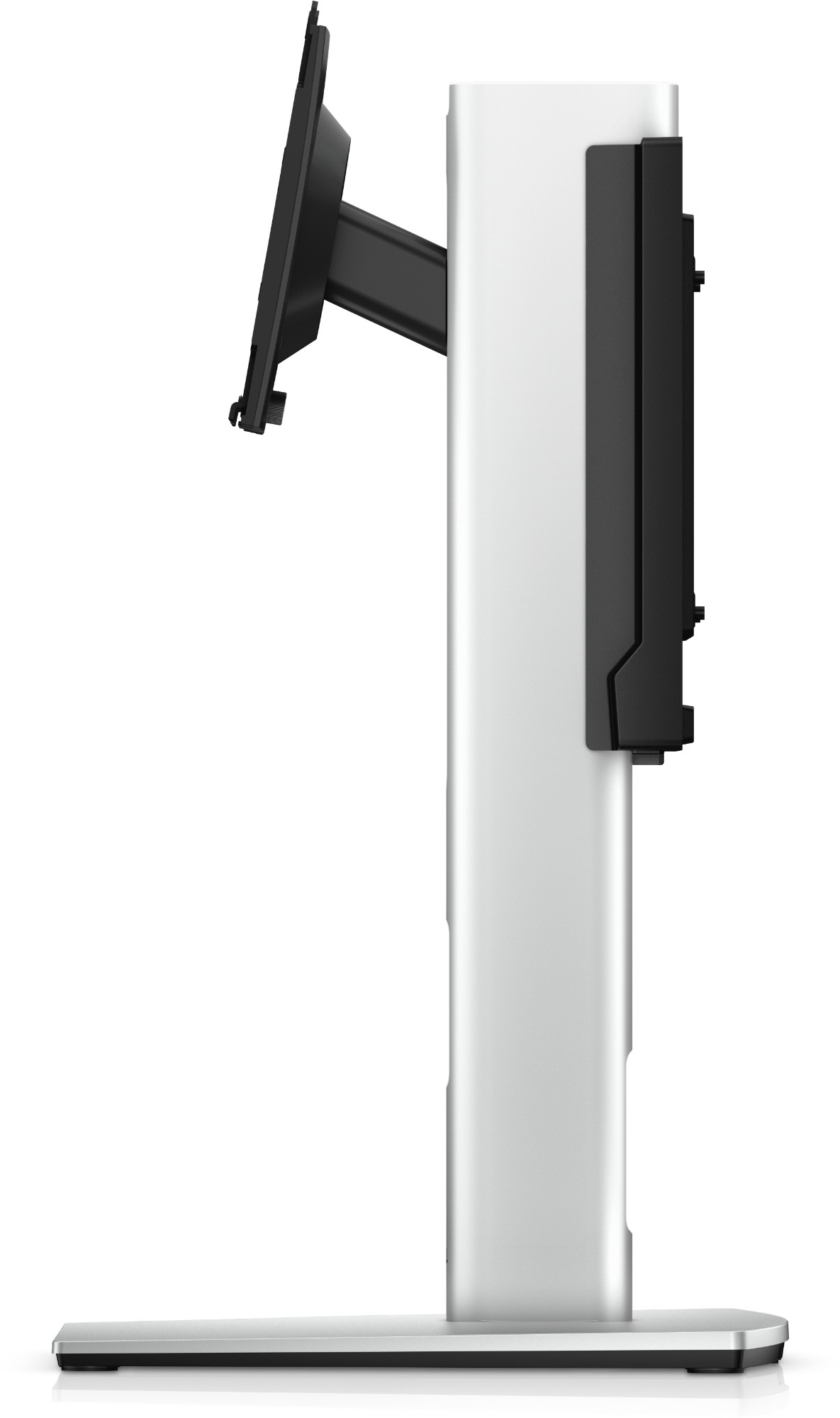
DELL 452-BDUB DELL MFS22 68.6 cm (27") Desk Silver, Black
DELL MFS22. Maximum weight capacity: 5.8 kg, Minimum screen size: 48.3 cm (19"), Maximum screen size: 68.6 cm (27"), Minimum VESA mount: 100 x 100 mm, Maximum VESA mount: 100 x 100 mm. Height adjustment, Tilt angle range: -5 - 21°. Product colour: Silver, Black
Part# 452-BDUB
SKU S19454
In
Stock
DELL
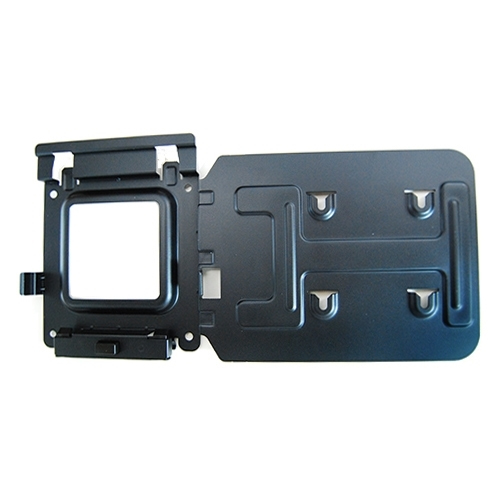
DELL MK15 DELL 575-BBIV
Easily mount your Dell™ Dock-WD15 or Dell Thunderbolt Dock-TB15 behind most Dell UltraSharp or P-Series monitors or to a wall, desk, or any flat surface with the Dell Docking Station Mounting Kit. Help create a clutter-free work environment at your desk or workstation by mounting your Dell Dock-WD15 or Dell Thunderbolt Dock-TB15 behind your compatible monitor or under your desk.The kit comes with everything that you need to mount your Dell Dock-WD15 or Dell Thunderbolt Dock-TB15 behind a compatible Dell UltraSharp or P-Series monitor . The bracket easily attaches with four included mounting screws to the VESA mounting holes (100mm) underneath the monitor stand connector. Stand should be removed to attach the bracket, and then reattached to the bracket once the bracket is secured to the monitor. Mounting position for the Dell Dock-WD15 or Dell Thunderbolt Dock-TB15 will be offset to the side of the stand. Two included mounting screws are screwed into the bottom of your dock, which then allows it to slide easily onto the mounting bracket. It can easily be removed when needed. The kit can also be used to mount your Dell Dock-WD15 or Dell Thunderbolt Dock-TB15 on a wall, under a desk, or onto a table (with included mounting hardware). Two included mounting screws are screwed into the bottom of your dock, which then allows it to slide easily onto the mounting bracket. It can easily be removed when needed.
Part# MK15
SKU S19454
In
Stock
DELL
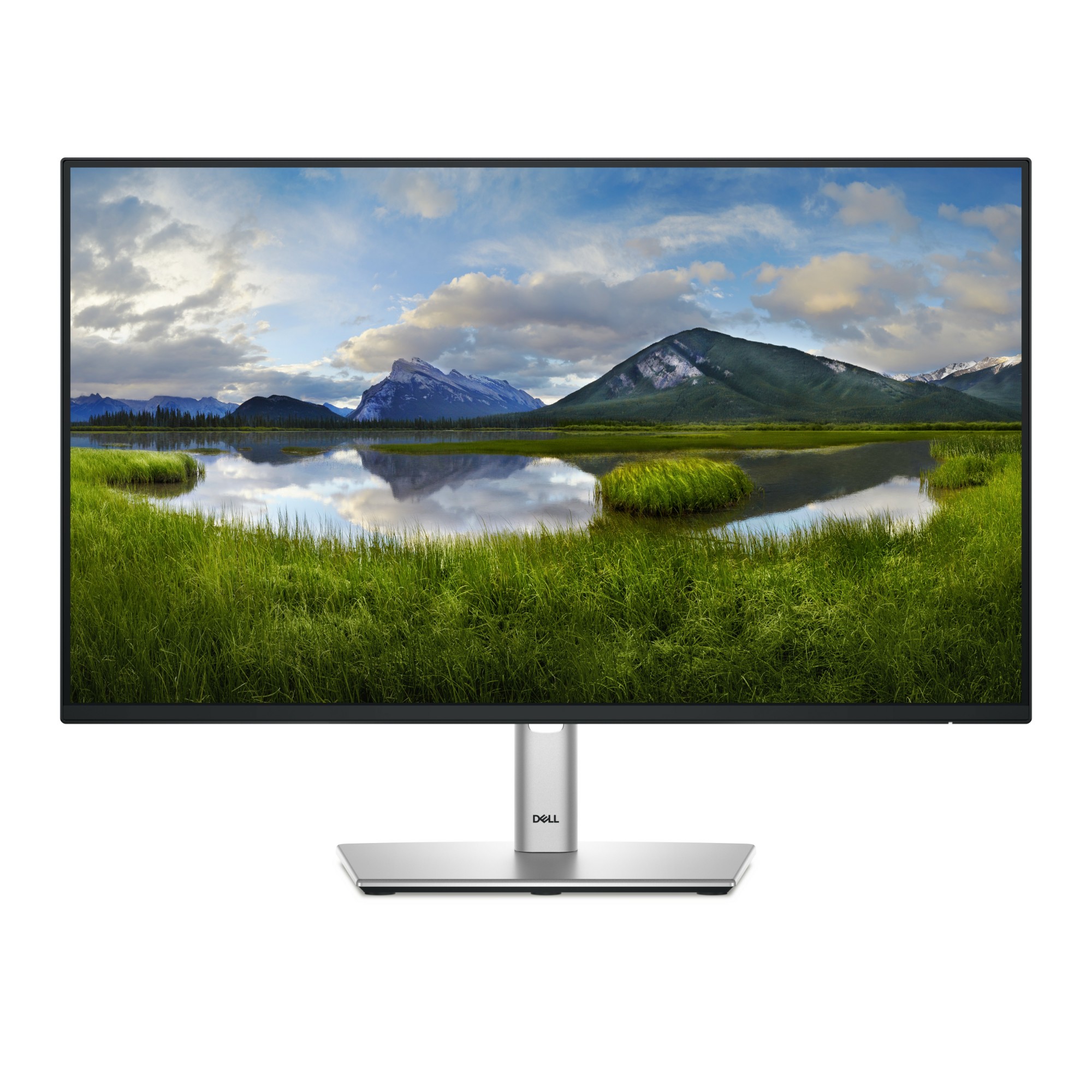
DELL P2425H DELL P Series P2425H computer monitor 60.5 cm (23.8") 1920 x 1080 pixels Full HD LCD Black
DELL P Series P2425H. Display diagonal: 60.5 cm (23.8"), Display resolution: 1920 x 1080 pixels, HD type: Full HD, Display technology: LCD, Response time: 8 ms, Native aspect ratio: 16:9, Viewing angle, horizontal: 178°, Viewing angle, vertical: 178°. Built-in USB hub, USB hub version: 3.2 Gen 1 (3.1 Gen 1). VESA mounting, Height adjustment. Product colour: Black
Part# P2425H
SKU S19454
In
Stock
DELL
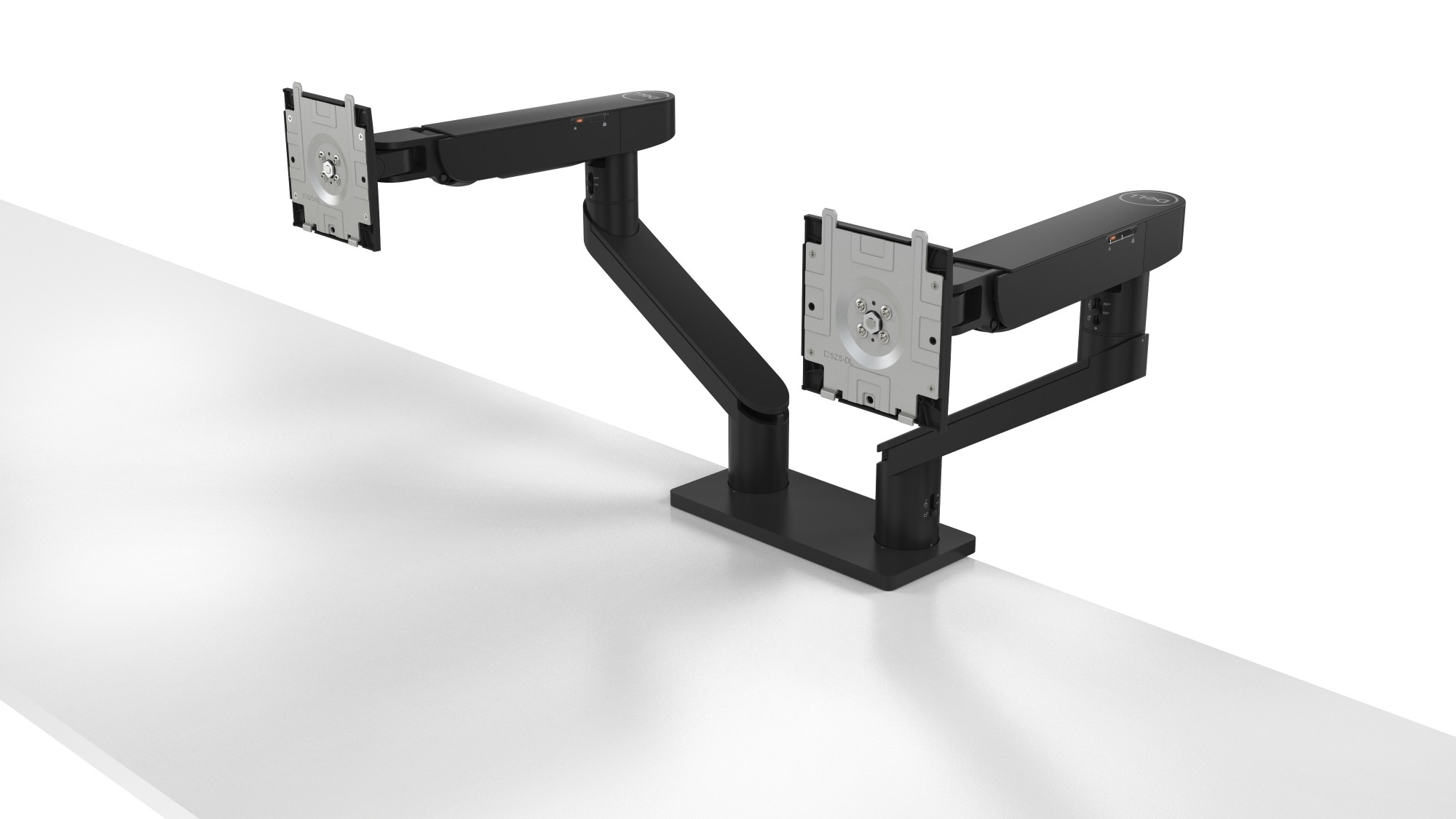
DELL DELL-MDA20 DELL Dual Monitor Arm – MDA20
Get maximum productivity with this Dell Dual Monitor Arm – MDA20. Dell Quick Release allows your Dell UltraSharp and P-series monitors to be snapped onto the arms tool-free, while the counterbalance indicator on the arm offers easy replication across identical monitors ensuring rapid deployment across busy workspaces. Select Dell systems can be conveniently mounted behind the monitors for a neat and clutter-free desk. The cable management slot and clips let you route up to 10 cables to ensure wires are hidden away.
Part# DELL-MDA20
SKU S19454
In
Stock
DELL
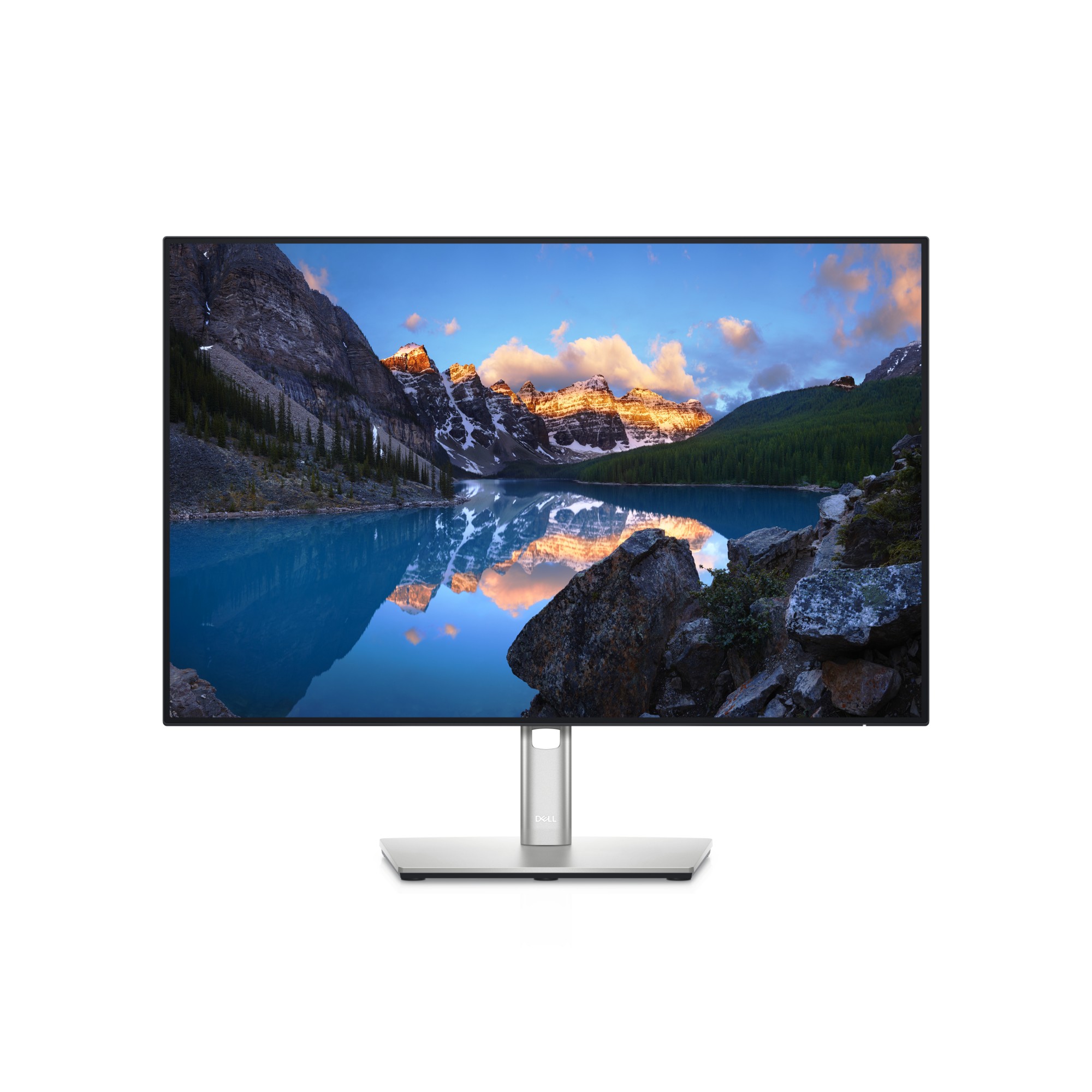
DELL U2421E DELL UltraSharp U2421E LED display 61.2 cm (24.1") 1920 x 1200 pixels WUXGA LCD Black, Silver
Experience vibrant color and reduced harmful blue light emissions with ComfortView Plus. Featuring an RJ45 port for Ethernet connectivity.
Part# U2421E
SKU S19454
In
Stock
DELL
DELL P3424WE DELL P Series P3424WE computer monitor 86.7 cm (34.1") 3440 x 1440 pixels 4K Ultra HD LCD Black
Focus like never before on this immersive, curved monitor with a WQHD screen, USB-C power delivery of up to 90W and RJ45 Ethernet connectivity.
Part# P3424WE
SKU S19454
In
Stock
DELL
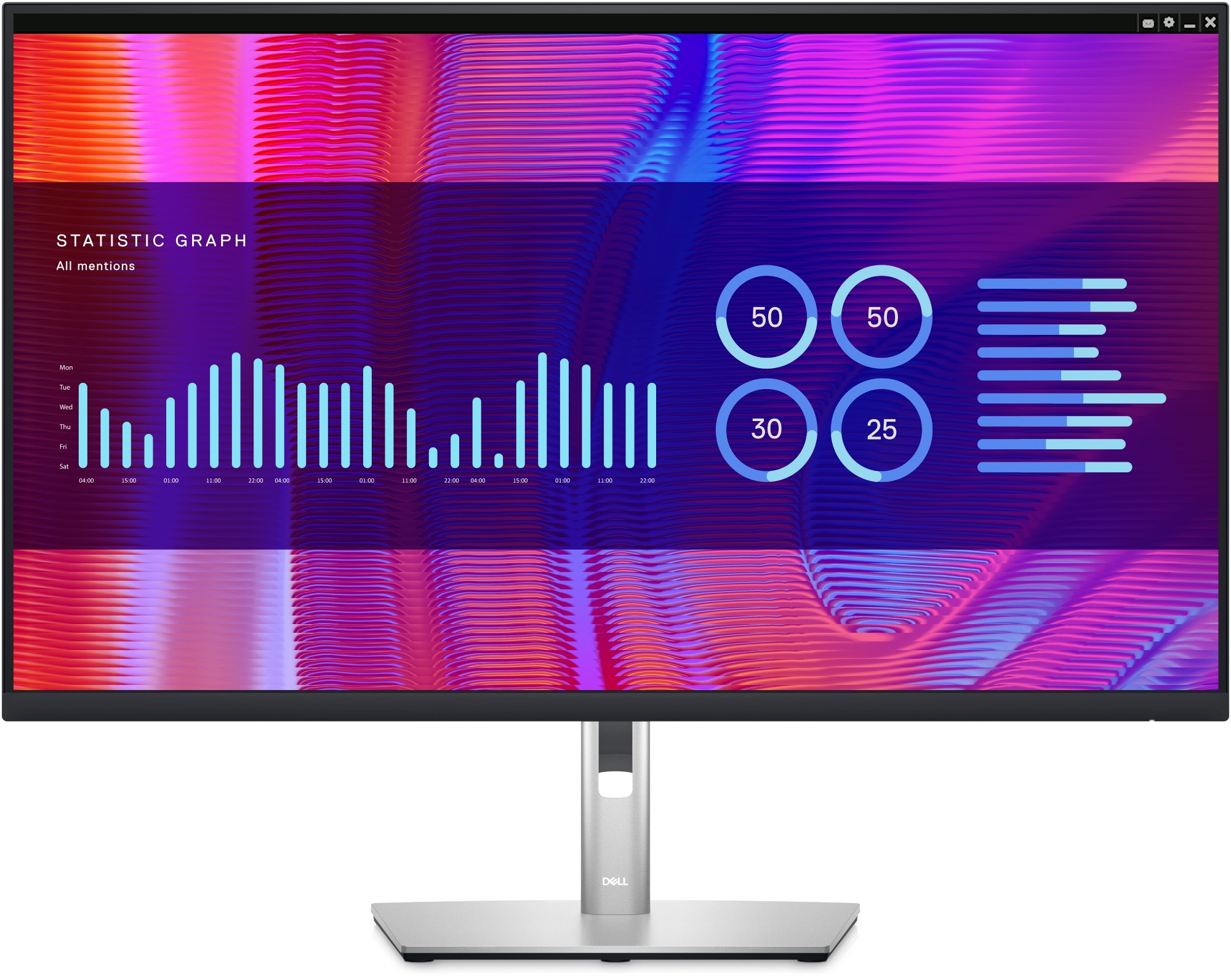
DELL P3223DE DELL P Series P3223DE LED display 80 cm (31.5") 2560 x 1440 pixels Quad HD LCD Black
Experience pure productivity on a 31.5-inch QHD monitor featuring extensive connectivity and ComfortView Plus.
Part# P3223DE
SKU S19454
In
Stock

Item(s) added to cart

