
 0
0
TP-Link
100 –
110
of
314
Availability
Sort by
Advance Filters
TP-Link
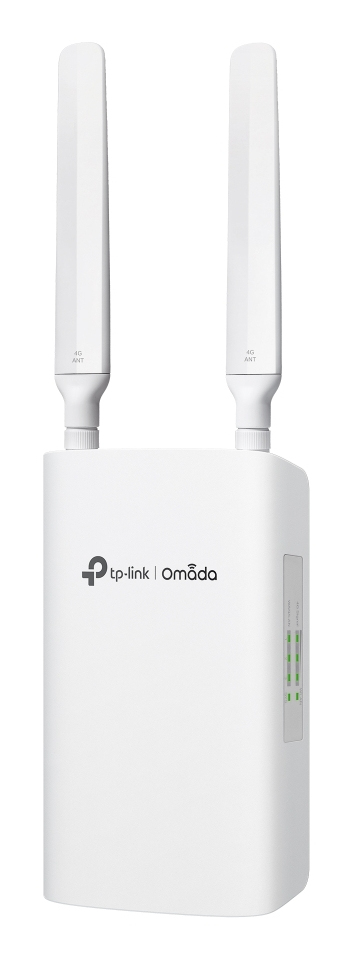
TP-Link ER703WP-4G-Outdoor TP-Link Omada ER703WP-4G-Outdoor gateway/controller 10, 100, 1000 Mbit/s
All-in-one DeviceCombines 4G Internet access, Wi-Fi 6 wireless technology and 3 Gigabit PoE in/out ports all in one device, and automatic back up and load balancing between 4G and wired WAN can be reached. Enjoyed a powerful and versatile gateway with easy deployment.Specially Designed Weatherproof Enclosure for OutdoorsRated as IP55 during Ingress Protection testing, a resilient weatherproof enclosure protects the gateway against harsh outdoor conditions.Multiple Power Supply OptionsPowered by PoE or DC (compatible with solar panels) to overcome mains access limitations.Plug and PlayInsert a Nano SIM card or connect to an Ethernet WAN Port to get gigabit Wi-Fi. Enjoy hassle-free connect to surveillance cameras via cable or wireless.Centralized ManagementEnables to easy network setup across multiple sites without sending engineer for on-site configuration. Remotely manage via Omada app or web, offering the Essentials version of cloud services for free, reducing maintenance costs for MSP/SI.Easy InstallationEasy to mount to a wall or pole with the provided mounting kits. Its compact design allows you to place the gateway flexibly.
Part# ER703WP-4G-Outdoor
SKU S19454
In
Stock


TP-Link
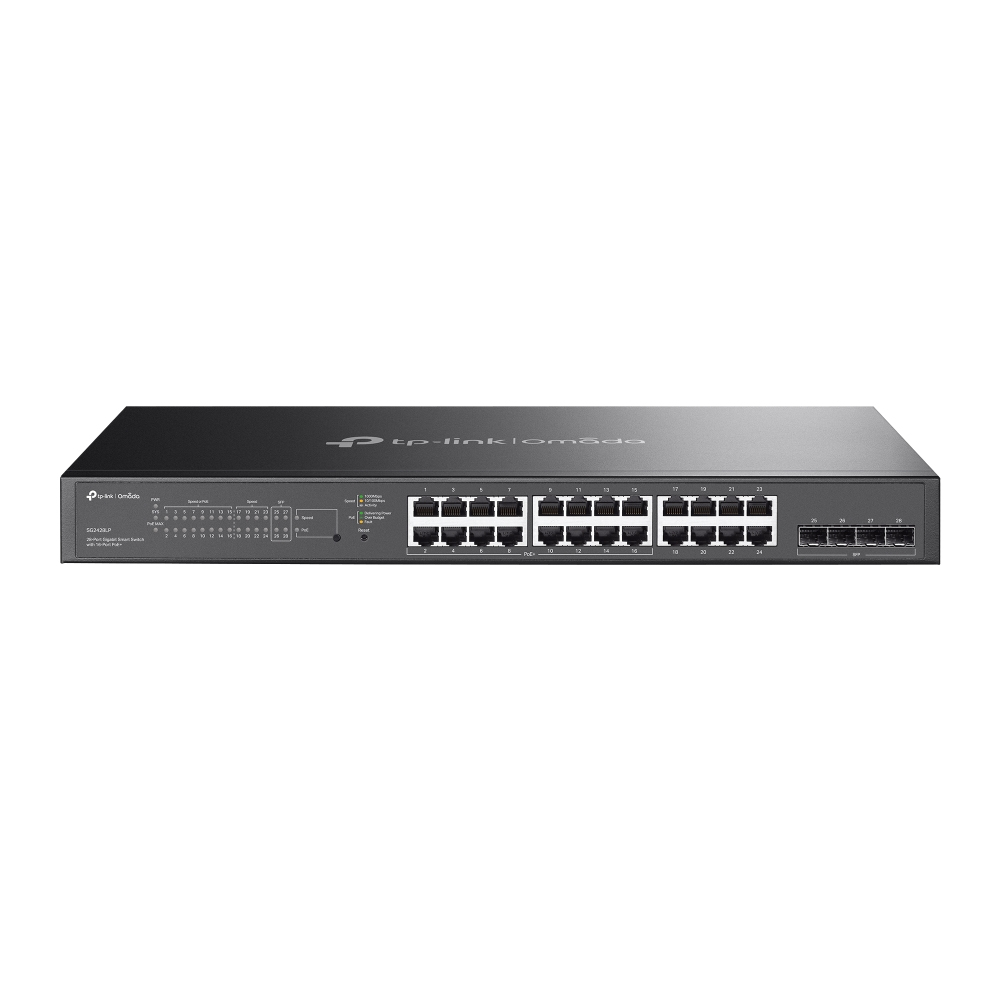
TP-Link SG2428LP TP-Link Omada 28-Port Gigabit Smart Switch with 16-Port PoE+
- 24× Gigabit Ports (16× PoE+), 4× Gigabit SFP Slots- 150 W Total PoE Budget- Fanless Design for Silent Operation- Zero-Touch Provisioning- Centralized Management- Omada App- Static Routing- Traffic SeparationSoftware Defined Networking (SDN) with Cloud AccessRemotely manage your access points, switches, and gateways across multiple sites all from a single interface.Multiple Application ScenariosSurveillanceWorks with IP Cameras Conference CallWorks with IP Phones Wi-Fi CoverageWorks with Access Points Wired ConnectionsWorks with Non-PoE Devices such as PCs and Printers
Part# SG2428LP
SKU S19454
In
Stock
TP-Link
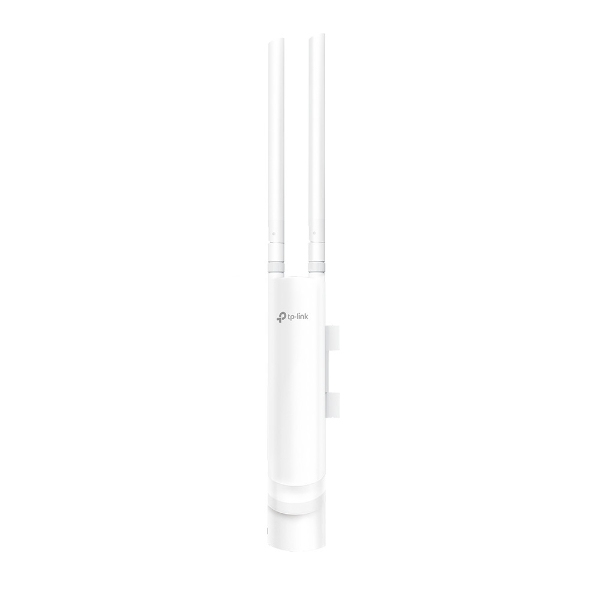
TP-Link EAP110-Outdoor TP-Link EAP110-OUTDOOR wireless access point 300 Mbit/s Power over Ethernet (PoE)
300Mbps Wireless N Outdoor Access Point Built for outdoor Wi-Fi applications Up to 300Mbps Wi-Fi with 2x2 MIMO technology High transmission power and high gain antennas provide a long-range coverage area Durable, weatherproof enclosure to withstand fair and foul weather Passive PoE(Power over Ethernet) support and simple mounting design allow for flexible deployment and convenient installation Cloud centralized management and Omada app for ultra convenience and easy management Secure guest network along with multiple authentication options (SMS/Facebook Wi-Fi/ Voucher, etc.) and abundant wireless security technologies Supports management vlan for an enhanced network management Excellent Hardware Designs With special design of its antenna, appearance, power options and installation methods, EAP110-Outdoor can perfectly fit for different scenarios both indoors and outdoors. Flexible Deployment EAP110-Outdoor can be easily installed to a pole or on a wall with the mounting kits provided. Wi-Fi That Goes the Distance With high transmission power and two high-gain omnidirectional antennas, EAP110-Outdoor provides stable wireless coverage at a range of up to 200 meters* in outdoor settings. Specially Designed Weatherproof Enclosure for Outdoor Environment Rated as IP65 during Ingress Protection testing, a resilient weatherproof enclosure protects the access points against harsh outdoor condition. Cloud Centralized Management - Anytime, Anywhere Omada Hardware Controller OC200 and Omada Software Controller make it easy to manage and monitor the whole Omada network in real-time, while cloud service enables remote and secure access no matter where you find yourself. Easy Management with the Omada App Follow configuration instructions on the free Omada app to get set up in minutes. Omada lets you configure settings, monitor the network status and manage clients, all from the convenience of a smart phone or tablet.
Part# EAP110-Outdoor
SKU S19454
In
Stock
TP-Link
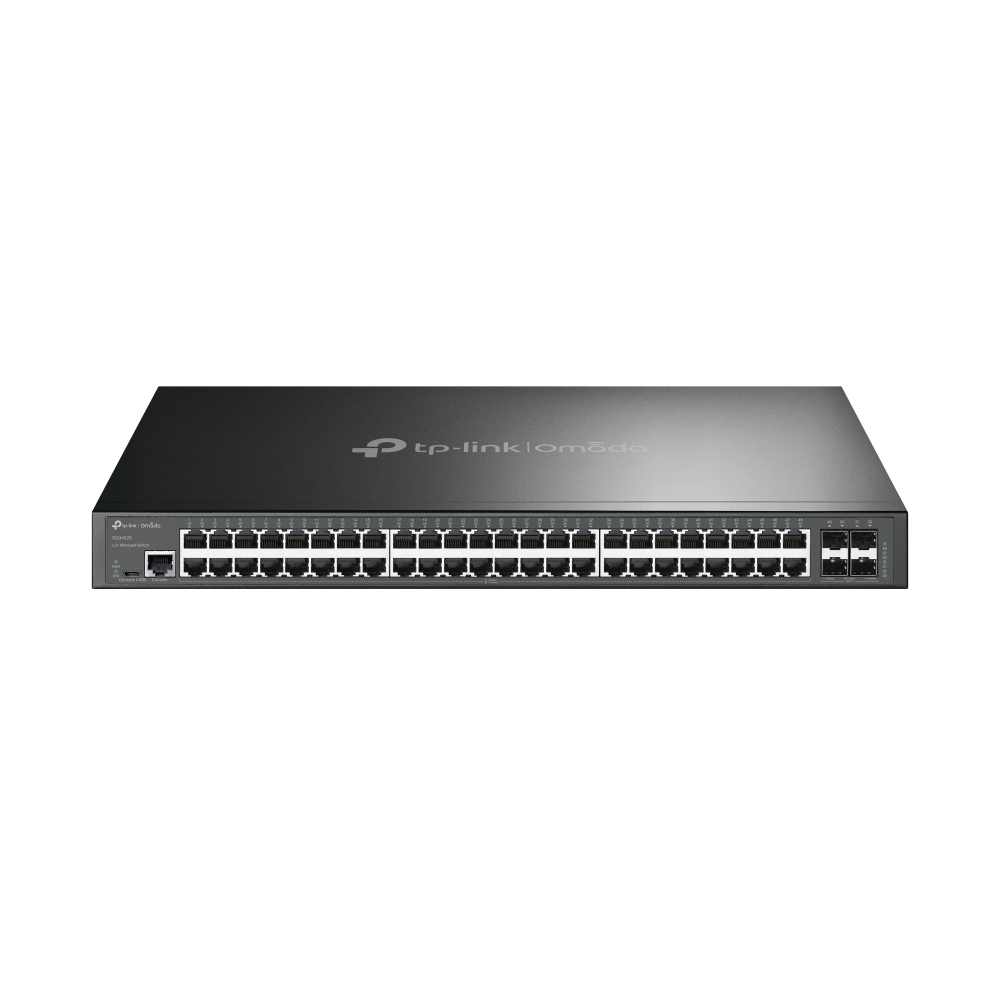
TP-Link SG3452X TP-Link Omada 48-Port Gigabit L2+ Managed Switch with 4 10GE SFP+ Slots
TP-Link | Omada L2+ managed switches provide high performance, powerful L2 and L2+ features like static routing, enterprise-level QoS, advanced security strategies and a bundle of ISP features. The 10-gigabit ports ensure high-speed data transfer, and their backward compatility with gigabit products reserves room for network upgrades, therefore guarantees stable and long-term usability. The IP-MAC-Port Binding (IMPB) and Access Control List (ACL) functions protect against broadcast storm, ARP and Denial-of-Service (DoS) attacks, etc. Quality of Service (QoS, L2 to L4) provides enhanced traffic management capabilities to move your data smoother and faster. The OAM function helps facilitate network management. Moreover, the easy-to-use web management interfaces, along with CLI, SNMP and Dual Image mean faster setup and configuration with less downtime. TP-Link | Omada L2+ 10-gigabit managed switches provide a reliable, secure solution for enterprise, campus and ISP networks.
Part# SG3452X
SKU S19454
In
Stock
TP-Link
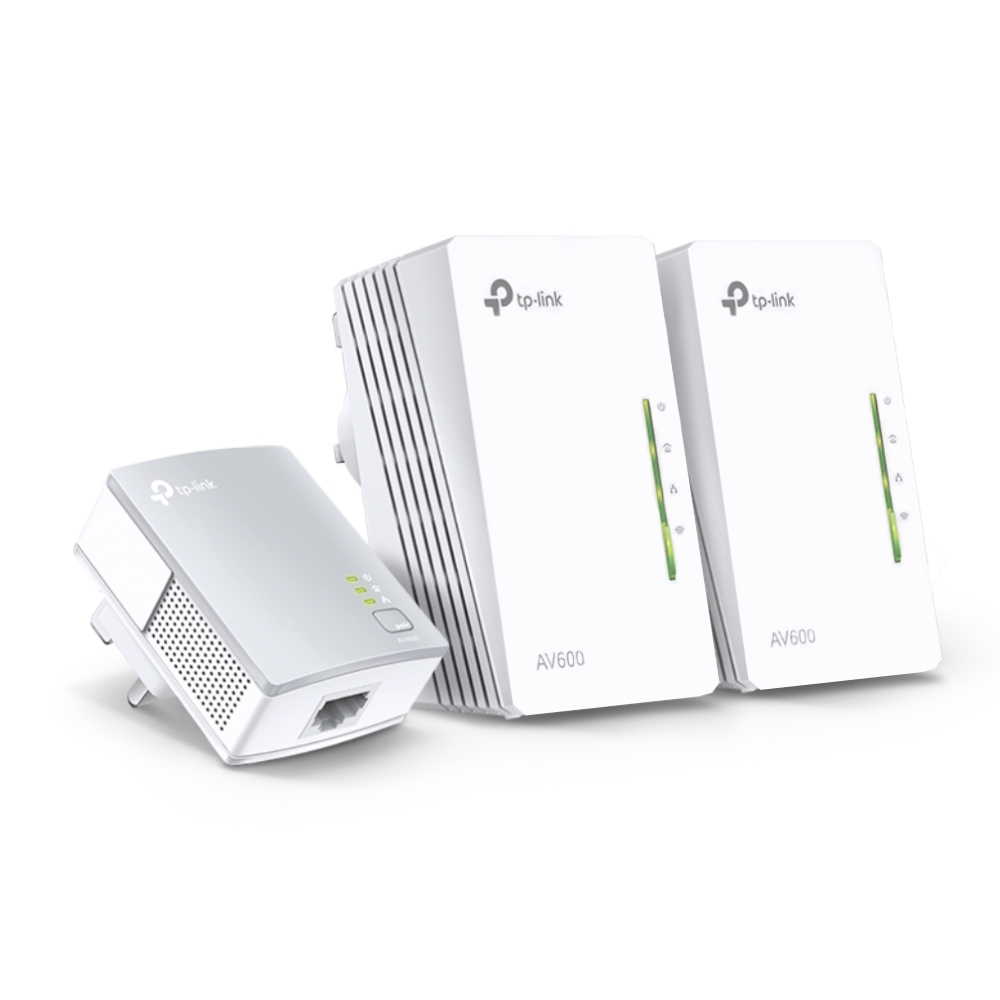
TP-Link TL-WPA4220 TKIT TP-Link Powerline 600 Wi-Fi 3-pack Kit
Extend Wi-Fi to Every Room Using Existing Electrical WiringAV600 Powerline Universal Wi-Fi Range ExtenderTL-WPA4220 TKIT (3-pack)Extend Wired and Wireless Network to Any Room Using Existing Electrical SystemThe powerline products TL-WPA4220 TKIT transforms your home’s existing electrical circuit into a high-speed network, and brings wired and wireless networks to anywhere there is a power outlet.- No need for new wires or drilling- Network passes through walls and floors- Compatible with any Wi-Fi routers or other powerline products- Expand coverage by adding more extendersAV600 Speeds and 300 Meters RangeUsing advanced HomePlug AV technology, TL-WPA4220 TKIT provides stable and high-speed data transmissions of up to 600 Mbps* for ranges up to 300 meters where there is a power outlet. No interference on electrical or electronic equipment. Stream in HD, game online and download large files without interruption thanks to reliable powerline links.Plug and PlayDitch the complicated setup process for good. Get started with powerline in just two steps :Step1 :connect TL-PA4010 to your router.Step2 :plug in TL-WPA4220 wherever you need wired and wireless internet service.One-Touch Wi-Fi ConfigurationInstantly copy the wireless network name (SSID) and password from your router by pressing the Wi-Fi Clone button.Besides, any changes made to the Wi-Fi settings of any unit will be automatically applied across the entire Powerline network.Two Fast Ethernet Ports for Reliable Wired ConnectionsWith two Ethernet ports, every TL-WPA4220 runs multiple high-speed and reliable wired connections at the same time for devices like smart TVs, PCs, and game consoles. Three Ethernet cables are included in the box.Powerline Management on Your SmartphoneManage your powerline Wi-Fi through tpPLC app from your smartphone (Android, iOS), or download new tpPLC Utility on PCs to manage the powerline network.- View real-time powerline speed- LED control- Guest network
Part# TL-WPA4220 TKIT
SKU S19454
In
Stock
TP-Link
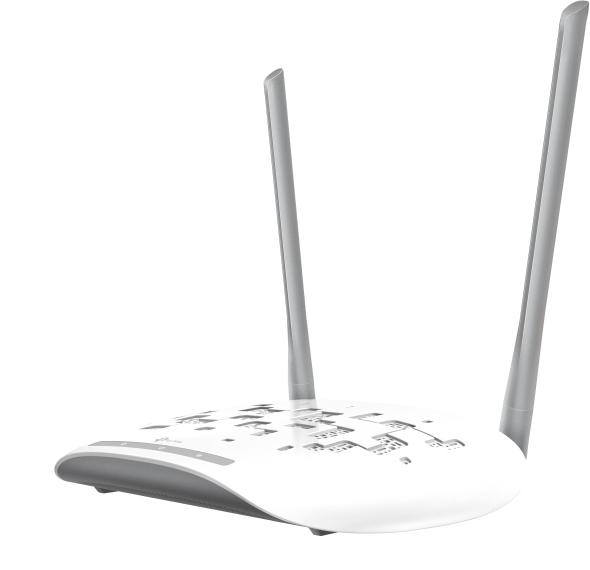
TP-Link TL-WA801N TP-Link TL-WA801N wireless access point 300 Mbit/s White Power over Ethernet (PoE)
What This Product DoesThe TP-LINK Wireless N Access Point TL-WA801N is designed to establish or expand a scalable high-speed wireless N network or to connect multiple Ethernet-enabled devices such as game consoles, digital media adapters, printers, or network-attached storage devices to a wireless network. The AP supports a host of different functions that makes your wireless networking experience more flexible than ever before. Now, you can enjoy a better Internet experience when downloading, gaming, video streaming or any other applications that you may wish to use.Wireless N - Speed & RangeAdopting IEEE 802.11n advanced MIMO (Multi Input Multi Output) technology, it simultaneously works through two antennas to Tx and Rx to overcome the interference and signal degradation when traveling long distances or through physical barriers in a small office or a large apartment, resulting in an incredible improvement in the wireless performance, even in a steel-and-concrete building. Above all, you could easily pick up the wireless network during long-distance connection where legacy 11g products may not!Multiple Operating Modes- Easy to Build WLANSupports multiple operation modes (Access Point, Multi-SSID, Client, Range Extender) to enable various wireless applications to give users a more dynamic and comprehensive experience when using their APs. Multiple operating modes also help you easily build wireless network for hard-to-wire locations or eliminating wireless dead zone.Passive PoE Supported- More Flexible DeploymentThe TL-WA801N is able to be powered using an Ethernet cable to simultaneously send data and electricity to wherever your AP may be located even up to 100 feet away. This feature multiplies your options allowing you to place the AP in a position that is most convenient to get the best signal possible, such as on the wall or on the ceiling of your office.
Part# TL-WA801N
SKU S19454
In
Stock
TP-Link
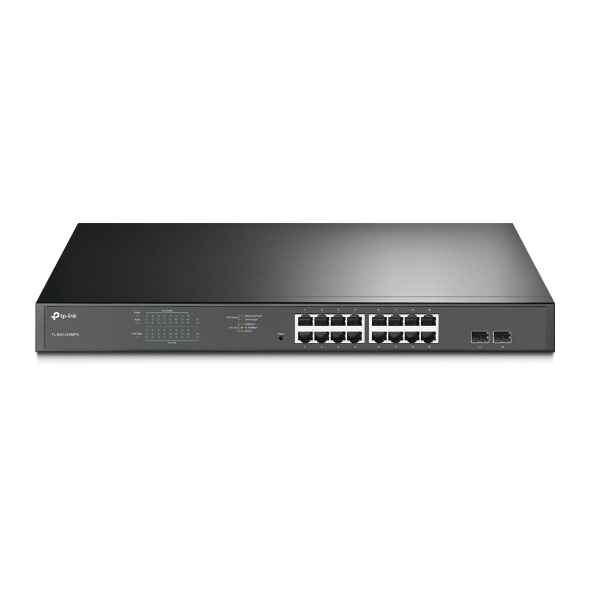
TP-Link TL-SG1218MPE TP-Link JetStream 16-Port Gigabit Easy Smart PoE/PoE+ Switch
Ideal for SurveillanceTL-SG1218MPE complies with the 802.3af/at PoE+ standard, supporting up to 30W power supply on each PoE port. The total high PoE power budget is up to 192W for the 16 PoE ports, making it ideal for small to medium business surveillance systems.Intelligent Power ManagementWhen total power consumption excels 192W, the intelligent power management will cut the lower priority port power off to ensure the high priority port’s power supply and protect the device from power overload operation.Making Management EasyTL-SG1218MPE offers network monitoring for users to observe traffic behavior. Through its web-based user interface and management utility, the TL-SG1218MPE offers a variety of useful features, including network monitoring, traffic prioritization, and enhanced QoS.
Part# TL-SG1218MPE
SKU S19454
In
Stock
TP-Link
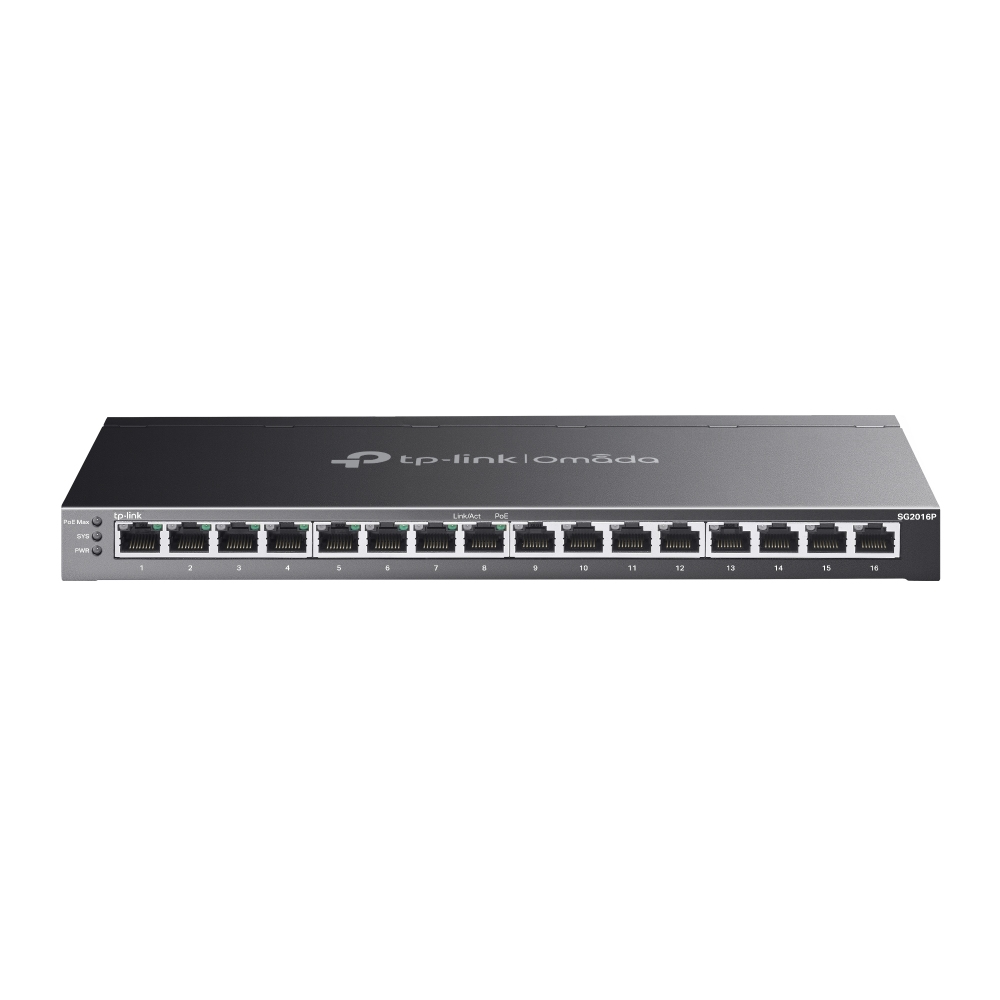
TP-Link SG2016P TP-Link Omada 16-Port Gigabit Smart Switch with 8-Port PoE+
TP-Link’s brand new Omada smart switches provide huge upgrade comparing with previous versions. The switches can be managed by Omada SDN Controller, which provides professional and reliable one-step solutions. Integrated L2 and L2+ features such as 802.1Q VLAN, QoS, IGMP Snooping and static routing provide cost-effective networking solutions for small and medium-sized businesses without sacrificing enhanced usability and strong performance.
Part# SG2016P
SKU S19454
In
Stock
TP-Link
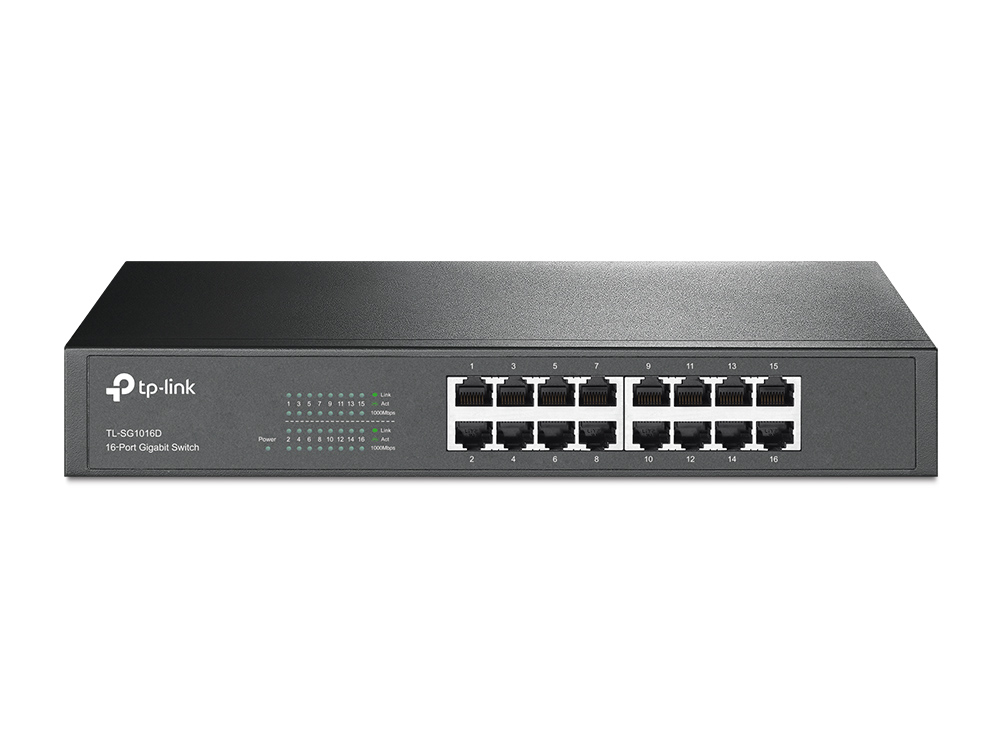
TP-Link TL-SG1016D TP-Link TL-SG1016D network switch Unmanaged L2 Gigabit Ethernet (10/100/1000) Black
The TL-SG1016D 16-Port Gigabit switch provides an easy way to make the transition to Gigabit Ethernet. All 16 ports support auto MDI/MDIX, no need to worry about the cable type, simply plug and play. Moreover, with the innovative energy-efficient technology, the TL-SG1016D can save up to 40% of the power consumption, making it an eco-friendly solution for your business network. Gigabit SwitchFeatured with 16 10/100/1000Mbps ports, TL-SG1016D greatly expands your network capacity, enabling instant large files transferring. So,power users in the home, office, workgroup, or creative production environment can now move large, bandwidth-intensive files faster. Transfer graphics, CGI, CAD, or multimedia files across the network instantly. GO GREEN WITH YOUR ETHERNETYou now have the choice to go green when upgrading to a gigabit network! This new generation TL-SG1016D 16-Port Gigabit Switch features the latest innovative energy-efficient technologies that can greatly expand your network capacity with much less power. It automatically adjusts power consumption according to the link status and cable length to limit the carbon footprint of your network.Power down Idle PortsWhen a computer or network equipment is off, the corresponding port of a traditional switch will continue to consume considerable amounts of power. The TL-SG1016D can automatically detect the link status of each port and reduce the power consumption of ports that are idle.Power Budget According to Cable Length Ideally, shorter cables would use less power because of less power degradation over their length; this is not the case with most devices as they will use the same amount of power across the cable regardless of whether it is 10 or 50 meters in length. The TL-SG1016D analyzes the length of the Ethernet cable connected and adjusts the power usage accordingly, rather than keeping the power consumption in a conventional solution.Easy to UseThe auto features of this gigabit switch make installation plug and play and hassle-free. No configuring is required. Auto MDI/MDIX eliminates the need for crossover cables. Auto-negotiation on each port senses the link speed of a network device (10, 100, or 1000 Mbps) and intelligently adjusts for compatibility and optimal performance.Features- Innovative energy-efficient technology saves power up to 40%;- Supports IEEE 802.3x flow control for Full Duplex mode and backpressure for Half Duplex mode;- Non-blocking switching architecture that forwards and filters packets at full wire-speed for maximum throughput;- 32Gbps Switching Capacity;- 10K Jumbo frame improves performance of large data transfers;- Auto-MDI/MDIX eliminates the need for crossover cables;- Supports MAC address auto-learning and auto-aging;- Store and forward Switching scheme;- Auto-negotiation ports provide smart integration between 10Mbps, 100Mbps and 1000Mbps hardware;- Desktop and Rack-mountable design;- Plug and Play design simplifies installation.
Part# TL-SG1016D
SKU S19454
In
Stock
TP-Link
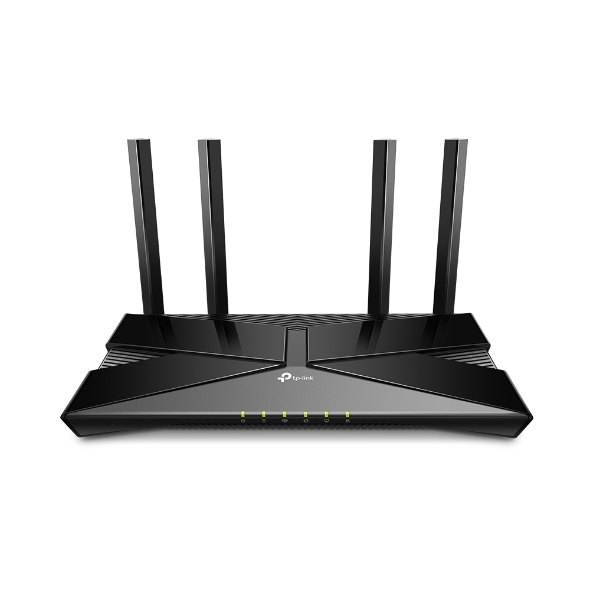
TP-Link ARCHER AX23 TP-Link Archer AX1800 Dual-Band Wi-Fi 6 Router
Explore theNew Era of WiFiAX1800 Dual-Band Wi-Fi 6 RouterWiFi 6 Upgrades EverythingThe latest generation of WiFi technology brings faster speeds, less lag, and higher capacity, enabling more simultaneous connections on your home network.Super-Fast WiFi 6Transfer HD movies in 10 seconds. WiFi 6's 1024-QAM improves encoding efficiency by 25% while the improved symbol rate boosts data rate by 11%. Enjoy broader bandwidth while streaming content on multiple devices.Connect More, Stay FastEnjoy smooth gaming, video streaming, and live feeds simultaneously. OFDMA strengthens your WiFi by allowing multiple clients to share one band at the same time, cutting latency and jitter.WiFi Coverage ThroughoutYour Home4× high-performance external antennas boost WiFi signals throughout your home. Beamforming technology detects devices and concentrates wireless signal strength towards them, especially for those in previously hard-to-reach areas.TP-Link OneMesh™Flexibly Create Whole Home WiFiWant to build a whole-home WiFi? Archer AX23 supports OneMesh to form seamless coverage throughout your home, preventing drops and lag when moving between signals.WPA3—The Next Level of CybersecurityThe latest WiFi security protocol, WPA3, brings new capabilities to improve cybersecurity in personal networks. More secure encryption in WiFi password safety and enhanced protection against brute-force attacks combine to safeguard your home WiFi.Universal ISP SupportEurope has the most diverse connection types, and TP-Link knows this. Archer AX23 works with all European ISPs by supporting most authentication methods, including the popular L2TP and PPTP methods in your region.Easy Setup and UseWhether you prefer the intuitive Tether app or TP-Link’s powerful web interface, you can set up your Archer AX23 in minutes.The Tether app allows you to manage network settings from any Android or iOS device.Protect Your ChildrenBlock inappropriate content for your children, and customize a time range for better online habits. New Connection NotificationYou will be notified by your phone when new devices connect. Kick off any suspicious connections and block them. It’s as simple as that. Easy Firmware UpgradeTired of upgrading firmware? OTA updates enable easy firmware upgrades with a click in the management panel. To keep your security and functions always up-to-date, just turn on the auto schedule.
Part# ARCHER AX23
SKU S19454
In
Stock

Item(s) added to cart

