
 0
0
Brother
20 –
30
of
97
Availability
Sort by
Advance Filters
Brother
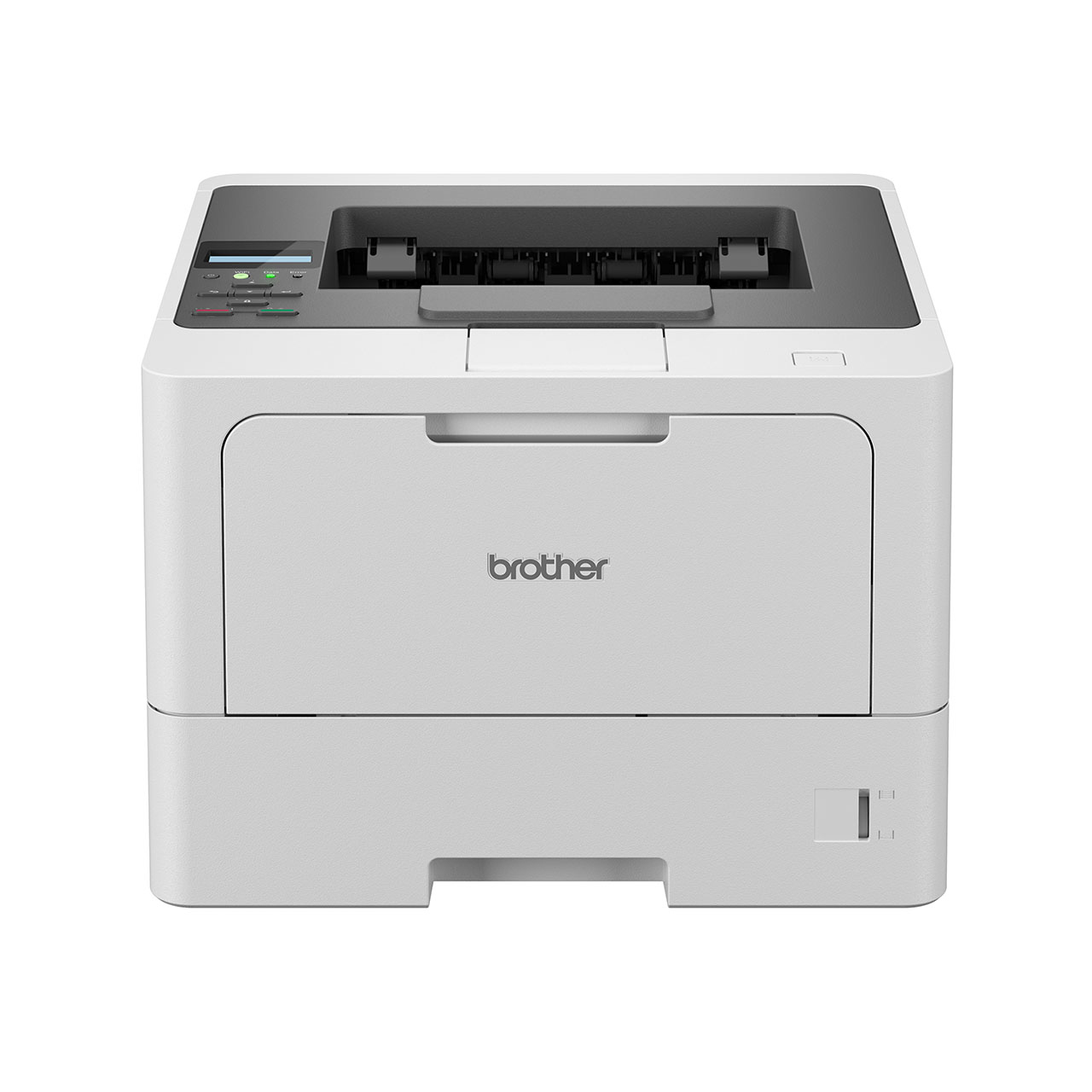
Brother HLL5210DWQJ1 Brother HL-L5210DW 1200 x 1200 DPI A4 Wi-Fi
Part# HLL5210DWQJ1
SKU S19454
In
Stock


Brother
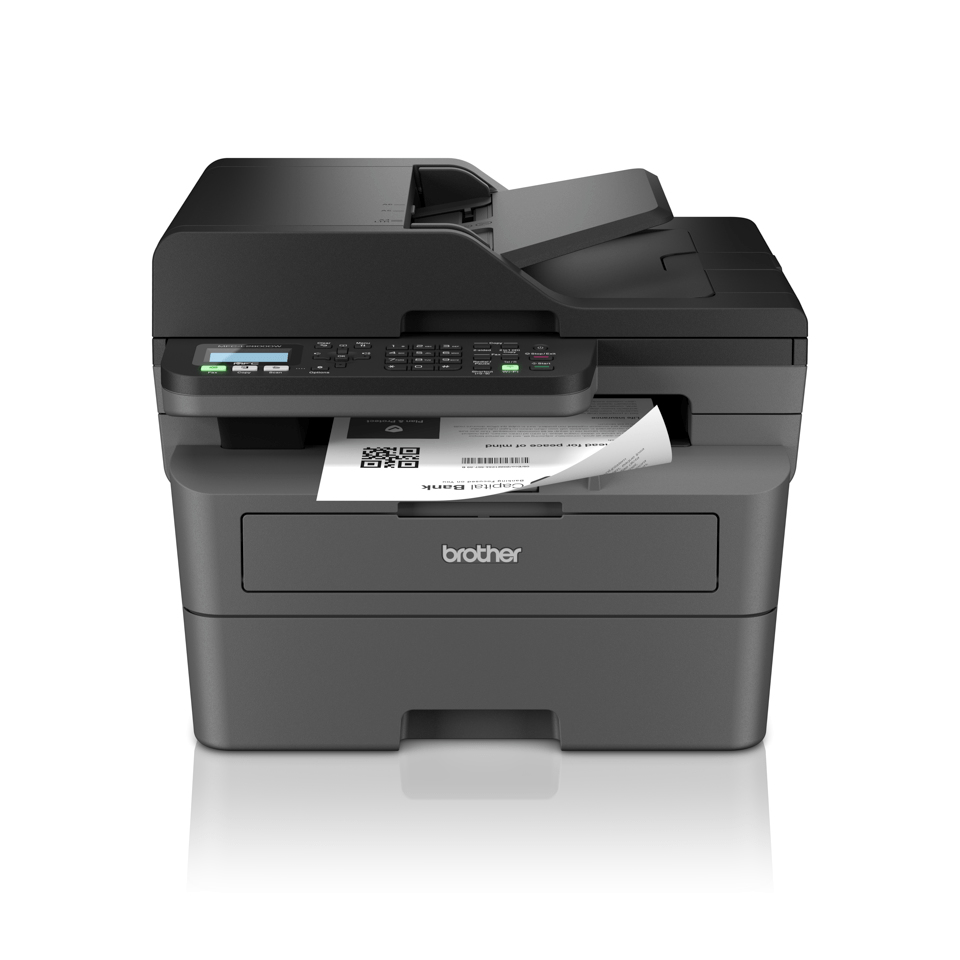
Brother MFCL2800DWZU1 Brother MFC-L2800DW wireless all-in-one mono laser printer
Work smarter with our efficient and easy to use mono laser printers.Our range of mono laser printers designed for home and small offices, come equipped with a variety of time-saving features that enable you to improve your output, leaving you with more time to focus on other tasks. Get setup with ease and download the Brother Mobile Connect app, enabling you to print and scan from virtually anywhere.
Part# MFCL2800DWZU1
SKU S19454
In
Stock
Brother
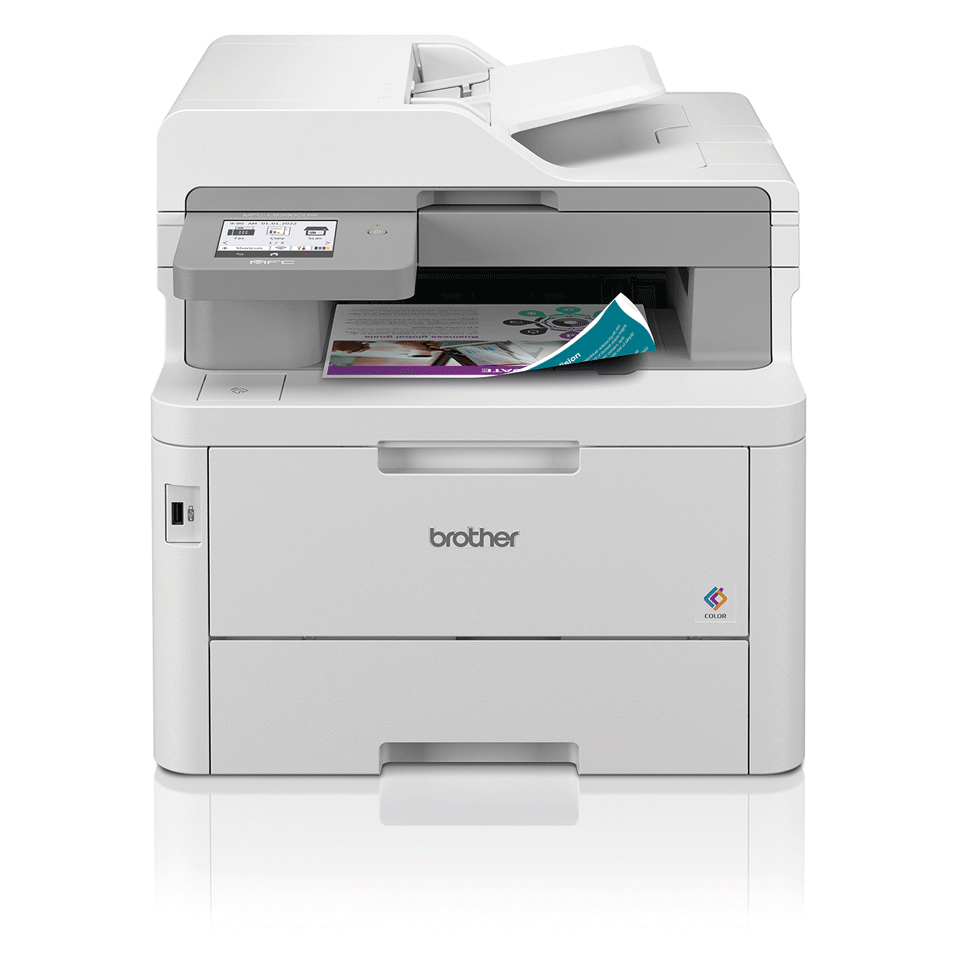
Brother MFCL8390CDWQJ1 Brother MFC-L8390CDW multifunction printer LED A4 600 x 2400 DPI 30 ppm Wi-Fi
Professional Compact Colour LED All-in-One PrinterCombining professional performance with fast print speeds, minimal maintenance, and long-lasting supplies. The compact, whisper-quiet MFC-L8390CDW has been expertly engineered to feature the latest industry-standard security, with flexibility to tailor the device to suit your business. Be confident that this colour LED will meet the needs of your office with ease.Quiet without compromiseEngineered to print quietly while delivering speeds up to 25% faster than the previous generation, so you can print continuously without distraction and focus on your workDesigned to go the distanceBuilt to perform for longer, made from robust and hard-wearing materials and supported by outstanding service as standard. Delivers uncompromised performance at all timesAdditional FlexibilityWith easy paper access and the ability to add an optional paper tray for additional flexibility, this device has been developed for high print volume to meet the needs of a busy officeSolutions readyAutomate workflows and improve business processes and security - a suite of document management, security and workflow solutions can be added to provide additional professional featuresMake printing simpleManaged Print Services (MPS) supports you to get the best out of your devices - simplify printer admin, save time, keep costs down, and stay productiveAt your side supportWherever you are in Australia, Brother offers free customer care for the lifetime of your product
Part# MFCL8390CDWQJ1
SKU S19454
In
Stock
Brother
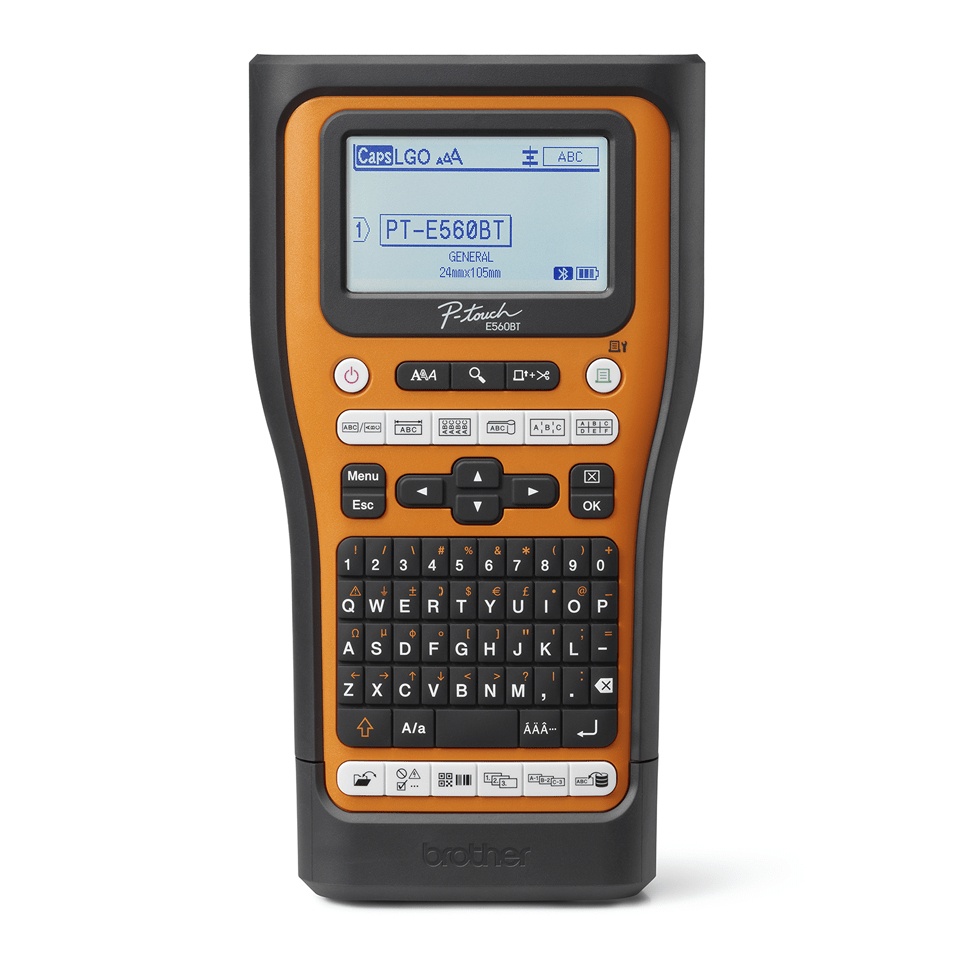
Brother PTE560BTVPQL1 Brother PTE560BTVPQL1 label printer Thermal transfer 180 x 180 DPI 20 mm/sec Wired & Wireless HSE/TZe Bluetooth QWERTY
Brother PT-E560BTVP Pro Labelling Machine with integrated Bluetooth, carry case and 2 x TZe-tapesBuilt with electrical and network professionals in mind, print durable, industry-compliant labels on demand.Clear identification and safety are critical for any electrical or datacom installation, including danger & warning signs, switch gear, electrical wires, consumer units, patch panels, racks and cabinets, CAT5E / CAT6A network cabling and more. Equipped with a large graphic display and dedicated functions for the most common labelling tasks, the PT-E560BTVP is your ideal partner for producing long-lasting, durable labels on-demand, saving you time on site. Integrated Bluetooth offers the flexibility to connect to a PC, smartphone or tablet and print labels that comply with all industry standards and regulations using Brother's Pro Label Tool App, iLink&Label app and P-touch Editor software. Compatible with several Pro Tapes - Brother's specialist range of fit-for-purpose tapes that offer resistance to water, chemicals, abrasion and extreme temperatures - so you can be confident that you're getting the job done properly and professionally. PT-E560BTVP Pro Labelling Machine with integrated Bluetooth, PC Connection and possibility to print labels from SmartphonesEnsuring cables, conduits, switches and sockets are clearly identified with long lasting, durable labels is essential for electricians, datacom, telecom and security equipment installers.The Brother P-touch E560BTVP creates labels that help address ANSI/EIA/TIA-606A/B, and that meet the UL-969 standards. A built-in automatic cutter with easy-peel function ensure you can quickly apply your labels in all conditions.Specialist tapes for industrial use have been developed for specific labelling tasks, such as Heat Shrink tube for permanent cable identification, Flexible ID tape for making flag labels for cables, and strong adhesive tape for rough, uneven surfaces.User-friendly designWith a built-in QWERTY keyboard, large backlit display with print preview and dedicated labelling functions at your fingertips, the PT-E560BT Pro Labelling Machine simplifies label creation and printing, boosting productivity on-site.Print labels up to 24mm wide on-demand, wherever required.Advanced cutterChoose to fully cut each individual label or just cut through the front part of the label whilst leaving it attached to the backing paper.This "half cut" feature produces multiple labels in a long continuous strip, keeping them in sequential order and quick and easy to peel and apply to your cables and equipment.Built to last, with labels that matchThe Brother Pro Tape range has been developed and tested to meet the needs of professionals who require durable, long term identification solutions and includes specialist tapes such as strong adhesive, flexible ID (for wrapping around cables or creating flag labels), tamper evident and security tapes.These laminated tapes are incredibly durable, and have been tested to withstand the effects of water, temperature extremes, moisture, chemicals, oil and abrasion. Instant access to common industry templates 6x one-touch keys are located on the front panel of the machine and give instant access to label templates for general, faceplate, cable flag, cable wrap, patch panel and punchdown block identification, saving you time on-site. Pro Label Tool App The PT-E560BT supports Brother's free Pro Label Tool app for Apple and Android mobile devices.With its wide range of templates, such as danger and caution signs and cable identification, you can quickly and conveniently design industry-compliant labels on your smartphone or tablet to print one your labelling machine via Bluetooth. All you need to do is download the application and then search for your supported device.Brother iLink&Label appBrother's E-Series labelling machines integrate seamlessly with LinkWare live via the Brother iLink&Label app to provide the ultimate on-the-job workflow solution for large network labelling projects, saving you time, reducing errors and amplifying productivity. Simply download Broher's iLink&Label app and connect to your Fluke Networks LinkWare live project, select the required cable identifiers and wirelessly transfer them directly to your Brother label printer at the click of a button - it's that simple! Stay compliant Using Brother's Pro Label Tool or P-touch Editor Software, benefit from automatic loading of ready-to-print label templates for cables, patch panels, faceplates, RCD consumer units, testing/inspecting/warning labels and network equipment identification from Brother's cloud server.Meaning they're always up to date with the latest wiring regulations and standards.
Part# PTE560BTVPQL1
SKU S19454
In
Stock
Brother
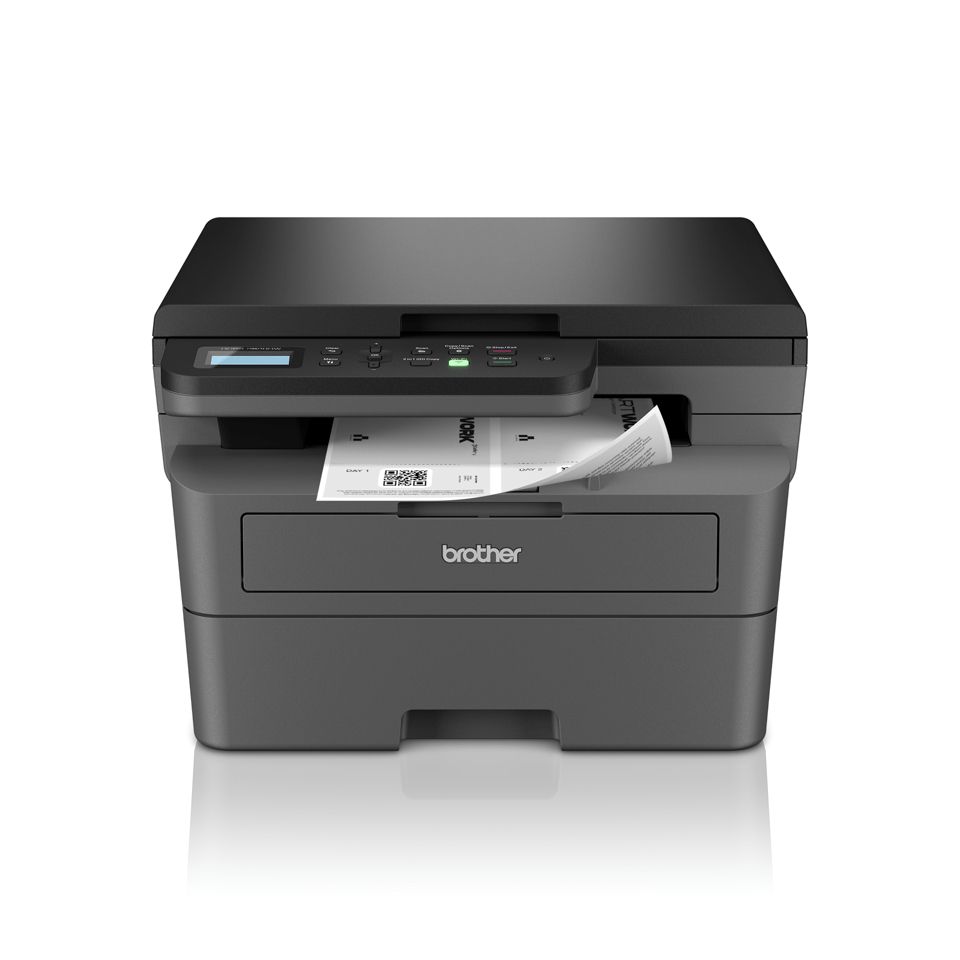
Brother DCPL2620DWZU1 Brother DCP-L2620DW Laser A4 1200 x 1200 DPI 32 ppm Wi-Fi
Experience seamless productivity whether at home or in the office, courtesy of the effortlessly connected Brother DCP-L2620DW. This 3-in-1 mono laser printer comes equipped with a variety of efficiency-enhancing features that will save you valuable time. Enjoy fast, flawless printing and scanning, automatic 2-sided printing, and a generous paper tray capacity. Setting up is a breeze with the Brother Mobile Connect App, enabling you to print and scan from virtually any location.The DCP-L2620DW keeps your printing costs down using a separate drum and toner unit, and the 700 pages7 inbox toner supporting your higher print volume needs. Toner is easy to change and high yield toner is available, printing up to 3,000 pages7, reducing your cost per page and frequency to replace.
Part# DCPL2620DWZU1
SKU S19454
In
Stock
Brother
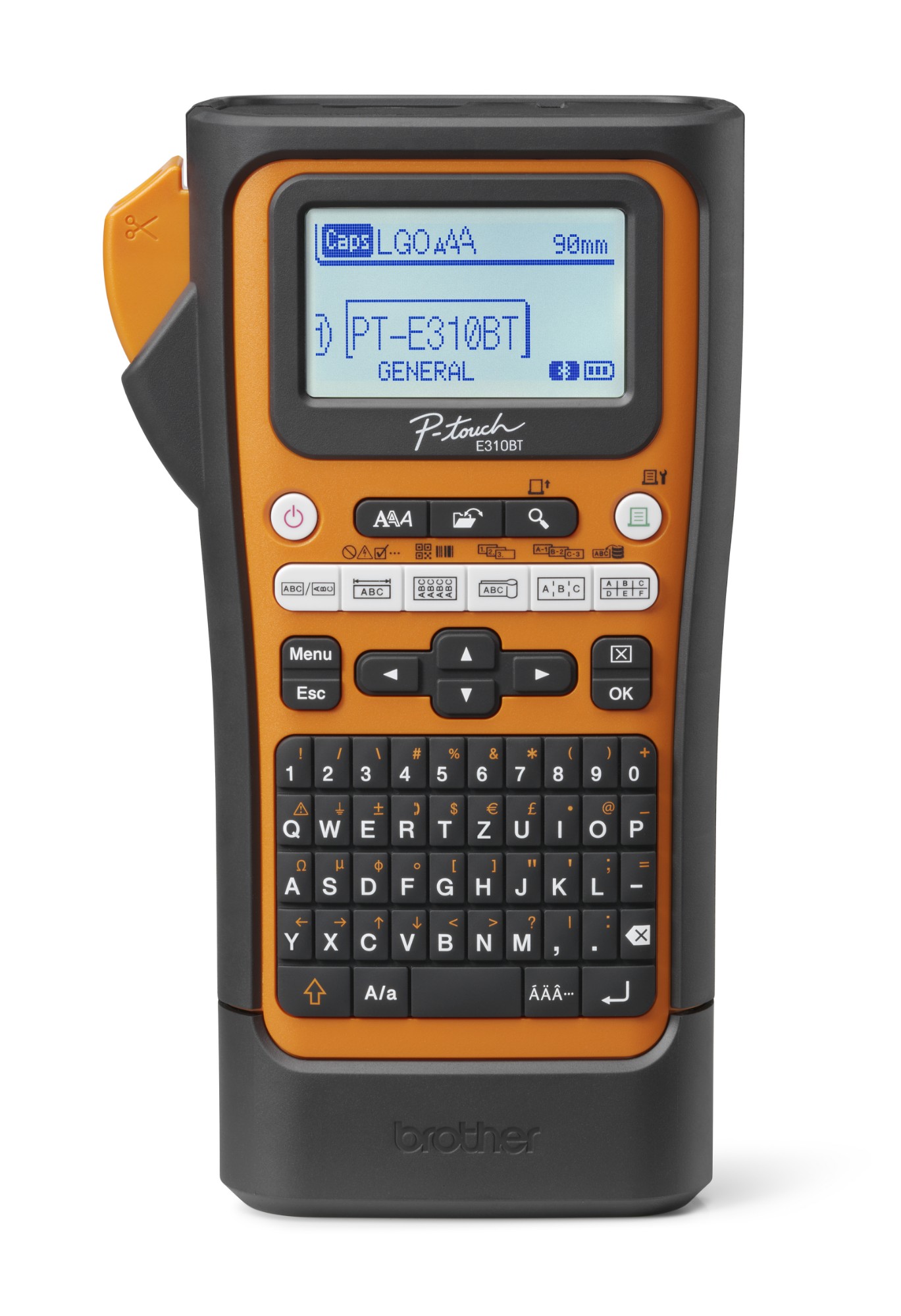
Brother PTE310BTVPQL1 Brother PT-E310BTVP label printer Thermal transfer 180 x 180 DPI 20 mm/sec Wired & Wireless HSE/TZe Bluetooth QWERTY
Brother PT-E310BTVP. Print technology: Thermal transfer, Maximum resolution: 180 x 180 DPI, Print speed: 20 mm/sec. Connectivity technology: Wired & Wireless, Bluetooth, Bluetooth version: 5.0, USB port. Keyboard layout: QWERTY. Tape type: HSE/TZe. Product colour: Black, Orange
Part# PTE310BTVPQL1
SKU S19454
In
Stock
Brother
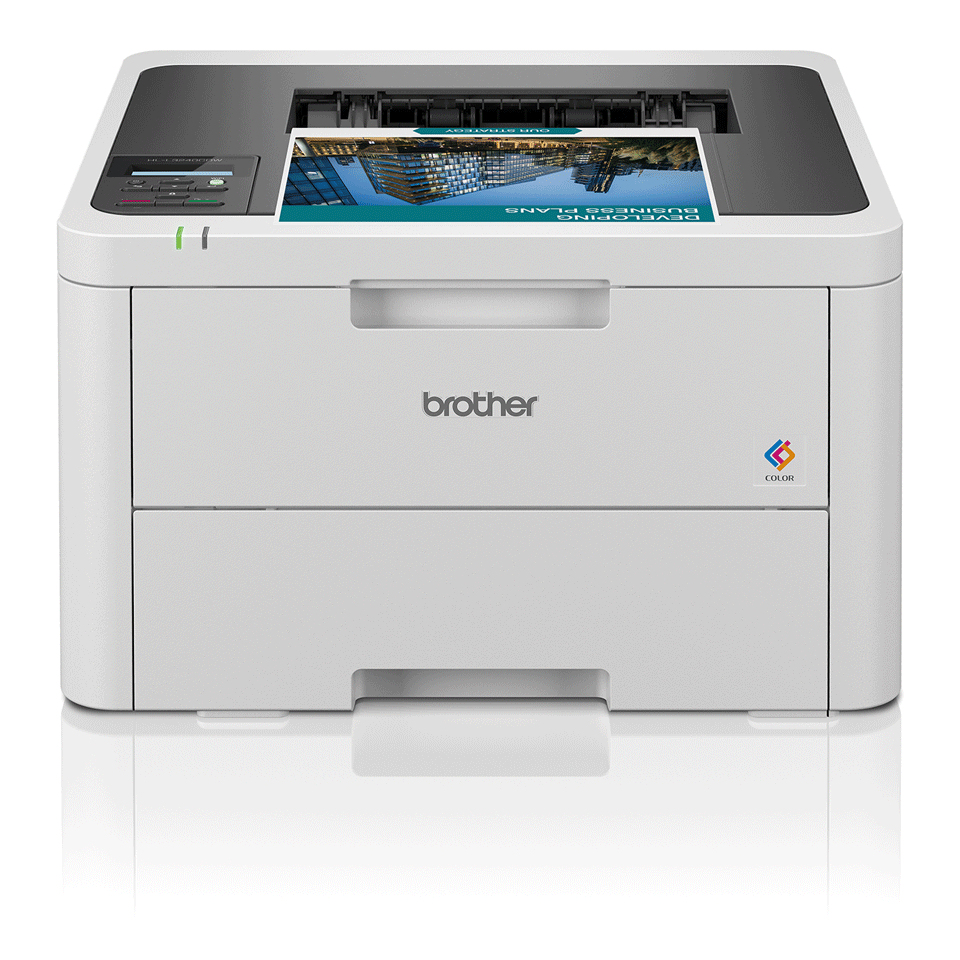
Brother HLL3240CDWZU1 Brother HL-L3240CDW Colour 600 x 2400 DPI A4 Wi-Fi
The office and home environment is continuously changing with the goal of increasing efficiency and productivity. Be confident that you have a reliable device that prints quickly and effortlessly, with:• 2-Sided print, up to 10 sides per minute• 1 Line LCD control panel• Gigabit ethernet, 5GHz WiFi and USB• 256MB Internal memory• 250 Sheet paper input tray• Comes with 1,000 black, 1,000 colour page yield toners, 3,000 black, 2,300 colour maximum yield available
Part# HLL3240CDWZU1
SKU S19454
In
Stock
Brother
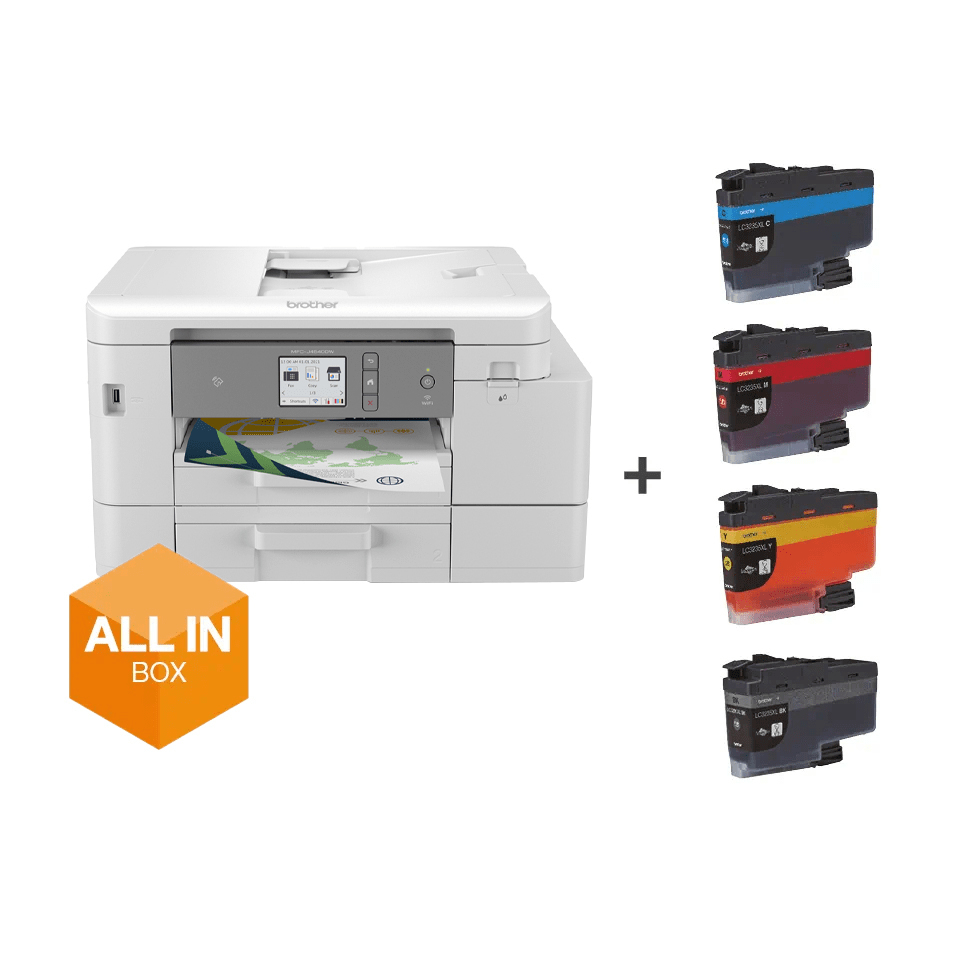
Brother MFCJ4540DWXLZU1 Brother MFC-J4540DWXL Inkjet A4 4800 x 1200 DPI Wi-Fi
Inkvestment Tank TechnologyWe’ve re-engineered our ink cartridges to hold more ink and created an internal ink storage tank that delivers more pages of uninterrupted printing without sacrificing the compact, desktop size. This internal ink tank means you can keep printing high-quality output for longer - without the need for messy and unreliable refill bottles. Also, thanks to the page gauge feature you can check remaining ink levels on your LCD display to help avoid interrupted printing.Your home office business partnerThere are many ways this robust, yet stylish machine will make your home-working life easier. With inbox ink allowing you to print up to 6000 pages**, you won't need to replenish ink as often. Additionally, with several connectivity options, you don’t need to be at your desk to send a print job, or even to check ink levels. With the 20-sheet automatic document feeder, you can leave your multi-page document to scan while you focus on other tasks. With fast print speeds and an easy-to-navigate colour LCD touchscreen, you’re sure to work faster and better.More paper capacity, more controlThe MFC-J4540DWXL comes with an extra paper tray – this means that as well as replenishing ink less, the need to replace paper in the device is also reduced. With this, comes more control over how you use your time to be as productive as possible. Additionally, with the MFC-J4540DWXL’s simple-to-use 6.8cm LCD touchscreen, navigating tasks has never been easier.Work connected, alwaysYou don’t need to be sat at your desk, or even near the printer to use the MFC-J4540DWXL. With the range of connectivity options available, you can print anywhere in your house or office – and even from your mobile phone through the Wi-Fi, or NFC. By downloading the Brother Mobile Connect app, you can access an array of features from sending print jobs to checking your ink levels.Brother awarded top brand in printer category by Consumer NZ for the 3rd year runningThis achievement recognises Brother’s unrivalled offering, with the Top Brand achievement awarded to brands that stand out as the best in market and that perform strongly across an entire product category. Consumer NZ’s Top Brand programme was established to recognise excellence and to provide consumers with ‘at a glance’ information about outstanding products and services.
Part# MFCJ4540DWXLZU1
SKU S19454
In
Stock
Brother
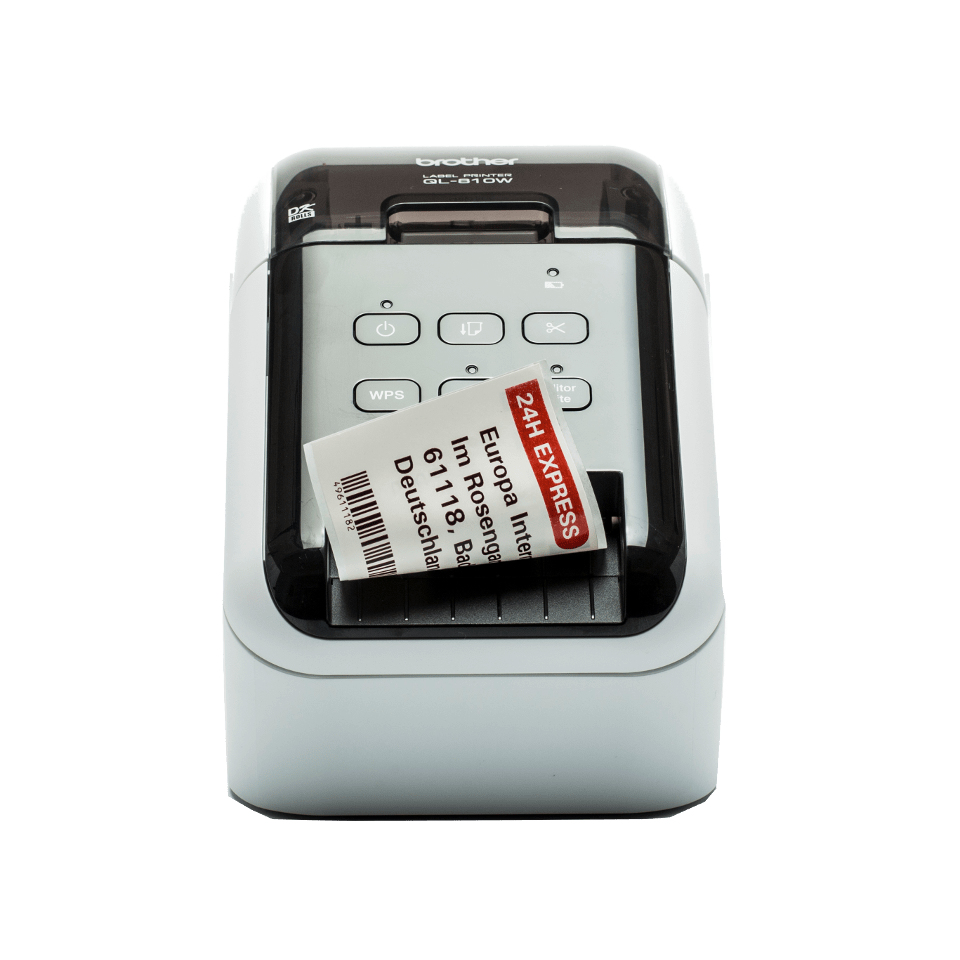
Brother QL810WCZU1 Brother QL-810WC label printer Direct thermal Colour 300 x 600 DPI 176 mm/sec Wired & Wireless DK Wi-Fi
Large range of labels for any applicationThe QL series label printers use Brother DK rolls - that easily slot-in for fast label changes. Several types are available:- Pre-sized die-cut adhesive labels in paper and plastic film material.- Continuous adhesive labels in paper and plastic film material that can be cut to the length you need (up to 1 metre).- Non-adhesive card ideal for receipts and name badges.- Removeable adhesive for repositionable labels.Optional Li-ion battery baseThere are situations where you may need to print labels away from a power source, such as use on a portable trolley and printing from a tablet in retail, healthcare or similar industries. The optional Li-ion battery base has a fast charge function, and lasts for thousands of labels on a full charge.Print any size labels, in black and redRolls are available in a range of traditional die-cut (pre-sized) labels, or continuous that lets the built-in cutter cut your label to the precise length (up to one metre). And now you can draw attention to important information by including red* on your labels too - ideal for highlighting use-by dates, allergens and other critical information.Print from PC, Mac, iOS and Android devicesChoose from several options for designing and printing labels. Download for free the P-touch Editor label design software for PC and Mac to design labels with text, barcodes, images and frames. Alternatively, head on over to your app store to download the free iPrint & Label app for iOS and Android, then quickly create and print labels from your mobile devices, wirelessly.Print labels the way you wantThis advanced label printer is designed for the demands of a busy workplace, yet easy to set-up and use. Using the same technology as USB pen drives, simply connect to your PC or Mac, and run the built- in software. No need to install printer drivers. Alternatively download the free P-touch Editor label design software and printer drivers to design and print fully customised labels containing text, frames, barcodes and images. And easily share the printer with colleagues over your wireless network using P-touch Editor Lite LAN software.Works with Microsoft Word/Excel/OutlookHighlight, click and print your text data directly from Word, Excel and Outlook with just a click! The P-touch Editor add-in for Microsoft Office (Windows only) allows you to print labels with the information you use every day. Alternatively, if you have text saved in an Excel or .csv file, import this into P-touch Editor and simply place each field on your label layout to print many labels with the same format (design). Ideal for printing address, product and pricing labels.
Part# QL810WCZU1
SKU S19454
In
Stock
Brother
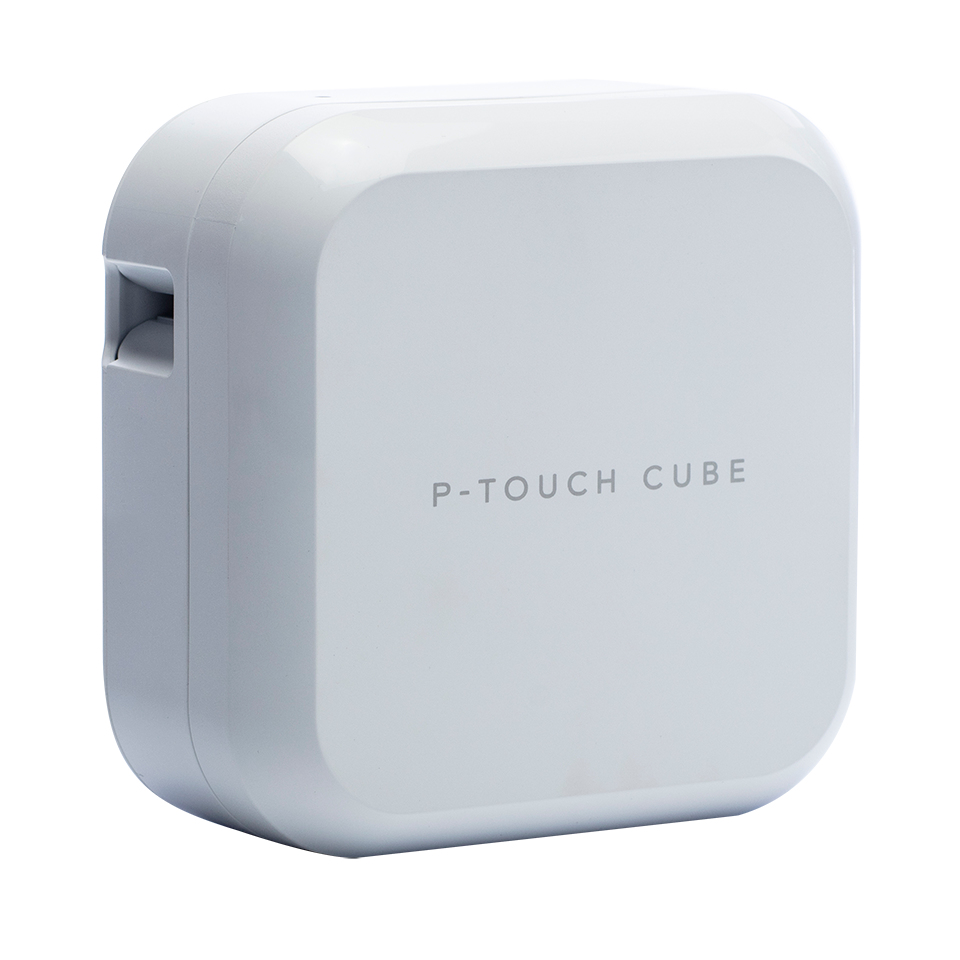
Brother PTP710BTHZ1 Brother PT-P710BTH label printer Thermal transfer 180 x 360 DPI 20 mm/sec Wired & Wireless TZe Bluetooth
PT-P710BT P-touch CUBE PlusPrint durable labels from your PC or mobile device. Recharges directly through a USB portThis stylish, compact label printer gives you a range of options to print labels around your office.Design labels on your PC or Mac, and include images or company logos, barcodes, frames and special symbols. Or connect to your Apple or Android device using Bluetooth, then use Brother iPrint&Label or P-touch Design&Print apps to create and print labels from your smart device.The built-in lithium-ion rechargeable battery with USB recharging ensures that the printer is ready to print a label wherever and whenever you want.Print labels from your Windows PC or MacBrother P-touch Editor label design software gives you powerful editing tools to create the ideal labels for your workplace. Include images such as a company logo, or select from hundreds of built-in clipart, symbols and frames. Include barcodes if needed. Plus, you can also link to text contained in an Excel or .csv file to easily print multiple labels with variable information.Apps for Android and iOS devicesThe free Brother iPrint&Label and P-touch Design&Print apps connect to your label printer using the Bluetooth connection in your smartphone or tablet. You can edit your labels and then preview before printing.Integrated rechargeable batteryInside the P-touch CUBE Plus is a small yet powerful lithium-ion battery that eliminates the need and cost to use standard alkaline batteries, and ensures your label printer is ready for use at any time.USB rechargingYour P-touch CUBE Plus label printer recharges while connected to your computer's USB port. Or plug into any standard USB mains power adapter to recharge on-the-go.Simple, elegant designCompact and portable, the P-touch CUBE Plus uses little desk space, and makes it ideal for sharing around the office.Brother TZe durable, laminated labelsBrother TZe tape cassettes are available in over 60 colours and size variations. Developed to withstand sunlight, water, chemicals an extreme temperatures, using genuine Brother tapes ensure your labels last for years to come.PA Life reviews the P-touch CUBE Plus"The good old days of the handheld label maker has been updated for the 2018 workspace and this cube of functionality is small, elegant and compact."
Part# PTP710BTHZ1
SKU S19454
In
Stock

Item(s) added to cart

