
 0
0
Printers & Scanners
2290 –
2300
of
5230
Availability
Sort by
Advance Filters
Epson
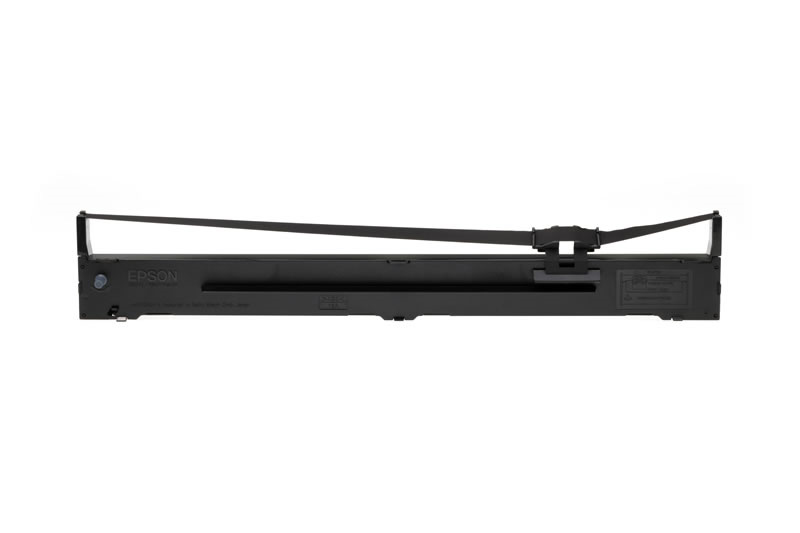
Epson C13S015336 Epson C13S015336 Nylon black, 8,000K characters for Epson LQ 2090
An exact fitting ribbon cassette enables easy and user-friendly replacement and does not jump out during printing. Perfect harmonisation between printer mechanism and ribbon transport means uniform distribution of colour which, in turn, ensures a clean and pleasing appearance and also makes ribbon-tightening a thing of the past. Of course, in the choice of ribbon fabric and mesh thickness, Epson pays special attention to the particular properties of the print head, in order to ensure that the ribbon does not fray and there is no chance of it getting stuck. In addition, costly repairs as a result of defective print heads and cash register breakdowns are avoided. Likewise, Epson places great emphasis on the choice of ink in which the ribbon is soaked: quality of print out, even distribution of colour along the length of the ribbon and predection of the print head pins from mechanical strain and chemical pollution are the important criteria which influence quality and perfect design. Over and above the design, Epson places great importance on quality assurance during the production process. In doing so, Epson guarantees excellent product properties at all times and an optimum harmonisation with the main product - the Epson printer.Compatible Printers: Epson LQ 2090 IIN, Epson LQ 2090, Epson LQ 2090 II, Epson LQ 2090 Series
Part# C13S015336
SKU S19454
In
Stock


In
Stock
Brother
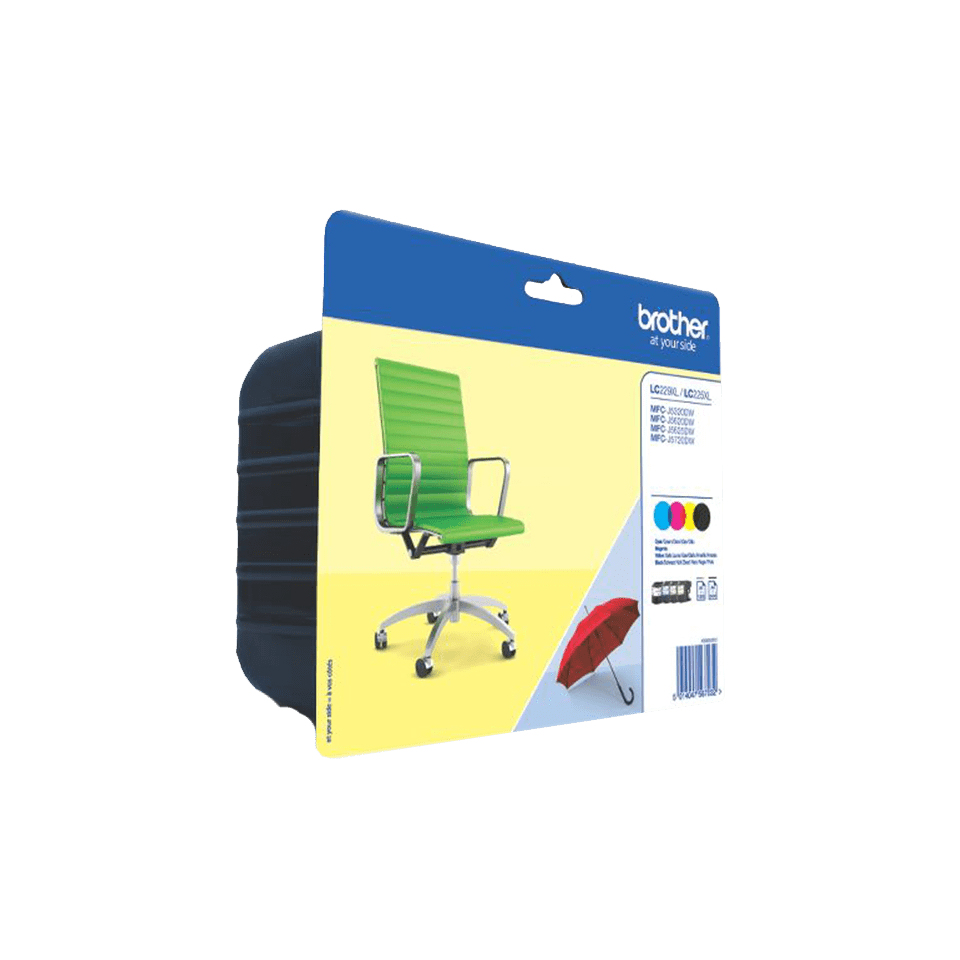
Brother LC229XLVALBP Brother LC-229XLVALBP Ink cartridge multi pack Bk,C,M,Y 2400pg + 3x1200pg Pack=4 for Brother MFC-J 5320
Ensure that replacing your genuine Brother ink cartridges is as hassle-free and affordable as possible by purchasing this high yield LC-229XLVALBP Multipack. The pack contains black LC229XL cartridge printing 2,400 pages and the cyan, yellow and magenta LC225XL cartridges printing 1,200 pages, all designed to help you get the best from your Brother printer.The LC229XLBK, LC225XLC, LC225XLM and LC225XLY ink cartridges contained in this LC229XLVALBP Multipack have been expertly designed to work seamlessly with your Brother printer, providing you with highest quality results, time after time.Though using cheaper, non-branded cartridges might save you money in the short-term, they’re not as compatible with your machine. It’s possible that using these often-inferior products could cause printing problems and even damage your printer – so why take the risk?By choosing this genuine high yield LC229XLVALBP Ink Cartridge Multipack, you’ll ensure that your printer continues to perform at its very best and also that any warranty you hold remains valid, providing you with extra peace of mind all round.Compatible Printers: Brother MFC-J 5620 DW, Brother MFC-J 5320 DW, Brother MFC-J 5720 DW, Brother MFC-J 5625 DW, Brother MFC-J 5600 Series
Part# LC229XLVALBP
SKU S19454
In
Stock
Canon
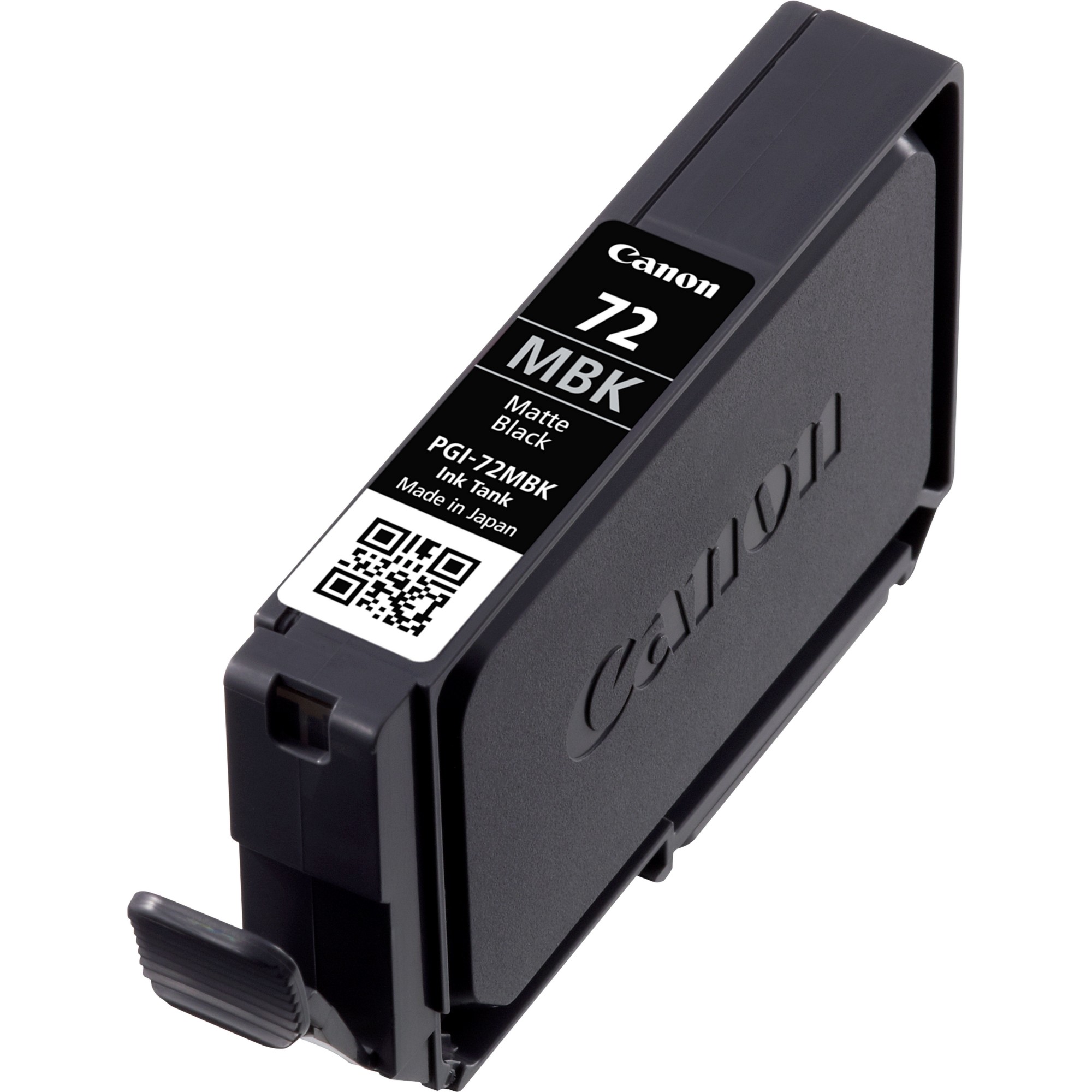
Canon 6402B001 Canon 6402B001/PGI-72MBK Ink cartridge black matt 1640 Photos 14ml for Canon Pixma Pro 10
The LUCIA ink range of professional inks deliver rich, high density colours excellent colour gamut and reliable quality. This pigment-based ink system offers outstanding photo permanence. The 14ml matte black ink tank allows you to print up to 1640 photos in 10x15cm or 202 in A3+ size at ISO/IEC 29102† standard.Compatible Printers: Canon Pixma PRO-10 S, Canon Pixma PRO-10
Part# 6402B001
SKU S19454
In
Stock
Epson
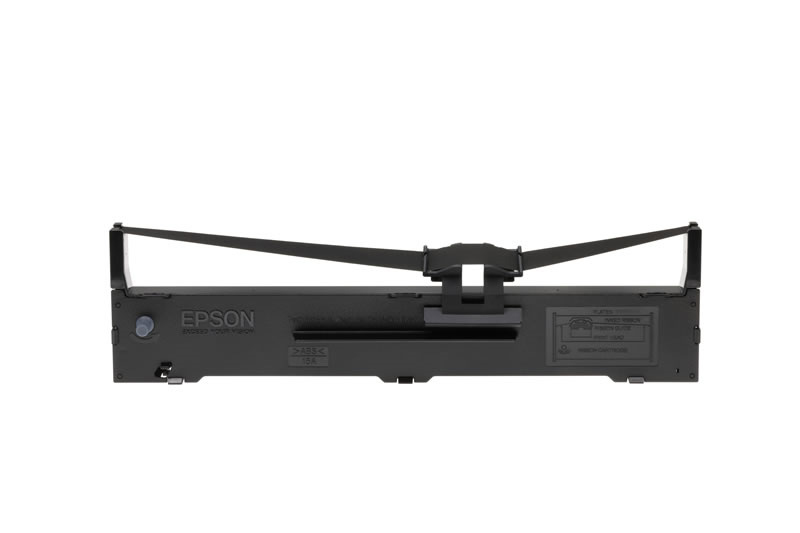
Epson C13S015329 Epson C13S015329 Nylon black, 7,500K characters for Epson FX 890
An exact fitting ribbon cassette enables easy and user-friendly replacement and does not jump out during printing. Perfect harmonisation between printer mechanism and ribbon transport means uniform distribution of colour which, in turn, ensures a clean and pleasing appearance and also makes ribbon-tightening a thing of the past. Of course, in the choice of ribbon fabric and mesh thickness, Epson pays special attention to the particular properties of the print head, in order to ensure that the ribbon does not fray and there is no chance of it getting stuck. In addition, costly repairs as a result of defective print heads and cash register breakdowns are avoided. Likewise, Epson places great emphasis on the choice of ink in which the ribbon is soaked: quality of print out, even distribution of colour along the length of the ribbon and predection of the print head pins from mechanical strain and chemical pollution are the important criteria which influence quality and perfect design. Over and above the design, Epson places great importance on quality assurance during the production process. In doing so, Epson guarantees excellent product properties at all times and an optimum harmonisation with the main product - the Epson printer.Compatible Printers: Epson FX 890, Epson FX 890 Series, Epson FX 890 A, Epson FX 890 II, Epson FX 890 IIN
Part# C13S015329
SKU S19454
In
Stock
HP
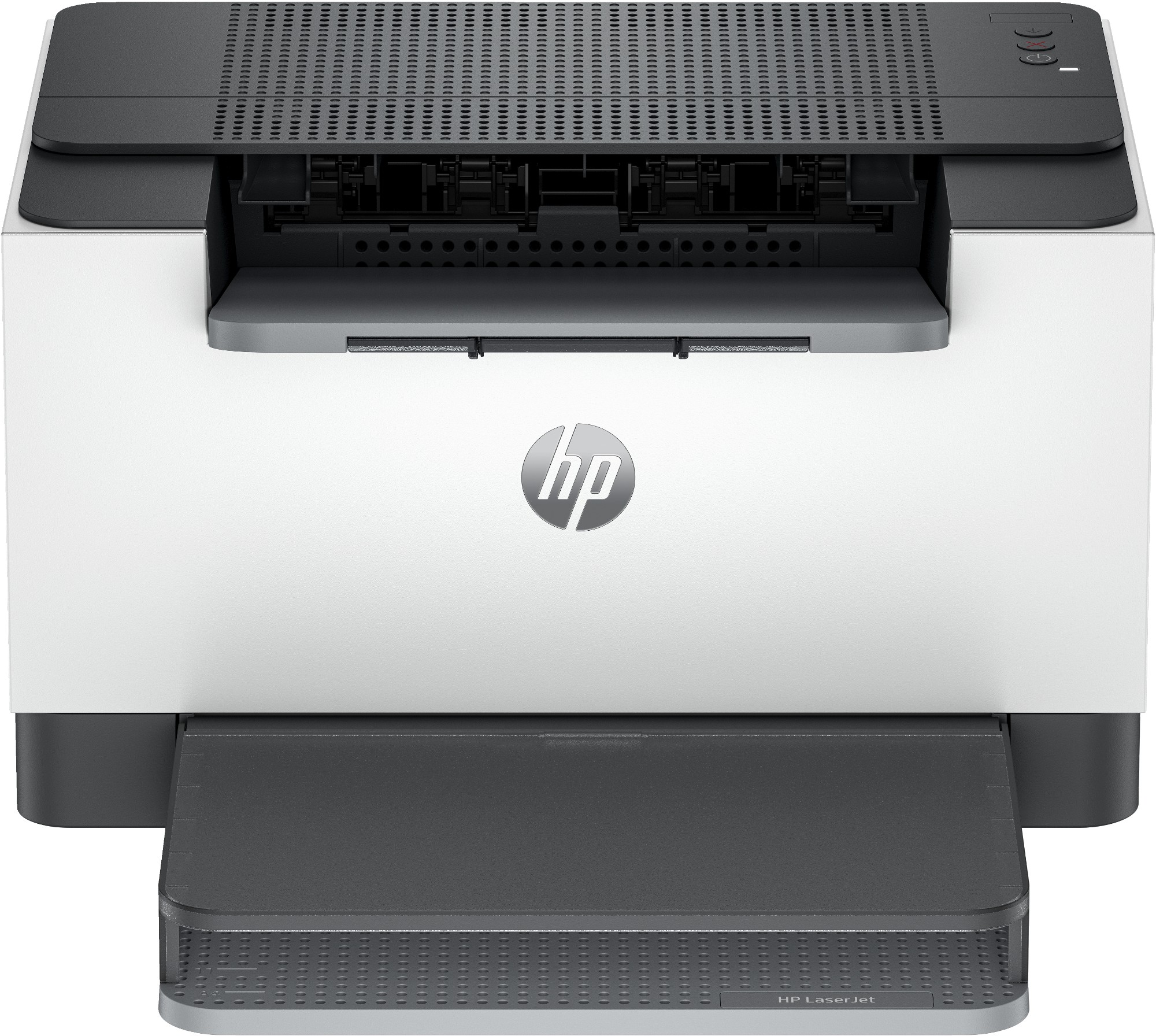
HP 8J9L0F#B19 HP LaserJet M209d Printer
Super capable. Super compact. Increase productivity with this high-performance black-and-white printer in an award-winning compact design.[2] Experience the fastest two-sided printing in class[8] plus simplified setup and time-saving features with the HP app.[3]
Part# 8J9L0F#B19
SKU S19454
In
Stock
HP
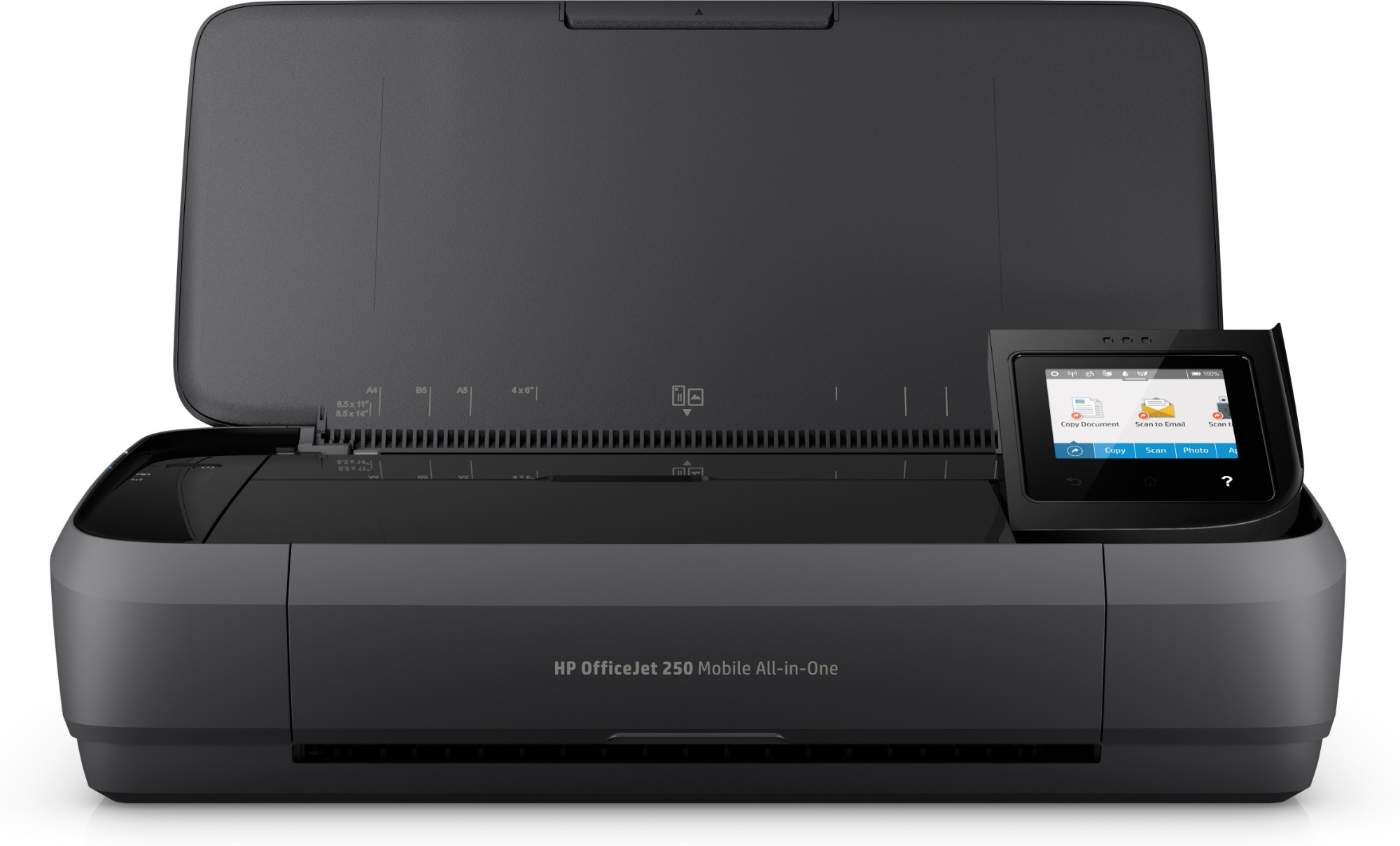
HP CZ992A#BHC HP OfficeJet Mobile 250 Wireless All-in-One Color Printer, Copier, Scanner
HP OfficeJet 250 in More Detail A common problem for mobile workers is having to write or refine a presentation, pitch or document on the move, and not having anywhere to print it out. The HP OfficeJet 250 resolves this issue with a highly portable solution for those who work in remote locations or out in the field. Designed for workers on the go Made of tough, black matte plastic, it is robust enough to survive the odd knock and bump. The lid prevents dust from entering the working parts, while a one-year warranty provides peace of mind if it becomes damaged on the road. It offers a small format, 3kg, multi-function A4 printer and scanner. A 6.7cm touchscreen provides control for print, quality and additional settings, with automatic paper-sizing managed when you set the paper feed guides. Supporting WiFi Direct, Apple AirPrint and Bluetooth LE connections, you can print wirelessly from your PC or smartphone using the HP Smart app. Battery powered for go-anywhere use You can also print in the car or at remote sites thanks to a Lithium-ion battery. It can be recharged within two hours and should provide a day's printing, with HP's Auto-Off technology helping preserve battery life. Ideal for light workloads With a 50-page tray, you can print modest workloads. The OfficeJet 250 prints up to 10 pages per minute for text documents, and up to 4 pages per minute for borderless mixed-media documents. It can scan pages at up to 20 seconds per text page and features a 10-page document feeder. Plus, this mobile device can also print and scan photos, as well as print to card if you need to create promotional materials on the fly. As a mobile printer, print costs are higher compared to an office-based printer, and it lacks some features like duplex mode. However, for flexibility and portability, the OfficeJet 250 is hard to beat, and large-capacity ink cartridges will help reduce print costs.
Part# CZ992A#BHC
SKU S19454
In
Stock
Canon
Canon 8528B003 Canon 8528B003/C-EXV49 Drum unit, 75K pages for Canon IR-C 3320
Compatible Printers: Canon iR ADVANCE DX C 3730 i, Canon imageRUNNER Advance DX C 3730 i, Canon imageRUNNER Advance C 3300 Series, Canon iR-C 3520 i III, Canon imageRUNNER Advance C 3500 Series, Canon imageRUNNER Advance C 3520 i III, Canon imageRUNNER Advance C 3530 i, Canon iR ADVANCE C 3500 II, Canon imageRUNNER Advance DX C 3830 i, Canon imageRUNNER Advance C 3320, Canon imageRUNNER Advance DX C 3725 i, Canon iR ADVANCE DX C 3700 Series, Canon iR-ADV DX C 3822 i, Canon iR ADVANCE DX C 3720 i, Canon imageRUNNER Advance C 3325 i, Canon iR ADVANCE C 3530 F III-RG, Canon iR-C 3325 i, Canon imageRUNNER Advance C 3320 i, Canon imageRUNNER Advance C 3530 F III-RG, Canon iR-ADV DX C 3725 i, Canon imageRUNNER Advance C 3330 i, Canon imageRUNNER Advance C 3525 i III, Canon imageRUNNER Advance DX C 3700 Series, Canon imageRUNNER Advance C 3525 i, Canon imageRUNNER Advance DX C 3835 i, Canon imageRUNNER Advance DX C 3826 i, Canon iR-ADV DX C 3826 i, Canon iR ADVANCE C 3500 Series, Canon iR-C 3500 II, Canon iR-C 3320 i, Canon iR-ADV DX C 3835 i, Canon iR-C 3320, Canon iR-C 3800 Series, Canon iR-C 3520 i, Canon imageRUNNER Advance C 3500 II, Canon iR-ADV DX C 3830 i, Canon imageRUNNER Advance C 3520 i, Canon iR ADVANCE DX C 3725 i, Canon imageRUNNER Advance DX C 3822 i, Canon iR ADVANCE C 3530 i, Canon iR-C 3525 i, Canon iR-C 3525 i III, Canon imageRUNNER Advance DX C 3720 i, Canon imageRUNNER Advance DX C 3800 Series, Canon iR-C 3530 i, Canon iR-C 3330 i, Canon iR-ADV DX C 3800 Series, Canon iR-C 3830 i DX ADV, Canon iR-C 3826 i DX ADV
Part# 8528B003
SKU S19454
In
Stock
Canon
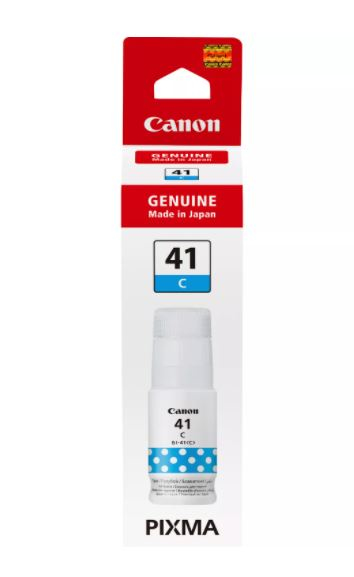
Canon 4543C001 Canon 4543C001/GI-41C Ink bottle cyan, 7.7K pages 70ml for Canon Pixma G 1420
Lower the cost of printing per page and extend the time between top-ups with a high-yield ink of up to 7,700 pages¹ from a full set of colour ink refill bottles. Ideal for those who print high volumes of documents and images, enjoy high-quality results with crisp, sharp and vivid documents and photos. The enhanced ink bottle also eliminates wastage and spillage thanks to its innovative no-squeeze design which reduces mess. The key type nozzle ensures that you fill the right tank with the right bottle reducing any errors while refilling.Extend the time between top-ups and lower the cost of printing per page with a 70 ml bottle of high-yield cyan inkPrint professional-looking documents with clear, sharp text thanks to Genuine Canon InkA key type ink nozzle provides mess-free and error-free use as each colour has their designated slots which means you won’t accidentally put the cyan ink bottle into the wrong ink tankPrint up to 7,700 pages¹ from a full set of colour ink refill bottlesDye colour inks provide vivid images and photosThese no-squeeze ink bottles ensure an easy and simple ink refilling process and the ink stops when the tank is full – so there’s no waste of inkCompatible Printers: Canon Pixma G 3430 pink, Canon Pixma G 1460, Canon Pixma G 3430 purple, Canon Pixma G 2420, Canon Pixma G 3460, Canon Pixma G 3480, Canon Pixma G 3470, Canon Pixma G 3420, Canon Pixma G 2460, Canon Pixma G 2430, Canon Pixma G 1420, Canon Pixma G 2470, Canon Pixma G 3430
Part# 4543C001
SKU S19454
In
Stock
Canon
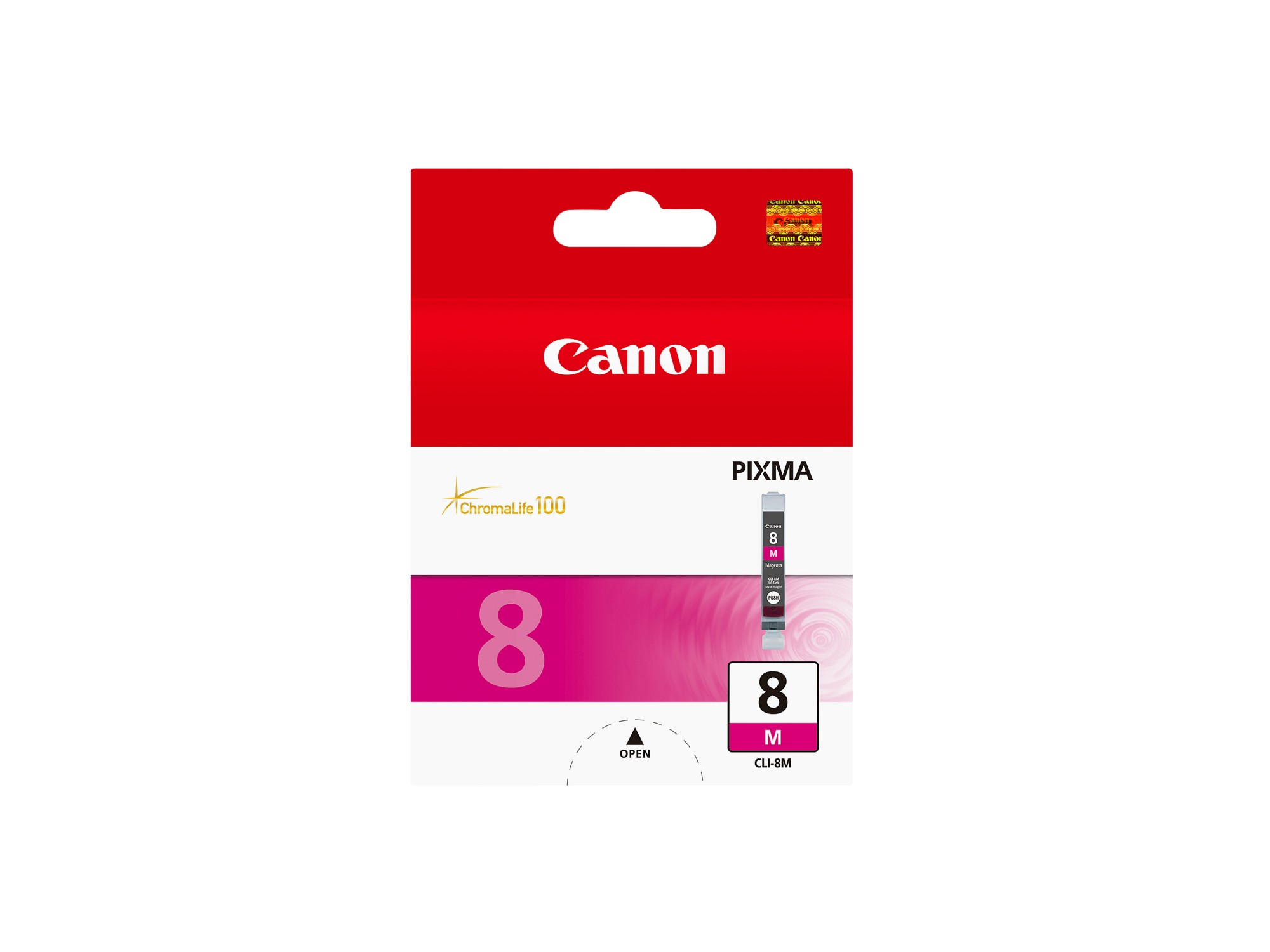
Canon 0622B001 Canon 0622B001/CLI-8M Ink cartridge magenta, 478 pages ISO/IEC 24711 13ml for Canon Pixma IP 3300/4200/6600/MP 960/Pro 9000
The ChromaLife100 dye-based ink range delivers stunning quality and vibrant photos in colour and monochrome. The 13ml magenta ink tank allows you to print up to 565 photos in 10x15cm or 59 in A3+ size at ISO/IEC 24711† standard.Compatible Printers: Canon Pixma MP 800 Series, Canon Pixma IP 5200 Series, Canon Pixma MP 600 Series, Canon Pixma MP 610, Canon Pixma MP 810, Canon Pixma IP 5200 R, Canon Pixma IX 4000 R, Canon Pixma IP 5300, Canon Pixma IP 4200, Canon Pixma IP 4200 Series, Canon Pixma IP 4500 X, Canon Pixma IP 3300, Canon Pixma MP 800, Canon Pixma MP 520 Series, Canon Pixma IX 4000 Series, Canon Pixma MP 500, Canon Pixma Pro 9000, Canon Pixma IP 4200 X, Canon Pixma MX 700, Canon Pixma MP 830, Canon Pixma IP 5200, Canon Pixma MX 850, Canon Pixma IP 6600 Series, Canon Pixma Pro 9000 Mark II, Canon Pixma MP 510, Canon Pixma MP 530, Canon Pixma IP 6600, Canon Pixma IP 6700 D, Canon Pixma MP 520, Canon Pixma MP 600 R, Canon Pixma IP 4500 Series, Canon Pixma IX 5000, Canon Pixma MP 800 R, Canon Pixma MP 520 X, Canon Pixma IP 6600 D, Canon Pixma IP 3500, Canon Pixma IX 4000, Canon Pixma IP 4300, Canon Pixma MP 970, Canon Pixma MP 600, Canon Pixma Pro 9000 Series, Canon Pixma IP 4500
Part# 0622B001
SKU S19454
In
Stock

Item(s) added to cart

