
 0
0
Printers & Scanners
2870 –
2880
of
5230
Availability
Sort by
Advance Filters
HP
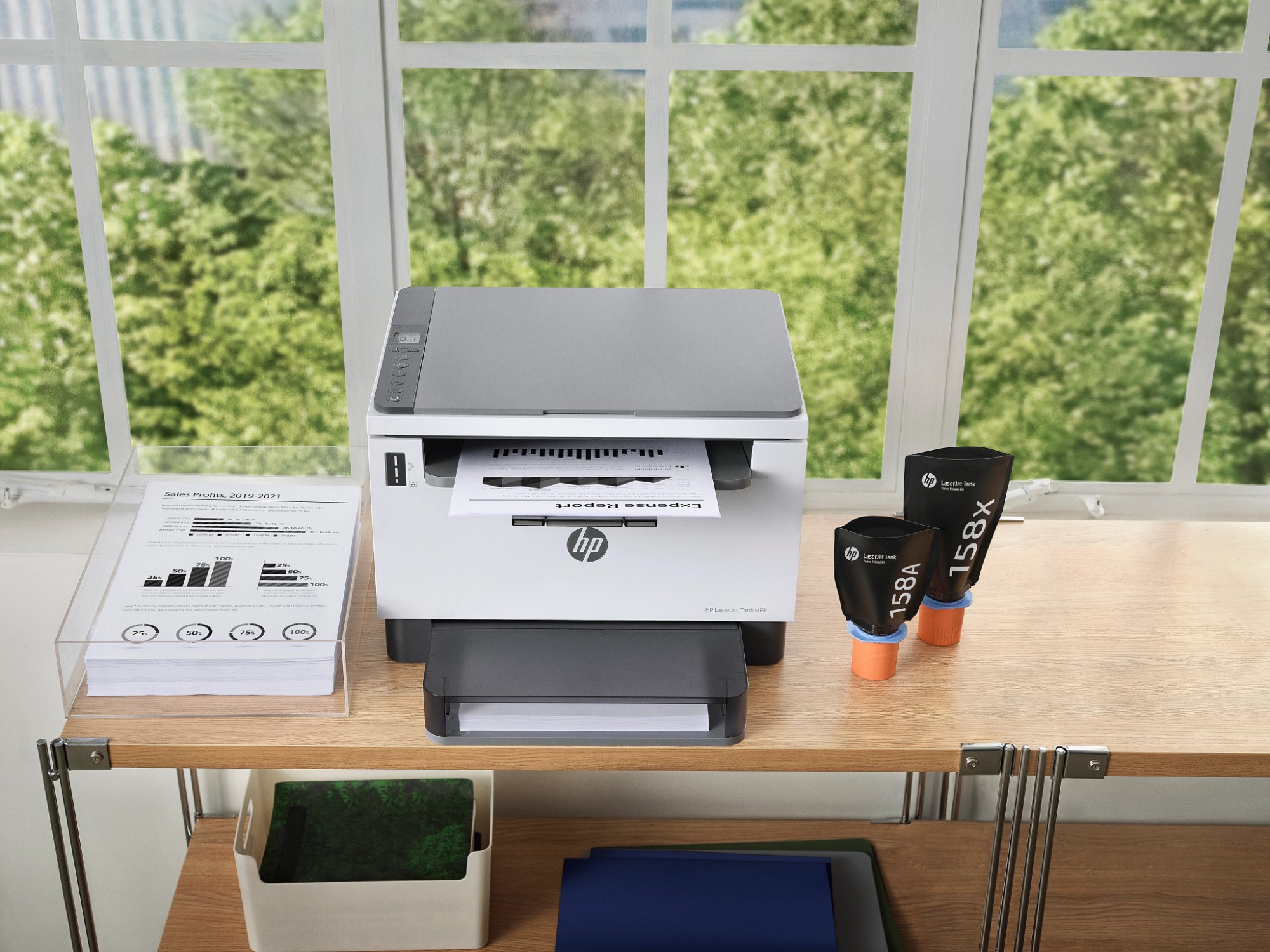
HP 3WT89A HP 3WT89A Transfer Belt Intermediate, 150K pages for HP M 751
Compatible Printers: HP Color LaserJet Enterprise M 751 n, HP Color LaserJet Enterprise M 751 dn, HP Color LaserJet Enterprise M 751 Series
Part# 3WT89A
SKU S19454
In
Stock


Epson
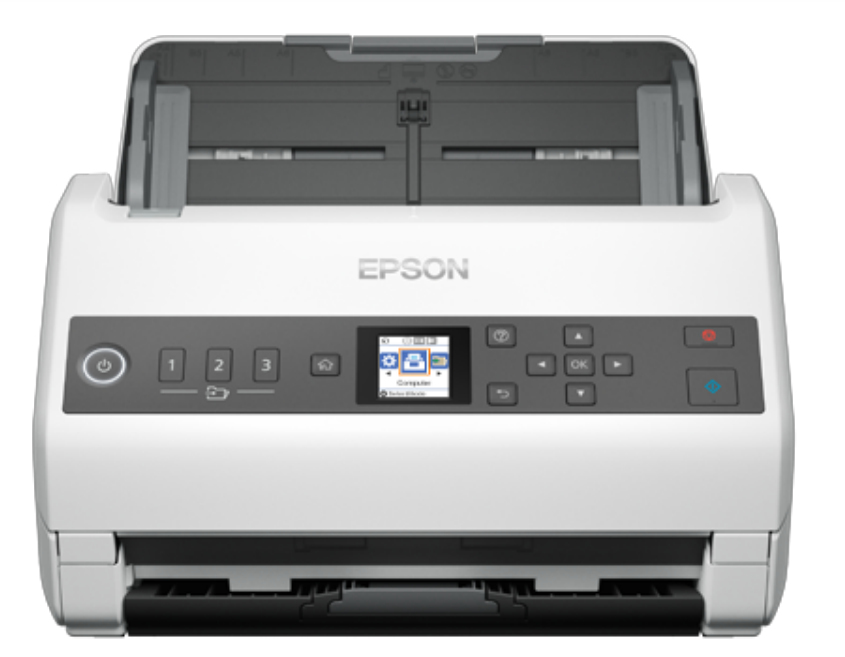
Epson B11B259401BY Epson WorkForce DS-730N Sheet-fed scanner 600 x 600 DPI A4 Black, White
Release the potential of a connected workplace with this affordable and highly efficient standalone network scanner.Connect your business with this affordable and highly efficient standalone network scanner. It's the intelligent choice for business document management, offering the ability to scan to separate locations – at the touch of a button, allowing you to capture, convert and distribute scanned information within your organisation.SharedScan to email, folder, FTP, SFTP, cloud services and Microsoft applications at the touch of a button¹. The control panel with built in 1.44’’ colour LCD display and three individual job buttons enables you to choose the correct job and send documents to the right destination without delay, making the digital files available across multiple departments.High performanceWith a high capacity 100 sheet ADF and scan speeds of up to 40ppm/80ipm, bulk jobs can be captured quickly and easily as a single file, with minimal user intervention.IntelligentTake control with a range of intelligent features, including ultra-sonic sensors and a paper protection function. Slow mode allows difficult media to be captured by reducing roller speed, without increasing file sizes. Double feed detection skip means difficult documents like envelopes and post-it notes can be processed rapidly.ReliablePaper protection, double feed and dirt detection warning ensure high quality digital images are captured carefully and precisely, from 27gsm to 413gsm. The Active Separation Roller System and on-board sensors help prevent document double-feeds and ensures every piece of paper is scanned accurately.
Part# B11B259401BY
SKU S19454
In
Stock
Epson
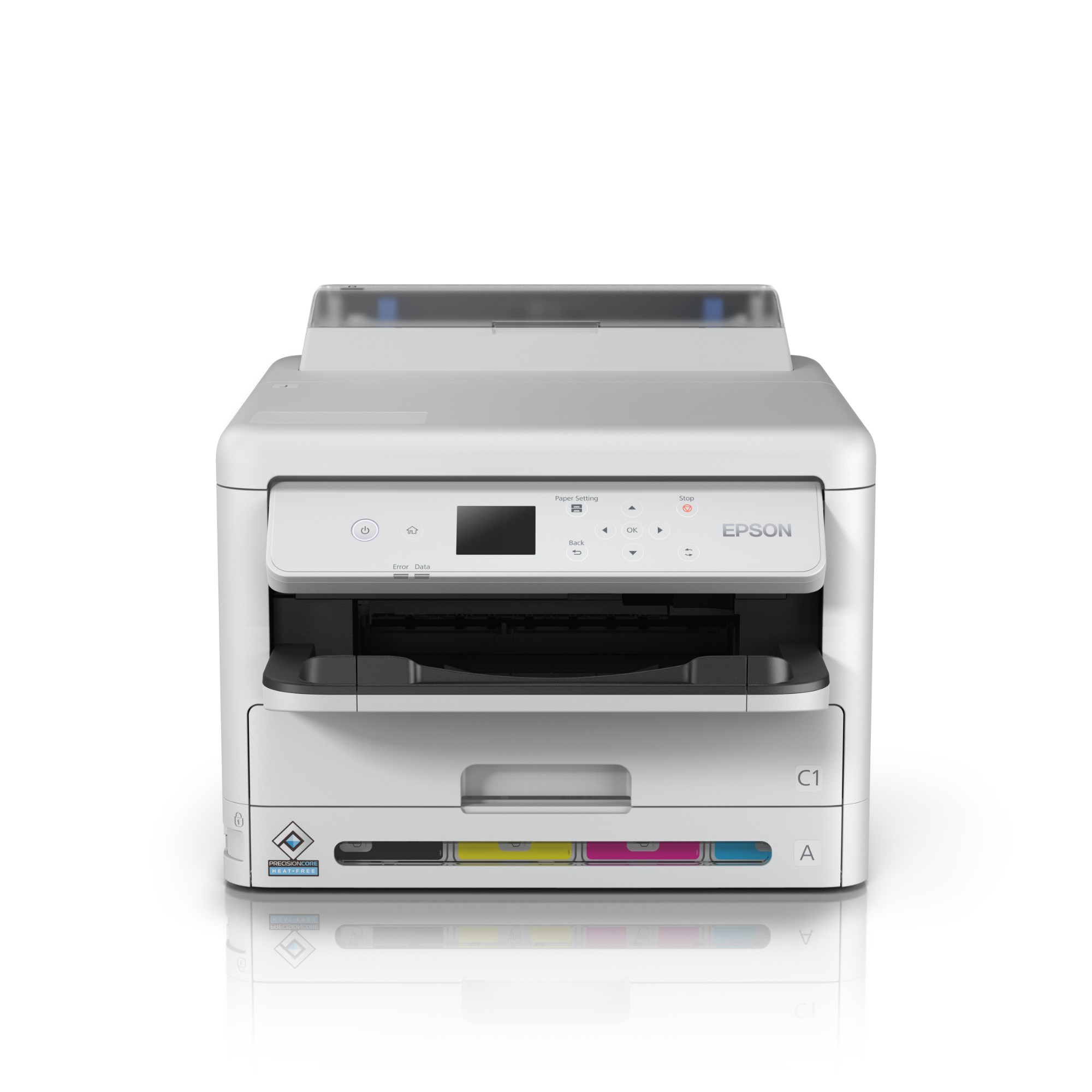
Epson C11CK25401BY Epson WF-C5390DW inkjet printer Colour 4800 x 1200 DPI A4 Wi-Fi
Reduce your business printing costs and environmental impact, while increasing productivity with less intervention and enhanced security.- Print speed: 25/25ppm- Max ink yield: 10k- Low power consumptionA small workgroup printer perfect for the business environment, from small offices to large corporates. Ideal for those who may have traditionally used lasers and want to cut costs, increase productivity and reduce downtime, while also reducing their environmental impact and improving their CSR reputation.
Part# C11CK25401BY
SKU S19454
In
Stock
HP
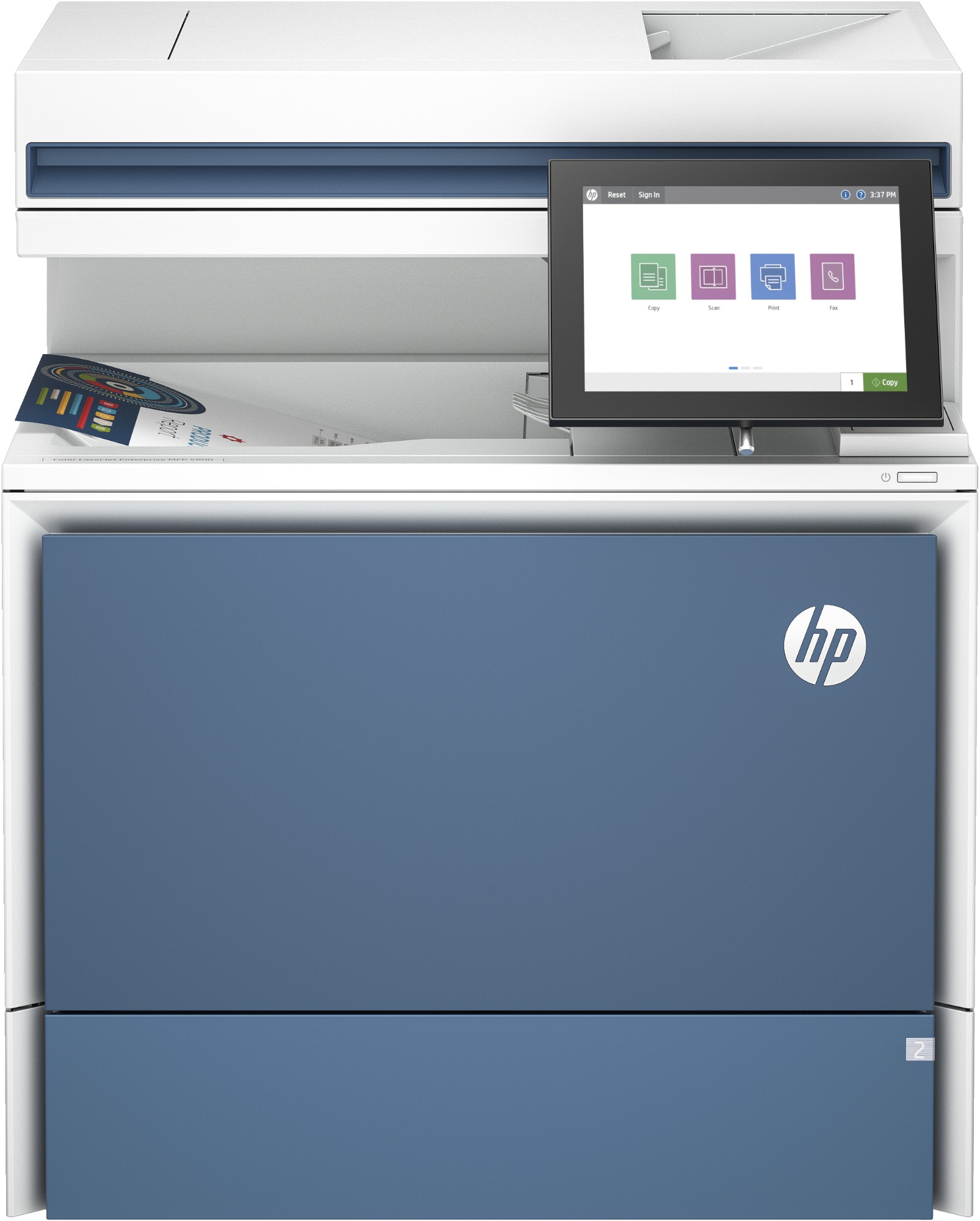
HP 6QN29A#B19 HP LaserJet Color Enterprise MFP 5800dn Printer
The most customisable HP A4 LaserJet, with advanced workflow solutions optimised for distributed office collaboration. Transform your workflows with advanced capabilities in a compact footprint. From print speeds to colour panels[10], get flexible configurations to meet your needs today and tomorrow. All while protecting your business against evolving cyber threats.Dynamic security enabled printer Certain HP printers are intended to work only with cartridges that have a new or reused HP chip or electronic circuitry. These printers use dynamic security measures to block cartridges using a non-HP chip or electronic circuitry. Periodic firmware updates will maintain the effectiveness of these measures and block cartridges that previously worked. Reused HP chips and electronic circuitry enable the use of reused, remanufactured, and refilled cartridges.
Part# 6QN29A#B19
SKU S19454
In
Stock
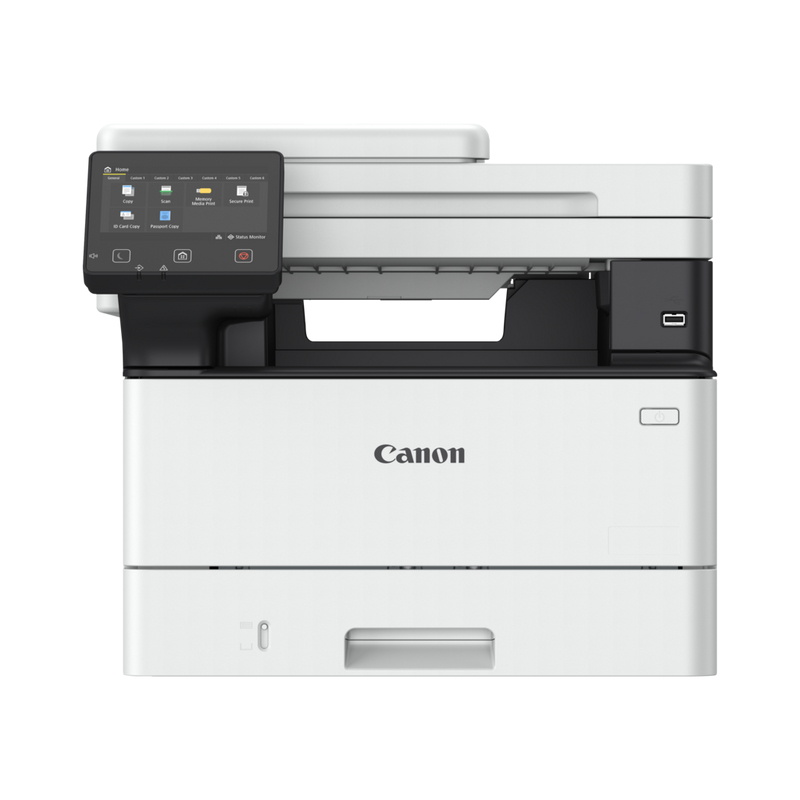
Canon
Canon 5951C026 Canon i-SENSYS MF463dw Laser A4 1200 x 1200 DPI 40 ppm Wi-Fi
Streamline workflows and accelerate efficiencyEmpower your workforce to save valuable time and boost productivity with the i-SENSYS MF460 Series. Experience speedy printing and scanning and easily protect your devices from hacking and virus threats.Protect documents360-degree security ensures complete document, device and network security. Security features include TLS1.3, Verify System at Startup and secure PIN printing.Intuitive user experienceEasily carry out print and scanning jobs with one-touch buttons. Drag & drop icons help customise the display screen and allow you to perform routine tasks smoothly.Boost productivitySave valuable time with print speeds of up to 40ppm, scanning speeds of up to 100ipm and a warm-up time of 14 seconds. Manage your printer using Universal Print from Microsoft.Collaborate in the cloudHarness the power of the cloud with built-in connectivity to cloud storage services including Google Drive, DropBox, and OneDrive.Save spaceA compact design helps you easily place devices on desktops or counters, maximising office space as a result.Mobile printingConveniently print documents from your smartphone or tablet with the Canon PRINT Business app, or via AirPrint (iOS) and Mopria (Android).
Part# 5951C026
SKU S19454
In
Stock
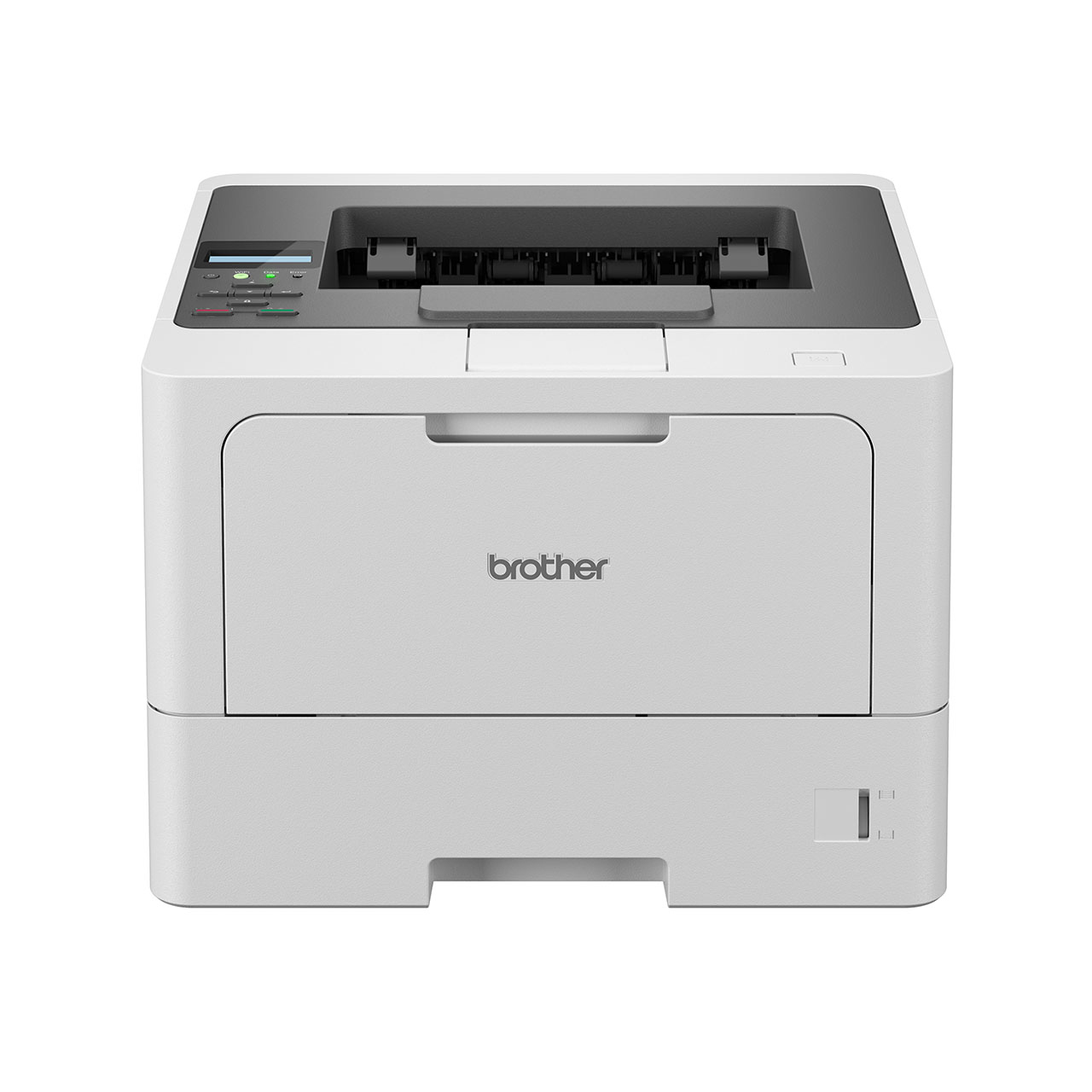
Brother
Brother HLL5210DWQJ1 Brother HL-L5210DW 1200 x 1200 DPI A4 Wi-Fi
Part# HLL5210DWQJ1
SKU S19454
In
Stock
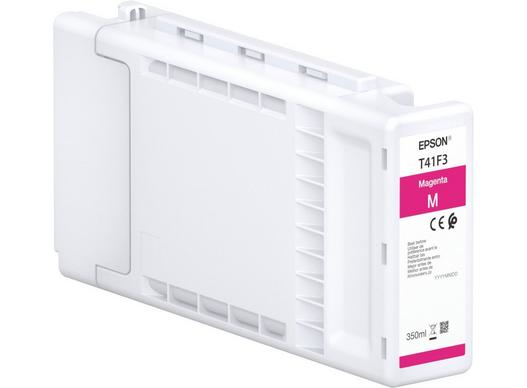
Epson
Epson C13T41R34N Epson C13T41R34N/T41R3 Ink cartridge magenta 110ml for Epson SC-T 3400/3405
Compatible Printers: Epson SureColor SC-T 5400 N, Epson SureColor SC-T 3400 N, Epson SureColor SC-T 5400 M, Epson SureColor SC-T 3400, Epson SureColor SC-T 3405, Epson SureColor SC-T 5400, Epson SureColor SC-T 5405, Epson SureColor SC-T 3405 N
Part# C13T41R34N
SKU S19454
In
Stock
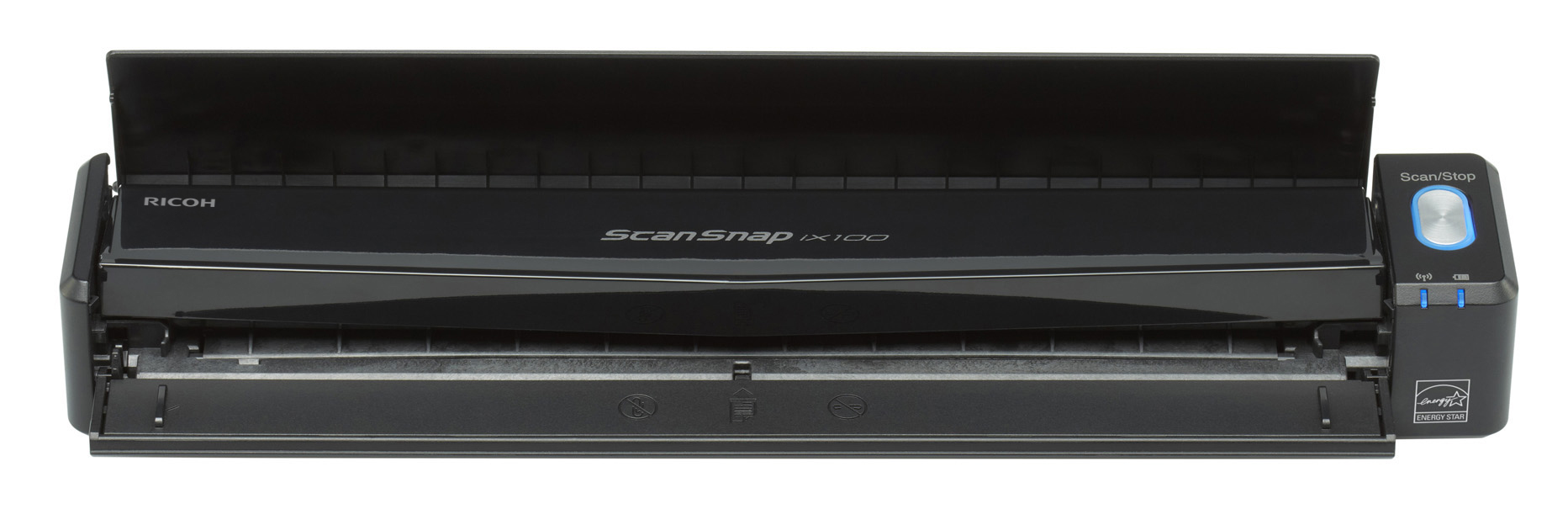
Ricoh
Ricoh PA03688-B001 Ricoh ScanSnap iX100 CDF + Sheet-fed scanner 600 x 600 DPI A4 Black
- Scan everyday documents in 5 seconds per A4 page- Scan wirelessly to mobile and desktop devices, cloud services and office applications- Powerful GI processor for outstanding results- Cordless operation with Lithium-ion battery- Choice of paper paths for when space is tight or document type dictates- Scan two or more small documents such as business cards simultaneously- Scan A3 documents: Automatically pairs A4 pages with overlapping content- Productive Win/Mac OS software bundle.The new, completely wireless, rechargeable mobile scannerIncredibly fast and completely mobile, the portable ScanSnap iX100 makes document capture quicker and easier in the office, at home or on the go. It comes in a compact and lightweight format that additionally packs an A4 document feeder, GI processor for enhanced capture and Wi-Fi or USB connectivity to share and sync your documents anytime, anywhere. The iX100 offers a wealth of functions to unleash productivity in a robust casing weighing just 400g that will sit unobtrusively with your other devices. It is powered by a lithium-ion battery which can deliver 260 scans on a single full charge.Productive in the office, agile on the move, organised at homeThe iX100 is an ideal solution for anyone who has a need to capture documents on an ad hoc or regular basis in a range of environments and then either store locally or distribute to a colleague, workflow, cloud service or application. Whether you have business cards, receipts, bank statements, contracts, courier delivery slips, written notes, newspaper clippings, postcards or even A3 documents the iX100 can comfortably cope with a wealth of material. Instantly digitise at the touch of a button and increase the efficiency of your everyday routines.Should you have business cards, receipts and double sided documents, a handy Continuous Document Feeding mode allows you to insert pages one after another by detecting when an item enters and exits the iX100 and creating single page images accordingly.The iX100 is perfectly suited to scanning in any environment due to its built in Wi-Fi capability. You only need to set it up once after which any regularly visited network will be detected automatically so that you can seamlessly switch between home access points, secure office networks and direct connection modes.- At the office: connect to and scan using the secured Wi-Fi network- On the train, in the car, in the airport lounge: you can connect and scan via public Wi-Fi or to iOS or Android devices using the downloadable ScanSnap Connect App- Remote workers or families can connect via the home router or use the direct connect mode if preferredWhere wireless connection is not permitted, such as on an aircraft, the iX100 can scan via a USB connection.Document scanning made easy, unleash your productive sideThe iX100 has been designed with the user in mind taking into account space and time constraints as well as the desire for instant access and availability of information. There is a choice of document paths with the iX100: choose the straight paper path for scanning thicker items such as postcards, business cards and other card items (up to 209 g/m²). Pick the U-turn path for the capture of documents up to 80 g/m² and in instances when space may be cluttered or at a premium.Scanning a two-sided document using the CDF FunctionAnother time saving mechanism should you have multiple small documents to scan is the ability of the iX100 to simultaneously scan two or more small items (Dual Scan) such as business cards or receipts, just have a 10mm gap between them. The displayed separated images will be automatically rotated, deskewed and cropped regardless of how the original documents entered the scanner’s feeder.If you have documents larger than A4 then these can be scanned without any additional effort through the intuitive ‘Auto Stitching’ feature. Any A3 size document that has graphical elements spread across both halves can be folded in half and both sides can then be scanned one after the other. Either ScanSnap Manager will automatically detect the adjoining pattern during scanning or after scanning ScanSnap Organizer software will allow for manual matching should for example your A3 document be text based.Should you have fragile documents or photos then they can also be scanned using an optional carrier sheet that can offer extra protection.Additional automated image correction and enhancement functions include blank page deletion and colour detection. These are further features of the iX100 designed to create the best scan,first time and to minimise user intervention pre, during and after the scan process.Choose from a host of software facilitated ‘scan to‘ destinationsAfter you have captured the scanned image ScanSnap Manager software pops up the Quick Menu which is perfect for both the novice or experienced user. Here you can simply choose what to do with your generated scanned data:- Scan and create editable Microsoft® Word, Excel® and PowerPoint® files by using the included ABBYY FineReader software. You now no longer need to spend time re-typing a text document or spreadsheet, simply scan and convert directly into your favourite office applications- Automatically create searchable PDF files making your scanned data far easier to retrieve and manage- For efficient and productive work routines scan directly to a printer, email address or folder- With the bundled CardMinder efficiently organise your business cards whether it is a single card from a recent meeting or a stack of cards gathered at a trade show. Simply scan and let the- OCR software capture pre-determined information which you can then readily transfer to Excel® or Outlook®- Capture, access, share and sync your scanned data anywhere and anytime via your cloud accounts such as Salesforce Chatter, Evernote, SugarSync and DropBox- Easily index, store and retrieve your documents by scanning and feeding directly into Microsoft® SharePoint (Win OS only).ScanSnap Cloud – routes documents directly to your cloud accounts. Are you a fond user of cloud services like Dropbox, Google Drive, Evernote or alike? Then ScanSnap is your instant on-ramp for documents, business cards, receipts and photos. Simply scan and ScanSnap Cloud will identify the type of content and route it to your preferred cloud service. No PC required. ScanSnap Receipt*The ScanSnap Receipt software allows you to easily scan and extract information from your receipts, and even export the data for tax filing.*Available via an online update only.ScanSnap Sync*With ScanSnap Sync built into ScanSnap Organizer software and the ScanSnap Connect app, captured documents are automatically synchronized with all your devices through Dropbox, Google Drive or Microsoft OneDrive.*Available via an online update only.
Part# PA03688-B001
SKU S19454
In
Stock
Epson
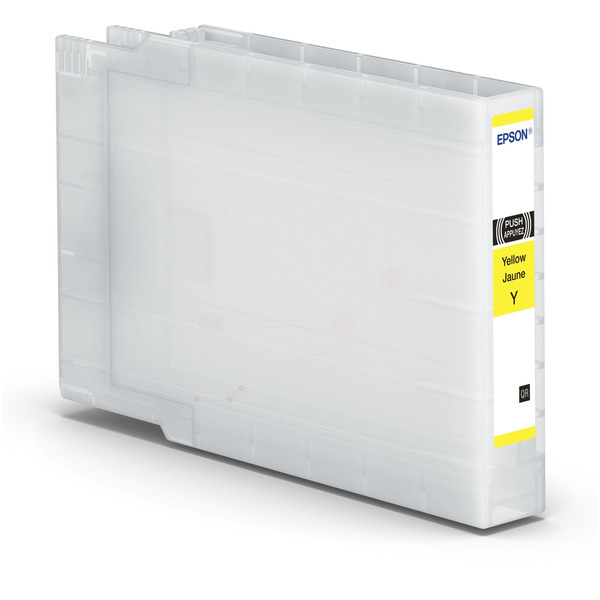
Epson C13T04A44N Epson C13T04A44N/T04A4 Ink cartridge yellow, 8K pages 69ml for Epson WF-C 8190
Compatible Printers: Epson WorkForce Pro WF-C 8690 DTWFC, Epson WorkForce Pro WF-C 8690 D3TWFC, Epson WorkForce Pro WF-C 8690 DTWF, Epson WorkForce Pro WF-C 8690 Series, Epson WorkForce Pro WF-C 8190 DW BAM, Epson WorkForce Pro WF-C 8690 DWF BAM, Epson WorkForce Pro WF-C 8190 Series, Epson WorkForce Pro WF-C 8190 DW, Epson WorkForce Pro WF-C 8690 DWF, Epson WorkForce Pro WF-C 8100 Series, Epson WorkForce Pro WF-C 8190 DTNWC, Epson WorkForce Pro WF-C 8190 D3TWC, Epson WorkForce Pro WF-C 8190 DTWC, Epson WorkForce Pro WF-C 8190 DTW
Part# C13T04A44N
SKU S19454
In
Stock
In
Stock

Item(s) added to cart

