
 0
0
Printers & Scanners
4740 –
4750
of
5230
Availability
Sort by
Advance Filters
Honeywell
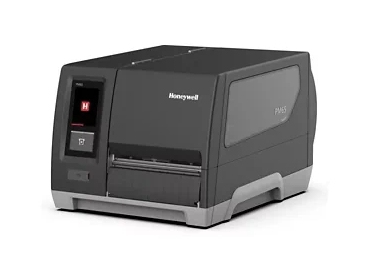
Honeywell PM65A12000000300 Honeywell PM65 label printer Thermal transfer 300 x 300 DPI 250 mm/sec Wired & Wireless Ethernet LAN Wi-Fi Bluetooth
Part# PM65A12000000300
SKU S19454
Limited Availability


Canon
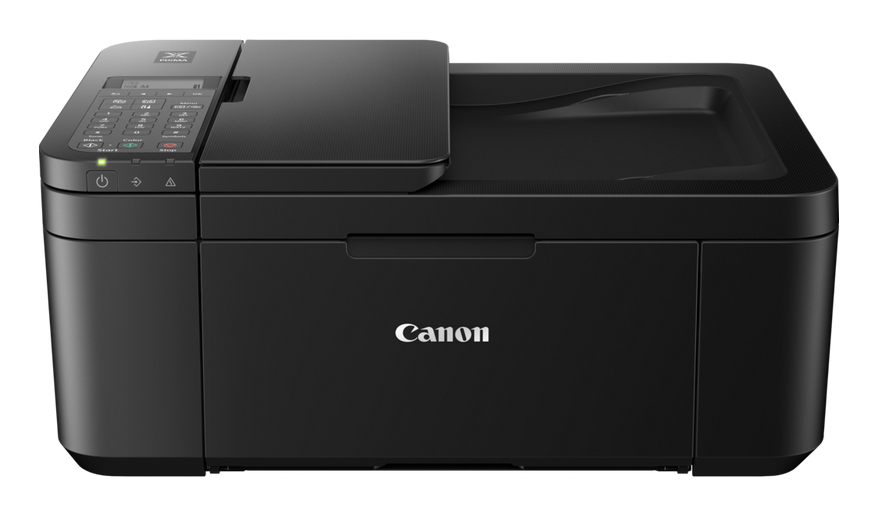
Canon 5074C008 Canon PIXMA TR4750i Inkjet A4 4800 x 1200 DPI Wi-Fi
Ideal for home offices, this 4-In-One links connectivity with productivity and is compatible with PIXMA Print Plan for inks sent directly to your door depending on the number of pages printed.Compact multifunctional printer with PIXMA Print PlanCompatible with PIXMA Print Plan – a flexible monthly subscription for inks based on pages printed – this multifunctional printer can copy, scan and fax multi-page files. With seamless Wi-Fi connectivity, it is ideal for home use.Never run low on ink againSubscribe to the PIXMA Print Plan and get inks delivered automatically to your door before you run out, with different tariffs available to suit your usage.Smart printer operationWi-Fi connectivity and the Canon PRINT app give you control of your printer functions from your smart devices. If you're away from Wi-Fi, just switch to Wireless Direct.Stay in the cloudSimplify scanning and printing to and from cloud storage with PIXMA Cloud Link via the Canon PRINT app.Boost productivityEnhance efficiency with automatic 2-sided printing and a 20-sheet ADF for copying and scanning multiple page documents.Ideal for home office4-in-One capability in one compact printer, making it ideal for home office use.
Part# 5074C008
SKU S19454
Limited Availability
Canon
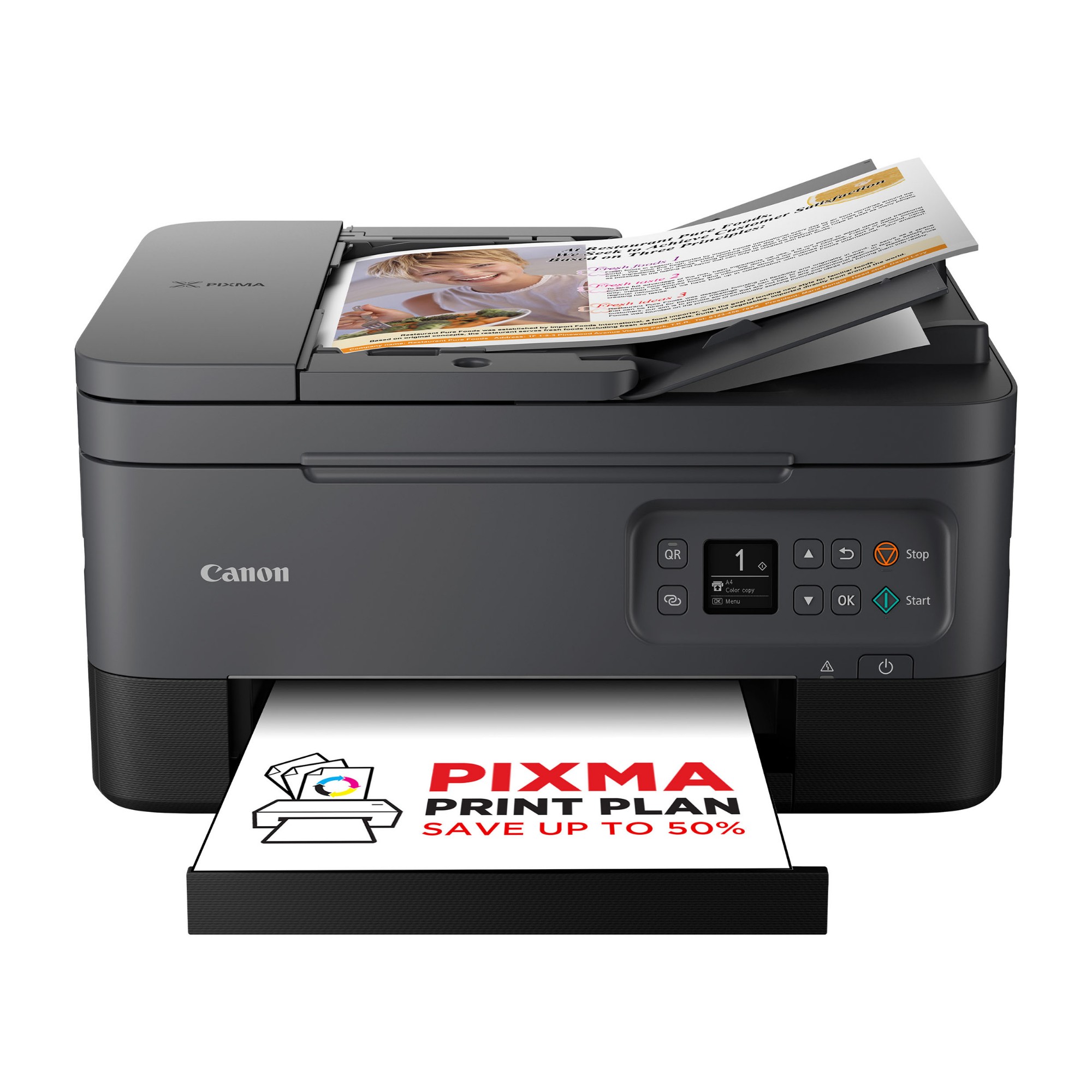
Canon 5449C008 Canon PIXMA TS7450i Black
The Canon PIXMA TS7450i is the perfect fit for versatile home use and effective home working: print, scan and copy from any device. It’s so easy to connect and operate using the Canon PRINT app: this all-in-one home printer offers mobile printing at its best. Stylish, affordable and simple to use, the PIXMA TS7450i offers the ability to print on many kinds of media from your computer, tablet or smartphone: print on photo paper, iron-on transfers, magnetic paper or restickable paper. With ADF technology, you can scan and copy multiple sheets in double-quick time, making home working faster and simpler. When work is over, the PIXMA TS7450i is as inventive as you are; it’s ideal for artistic endeavours with children, or even for the big kid in you. This printer is compatible with the PIXMA Print Plan, a monthly subscription for inks based on pages printed.
Part# 5449C008
SKU S19454
Limited Availability
Ricoh
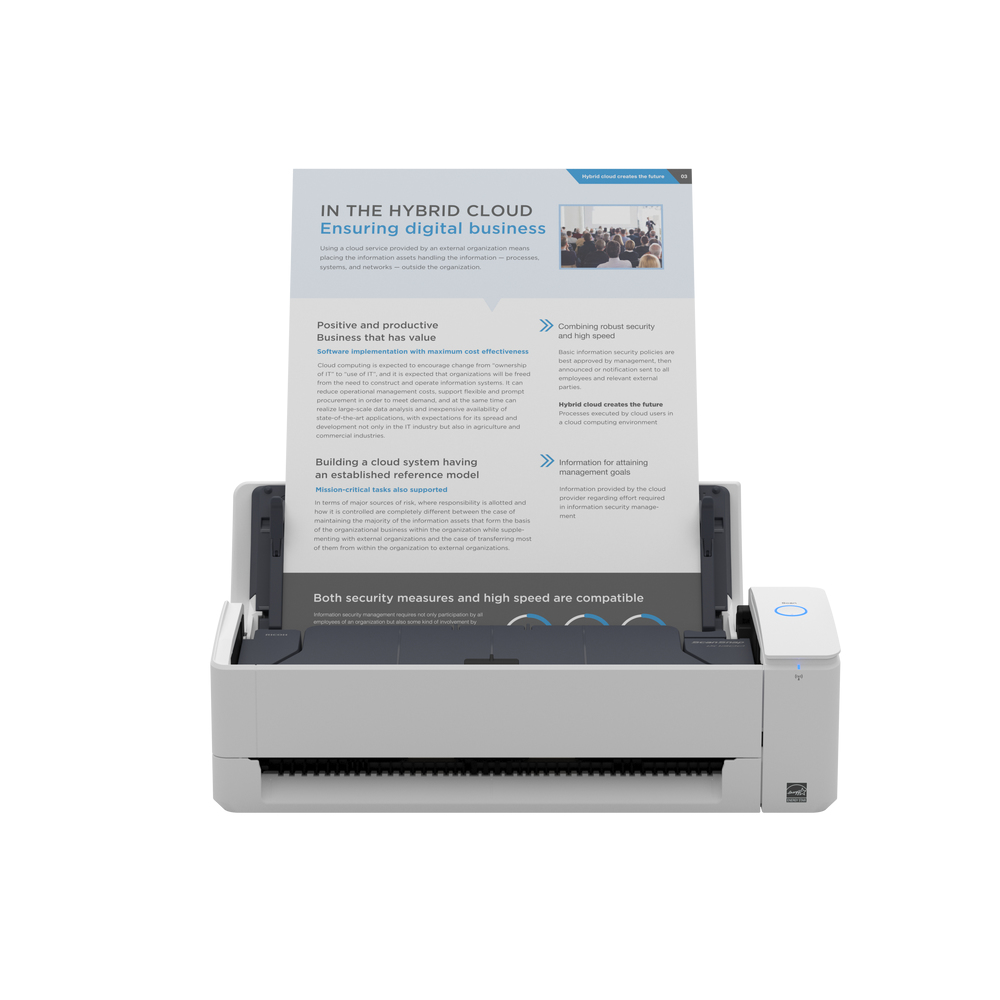
Ricoh PA03805-B001 Ricoh ScanSnap iX1300 ADF scanner 600 x 600 DPI A4 White
As ScanSnap’s most practical scanner yet, the iX1300 is small with a big impact. It makes it easy for you to maximise personal productivity with a scanner that fits into your life, on any desk, whether you’re working from home or in the office.Small scanner, big impact Fits into your life, on any deskThe modern way of working can be full of surprises, and we can all find ourselves working in tight spaces and new places. The smart and ultra-compact iX1300 is designed to fit into any office desk or home office setup, helping you stay productive wherever life takes you.Simple, Practical and EfficientThe iX1300's innovative feed path creates a tiny operational footprint that makes it our smallest desktop scanner yet. Instant Wi-Fi connectivity and PC-free scanning to cloud services using ScanSnap Cloud are all part of a smarter way to work.The iX1300 is packed with time-saving features to boost efficiency; with no wait time to warm up, you are ready to go in seconds. Plus, the Return Path capability means you can instantly scan individual sheets without even opening the cover. And a 20-sheet feeder and impressive 30 double-sided pages per minute speed let you finish scanning in no time at all.The intuitive ScanSnap Home software (included) helps you easily convert the papers you have, into the digital files you need. Giving you greater control over your admin so you can focus on what matters most.There’s plenty of personal productivity packed into our most practical scanner yet, ensuring the iX1300 makes paper work for you and your business.Practical productivityReturn path scanningWith ScanSnap you don’t need to know IT – just how to press a button. And, with the iX1300, you don’t even need to open the cover.The return path scanning mechanism means you can instantly scan both sides of individual sheets or booklets up to 2mm thick simply by feeding them in and pressing the Scan button.U-turn feed pathThe iX1300 is our most compact desktop scanner. The extremely small operational footprint is thanks to the innovative U-turn feed path which means there is no rush to move things out of the way to extend a paper tray when you need to scan multiple sheets – saving you time, and space.Wi-Fi connectivityInstant Wi-Fi connectivity and PC-free scanning let you quickly set the iX1300 up, and scan directly to your preferred cloud services or our mobile app. Or you can still scan directly to PC.Standard, editable output filesBoost productivity with the iX1300’s ability to save your documents in a range of formats including PDF and searchable PDF, editable MS Word, Excel and PowerPoint files, or JPEG. A practical feature that provides flexibility when working with your digital files. Boost EfficiencyQuickly scan multiple sheets Being efficient is a top priority in the modern world and the iX1300 delivers. An impressive scanning speed of 30 double-sided pages per minute and an Automatic Document Feeder that holds up to 20 sheets means you can reliably scan whatever you like in no time at all - quickly getting you back to the more important things in your life.Custom file taggingWith custom file tagging you can add your own tags to scanned document files with minimal fuss – making it easier and faster for you to search for, find and retrieve them at a later date.Intuitive ScanSnap Home softwareThe intuitive ScanSnap Home software (included) helps quickly and easily convert the papers you have into the digital files you need, giving you greater control, and helping you focus on what matters most.From automatic classification according to document type, image optimisation and final file distribution, to assisting you to manage and edit scanned data from documents, receipts, business cards, photos, and more, ScanSnap Home takes the stress out of organising and finding what you need.User ExperienceSimple setupWith the iX1300, there are no complex settings or TWAIN protocols to deal with. Easy setup via Wi-Fi or from mobile creates a simple, user-friendly setup experience.No warm up timeWhen you’ve got something to scan you don’t want to be left waiting around wasting time. In addition to the one-touch scanning experience ScanSnap users are used to, the iX1300 doesn’t need any time to warm up and has a streamlined scanning process that allows you to go from start to scan in just two or three steps.
Part# PA03805-B001
SKU S19454
Limited Availability
Epson
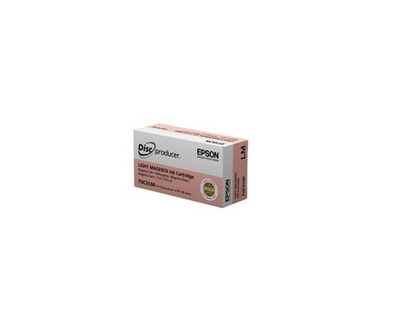
Epson C13S020690 Epson C13S020690/PJIC7(LM) Ink cartridge light magenta 31.5ml for Epson PP 100/50
PJiC3 Light Magenta ink for DiscproducerDiscproducer Ink Cartridge Light MagentaInk type: Dye inkCapacity: 1000 discs or more for 1 inkset in continuous printing under the following conditions:- Environment: At room temperature- Printable area: Φ116 to 45 mm- Area coverage of each color: 16.7 %- Disc type: CD/DVD- Mode setting: Fine- Color correction: Natural colorValid period: Specification 2 years including 6 months after the pack is opened.Size: Width (W) 42 mm Depth (D) 83 mm Height (H) 26.4 mmMass: Approximately 64 gCompatible Printers: Epson Discproducer PP-100 II BD, Epson Discproducer PP-100 N Network, Epson Discproducer PP-100 Series, Epson Discproducer PP-100 N Security, Epson Discproducer PP-100 N, Epson Discproducer PP-100 II, Epson Discproducer PP-100 AP, Epson Discproducer PP-50 II, Epson Discproducer PP-50-BD, Epson Discproducer PP-100 III, Epson Discproducer PP-50, Epson Discproducer PP-100
Part# C13S020690
SKU S19454
Limited Availability
HP
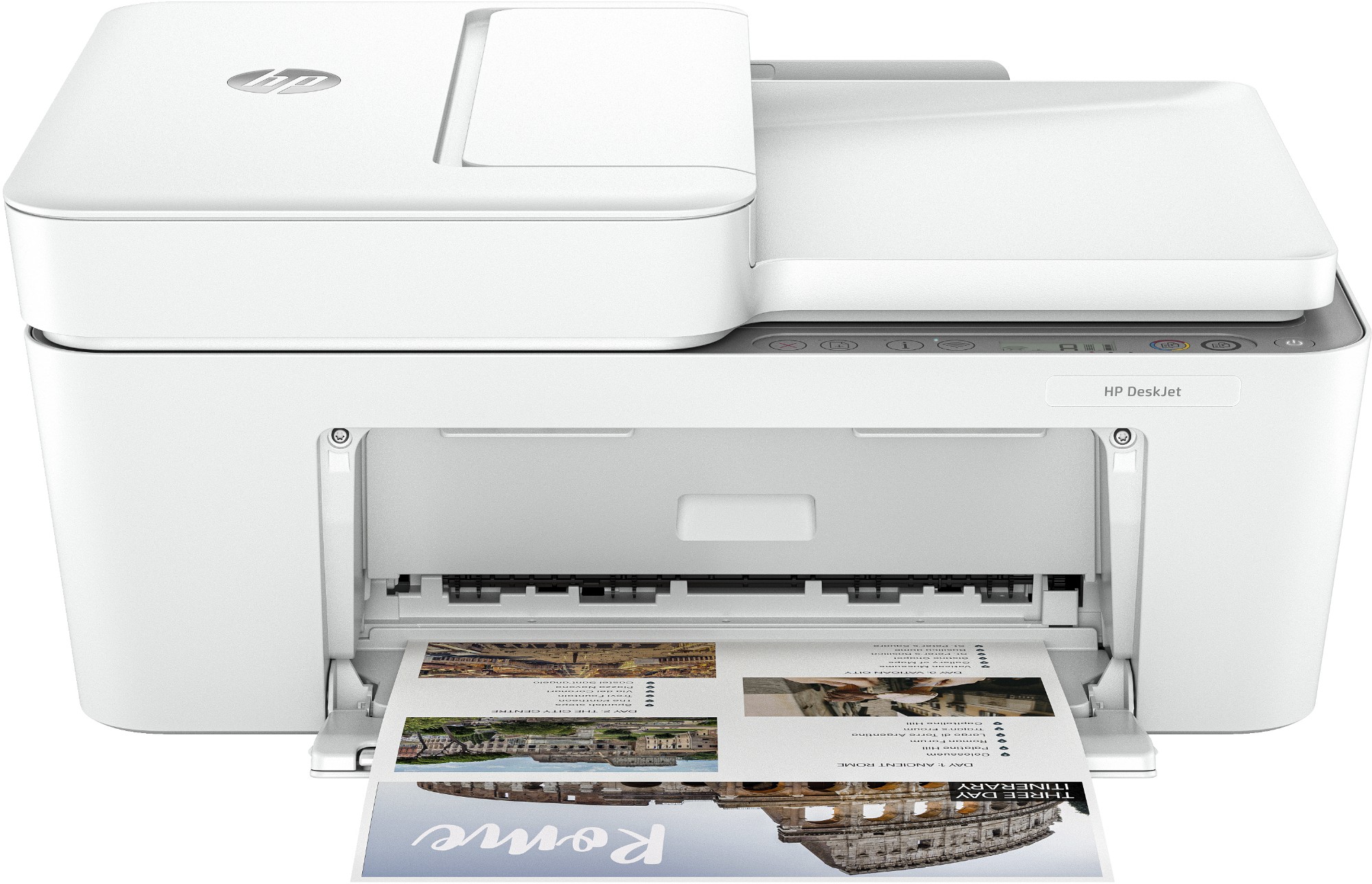
HP 588K4B#687 HP DeskJet 4220e Wireless All-in-One Color Printer, Instant Ink; Copier, Scanner
The leader for simple, stress-free printing.[1] Effortlessly print, scan, and copy with this compact, wireless printer with an automatic document feeder, paired with the easiest-to-use print app. From labels to recipes, enjoy a seamless experience from the World’s #1 Printer Company.[2,3]. HP Instant Ink eligibleDynamic security enabled printer Certain HP printers are intended to work only with cartridges that have a new or reused HP chip or electronic circuitry. These printers use dynamic security measures to block cartridges using a non-HP chip or electronic circuitry. Periodic firmware updates will maintain the effectiveness of these measures and block cartridges that previously worked. Reused HP chips and electronic circuitry enable the use of reused, remanufactured, and refilled cartridges.This is an HP+ enabled printer. Choose HP+ at product setup to activate benefits. HP+ requires an HP account, ongoing connection to the internet, and exclusive use of Original HP Ink cartridges for the life of the printer. More at: http://www.hp.com/plus
Part# 588K4B#687
SKU S19454
Limited Availability
Limited Availability
Zebra
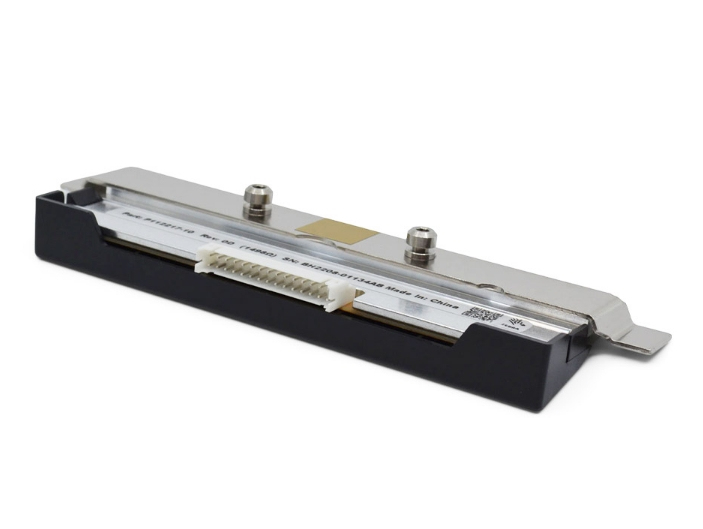
Zebra P1123335-057 Zebra P1123335-057 printer/scanner spare part Print head 1 pc(s)
Part# P1123335-057
SKU S19454
Limited Availability
Canon
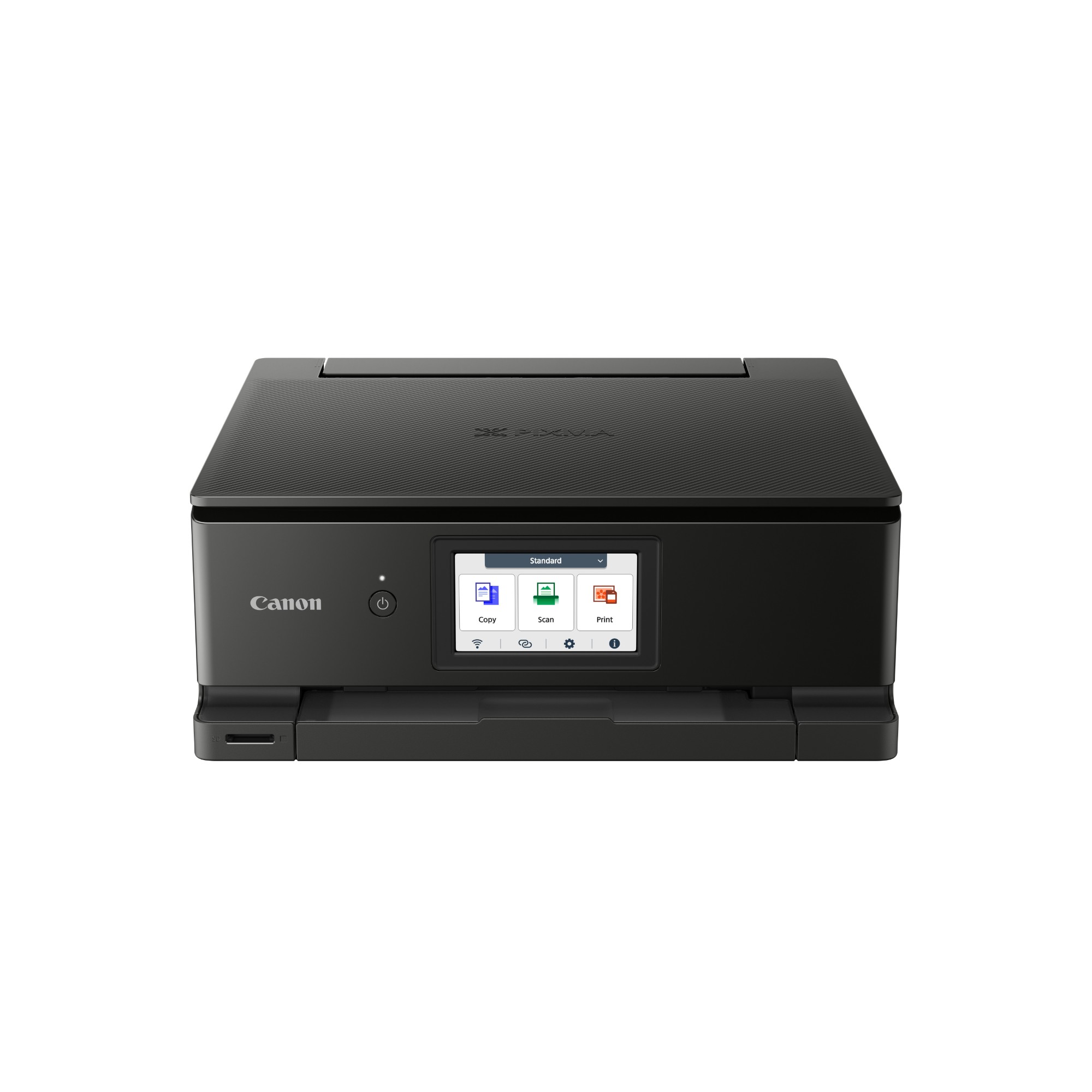
Canon 6152C008 Canon PIXMA TS8750 Inkjet A4 4800 x 1200 DPI Wi-Fi
Get high-quality photo and document prints swiftly and effortlessly with the Canon PIXMA TS8750, a high-performance and user-friendly multifunction home printer. A joy to use thanks to its 10.8 cm touchscreen, seamless Wi-Fi setup and streamlined, customisable Switch UI interface, the Canon PIXMA TS8750 3-in-1 inkjet printer uses six individual ink cartridges to produce fast, stunning results for all types of prints: documents, colour photos and more. A premium small printer for home, it meets all the family’s needs: work, education, creativity and more.Easy to use with simpler menusThe Canon PIXMA TS8750 printer is effortless to use thanks to a large, tilting 10.8 cm screen and the streamlined, customisable Switch UI touch interface, which makes accessing functions and settings simpler than ever.Seamless PC-free printingPrint photos and documents on the Canon PIXMA TS8750 wirelessly from your mobile device using the Canon PRINT app. Set up Wi-Fi quickly by using the information already on your device (iOS only), or connect directly by scanning a QR code with Android and iOS smartphones.Fast, high-quality prints for work or playQuickly print pin-sharp documents (15 ipm mono; 10 ipm colour) and brilliantly vibrant colour photos (4x6”/10 x 15 cm with borderless photo printing in 13 seconds) with the Canon PIXMA TS8750’s six individual ink system. Save even more time by keeping the front tray loaded with plain paper and rear tray loaded with photo paper.Designed to fit your lifestyleMaximise your space with the Canon PIXMA TS8750’s subtly streamlined and compact premium design, which fits any home décor. Available in white and black colour finishes.More ways to stay productivePrint on different types of media thanks to the two-way paper feed, create disc labels with the multipurpose tray and save money with automatic double-sided printing.Switch UIThe streamlined interface consolidates functions for various use cases (work, study and lifestyle) into different scenes, keeping operation simple. Quickly switch between scenes using the menu at the top of the screen, customise background colour and icons and lock functions that aren’t required.Simple Wi-Fi setup for iOS usersUsers with Apple iOS devices can use the Wi-Fi setup information already stored on their device to connect the Canon PIXMA TS8750 to the same network, removing the need to enter a password manually.Direct connection with QR codeQuickly set up a direct wireless connection between the Canon PIXMA TS8750 printer and a mobile device, simply by scanning a QR code on the printer’s screen.Your all-round solution to home printingFind out why the PIXMA TS8751 is your first choice for reliable home printing, with a customisable interface, fast printing speeds and six individual ink tanks providing superb printing quality
Part# 6152C008
SKU S19454
Limited Availability
Brother
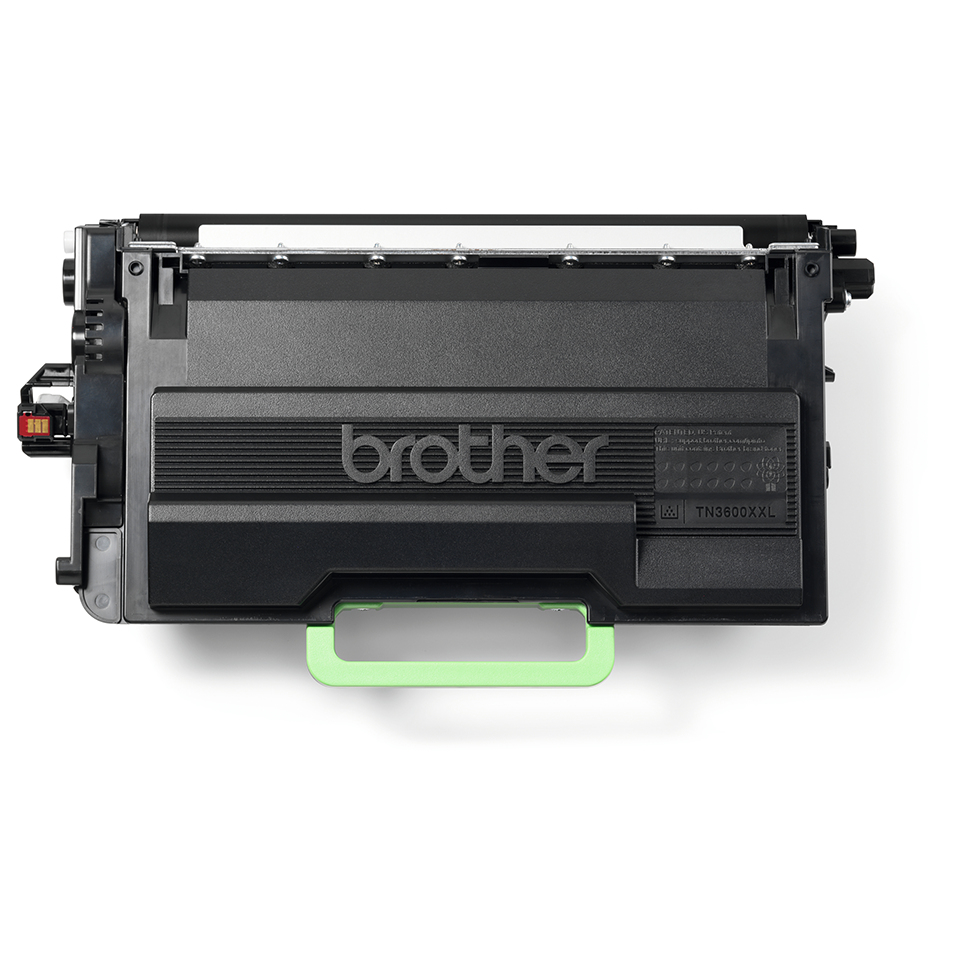
Brother TN3600XXL Brother TN-3600XXL Toner-kit high-capacity, 11K pages ISO/IEC 19752 for Brother HL-L 5200/6410/MFC-L 6710
Brother TN-3600XXL. Black toner page yield: 11000 pages, Printing colours: Black, Quantity per pack: 1 pc(s)Compatible Printers: Brother MFC-EX 910, Brother HL-L 6210 DW, Brother HL-L 5210 Series, Brother HL-L 5210 DW, Brother HL-L 5210 DNTT, Brother HL-L 5210 DWT, Brother MFC-L 5710 DW, Brother MFC-L 6710 DW, Brother MFC-L 6915 DN, Brother HL-L 6415 DW, Brother DCP-L 5510 DW, Brother HL-L 5210 DN, Brother HL-L 5210 DNT, Brother HL-L 5215 DN, Brother HL-L 6410 DN, Brother MFC-L 5715 DN, Brother MFC-L 6910 DN, Brother HL-L 6415 DN, Brother MFC-L 5710 DN
Part# TN3600XXL
SKU S19454
Limited Availability

Item(s) added to cart

