
 0
0
Brother
50 –
60
of
97
Availability
Sort by
Advance Filters
Brother
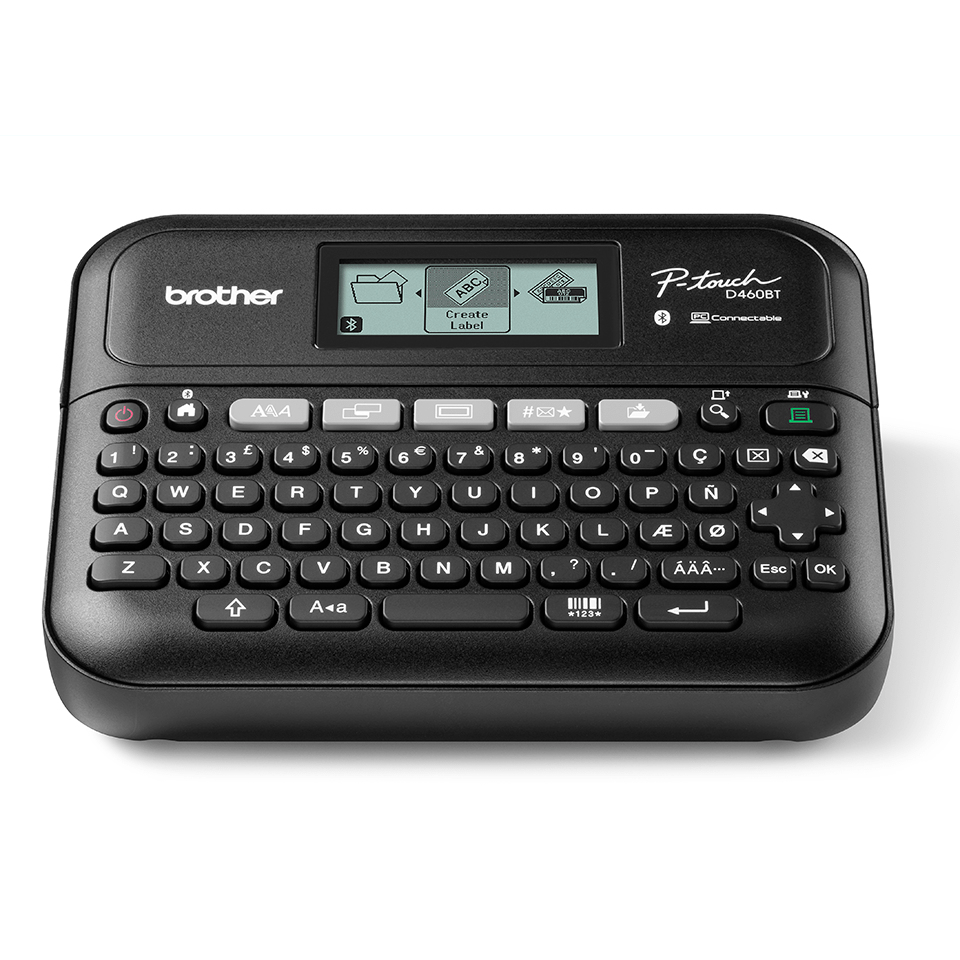
Brother PTD460BTVPZU1 Brother PT-D460BTVP label printer Thermal transfer 180 x 180 DPI Wired & Wireless Bluetooth
Professional desktop labelling machine for shared workspaces. USB & Bluetooth connectivity for additional labelling functionality using your PC or smartphone. Comes with carry case, AC adaptor and additional sample tape.Transform your workspace or office with a professional label printer from Brother.From smaller workspaces through to larger office setups, the PT-D460BT model offers a compact, easy-to-use label printer which prints clear, laminated labels. From organising important files and folders, asset management and general office signage labels, you can create a comfortable working environment for everyone Print durable labels up to 18mm in width using Brother’s genuine TZe tapes. Providing resistance to water, abrasion, chemicals and temperature extremes, you can be sure your labels will last over time.Brother's free iPrint and Label app connects your Android or iOS phone or tablet to your label printer via Bluetooth 5.0 (MFi certified) so you can design, edit and print labels containing barcodes, logos and more from your mobile device. Or make professional-looking labels from your PC or Mac using the free P-touch Editor software via USB connection and complete batch labelling jobs from an MS Excel or Word document and with a laptop style keyboard and graphic display, you can instantly create labels on demand.Includes AC adapter, tape cassette, carry case and USB cable.
Part# PTD460BTVPZU1
SKU S19454
In
Stock


Brother
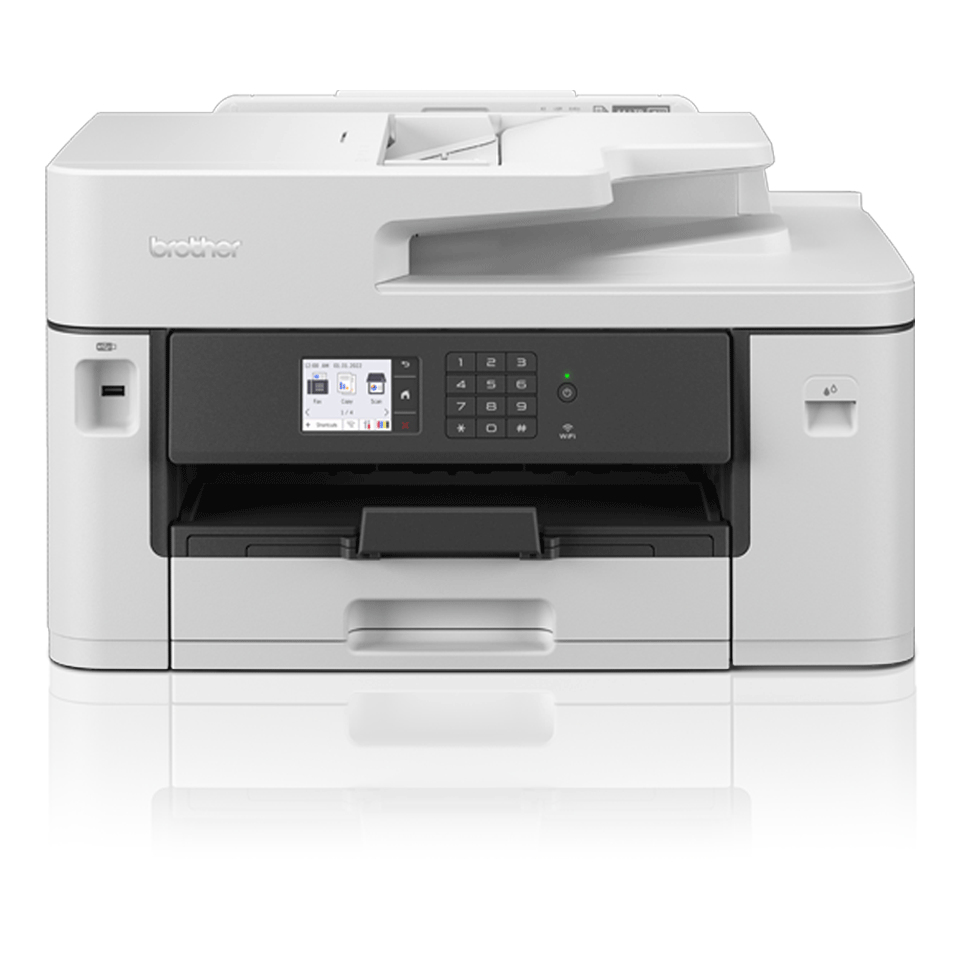
Brother MFCJ5340DWZU1 Brother MFC-J5340DW Inkjet A3 1200 x 4800 DPI Wi-Fi
The professional A3 MFC-J5340DW all-in-one printer is built to last, meeting the needs of demanding small offices and business workgroups.A3 capability enables you to produce a variety of A3, as well as A4 colour documents, without any hassle, while experiencing high quality prints,fast print speeds and low running costs. This multifunction device offers print, copy, scan and fax functionality. Print from your workstation, in a meetingroom, or from your mobile device with wireless connectivity.
Part# MFCJ5340DWZU1
SKU S19454
In
Stock
Brother
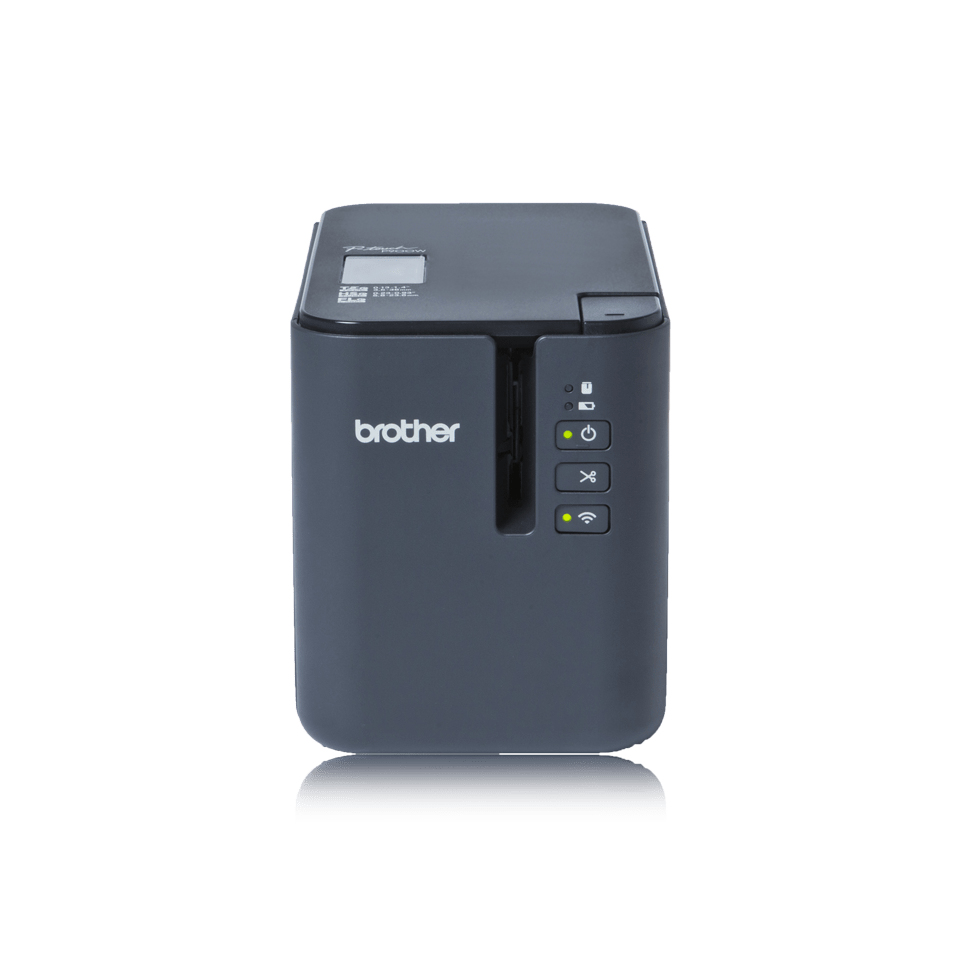
Brother PTP900WCZU1 Brother PTP900Wc label printer Thermal transfer 360 x 360 DPI 60 mm/sec Wired & Wireless TZe Wi-Fi
The professional label printer designed for any labelling taskWith a wide range of colour combinations and tape widths up to 36mm, near borderless printing and high speed/high resolution print capabilities, the PT-P900W is ideal for facilities management, document archiving, asset labelling and creating on-demand labels whenever and wherever required.Wired and wireless connectivityThis compact desktop label printer can be connected to your PC or Mac using a USB cable, or connected to your wireless network to share between multiple users or be placed in a more convenient location away from your computer.Advanced cutter with easy-peel functionThe advanced cutter can produce one long strip of labels that can be easily peeled one-at-a-time, and ensures labels are kept in the correct order.Industrial label design software for PC and MacThe PT-P900W uses P-touch Editor label design software for Windows and Mac. It boasts advanced features normally found in expensive desktop applications such as industry standard 1D and 2D barcodes, import of logos and other graphics, and allows you to use the fonts installed on your computer. Link to a Microsoft Excel® spreadsheet or .csv file to print multiple labels quickly and efficiently.Print from smartphones or tabletsInstantly create and print simple labels from your smartphone or tablet without needing to fire up your PC. The Brother iPrint&Label app wirelessly connects to the PT-P900W to let you design and print labels from your iOS or Android device. Or if you need to identify electrical and data cabling and equipment, use the specialised Brother Cable Label Tool app to print labels for wrapping around cables or for sticking to faceplates, electrical distribution boards and other specialist equipment.Include label printing as part of your solutionSoftware and app developers can use various software development kits for Microsoft Windows, iOS and Android devices to enable label printing from within your own software and apps. This makes the PT-P900W ideal to integrate into various solutions where durable labels are required.Print wherever and whenever requiredThere are situations where AC power may not be available, such as on construction sites, or if the label printer needs to be used on a portable trolley. The PT-P900W has an optional battery base and rechargeable lithium-ion battery pack to enable label printing wherever and whenever required.P-touch laminated labels - tested to extremeBrother TZe tape cassettes come in a wide variety of widths and colours, and include specialist tapes such as strong adhesive, flexible ID (for wrapping around cables or creating flag labels), tamper evident and security tapes. These laminated tapes are incredibly durable, and are designed and tested to withstand extremes in temperature, sunlight, moisture, abrasion and chemicals.
Part# PTP900WCZU1
SKU S19454
In
Stock
Brother
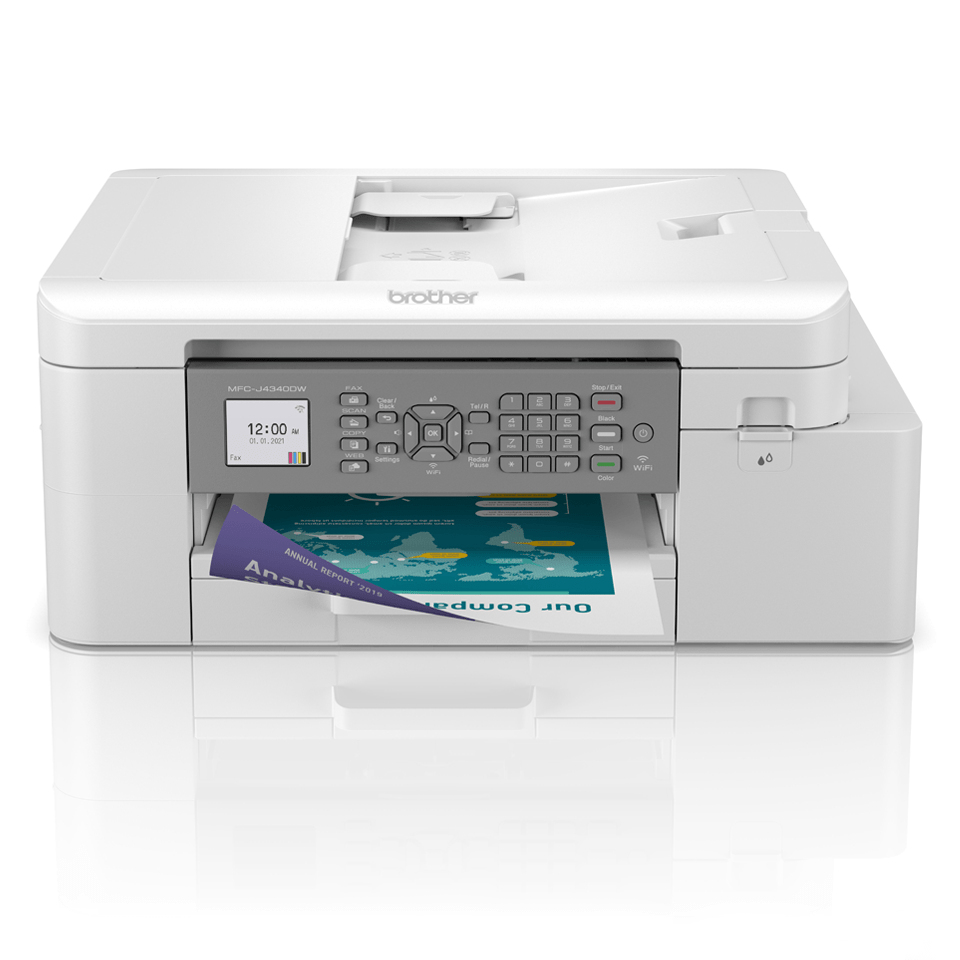
Brother MFCJ4335DWRE1 Brother MFC-J4335DWRE1 Inkjet A4 1200 x 4800 DPI Wi-Fi
Brother MFC-J4335DWRE1. Print technology: Inkjet, Printing: Colour printing, Maximum resolution: 1200 x 4800 DPI. Copying: Colour copying, Maximum copy resolution: 1200 x 600 DPI. Scanning: Colour scanning, Optical scanning resolution: 1200 x 2400 DPI. Duplex functions: Print. Maximum ISO A-series paper size: A4. Wi-Fi. Direct printing. Product colour: White
Part# MFCJ4335DWRE1
SKU S19454
In
Stock
Brother
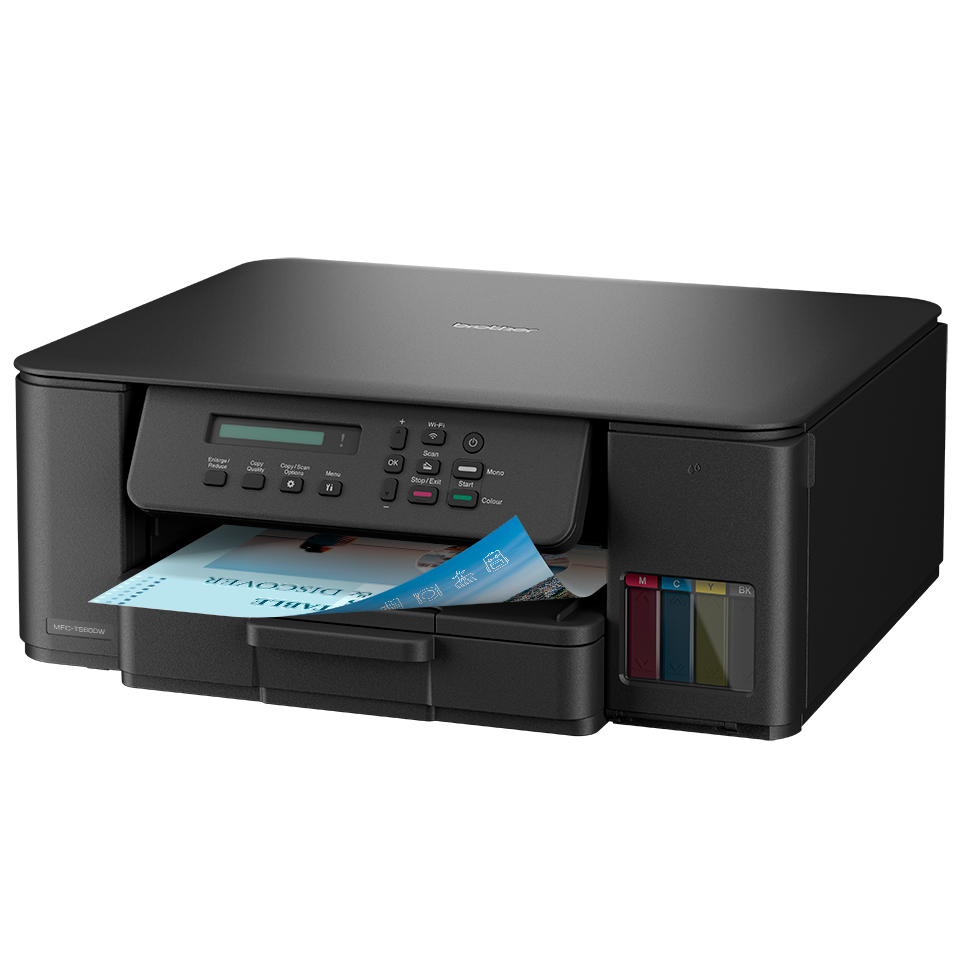
Brother DCPT580DWZU1 Brother Tankbenefit Compact 3-in-1 Ink Tank Printer DCP-T580DW
Print for longer with quick fill ink tanks and super high yield ink bottles. Built for easy setup and efficient paper management.Fill up and print more for less with super high yield ink bottles and easy fill ink tanks that lower your colour printing costs. Whether in your home office, living room, or working from the kitchen, enjoy effortless connectivity and quick hassle-free printing with the 3-in-1 ink tank printer DCP-T580DW. Print directly from or scan to PC and mobile app.Fill up and printThe compact DCP-T580DW ink tank 3-in-1 printer prints longer with super high yield ink bottles. Quickly fill the tanks in seconds without having to hold the bottles. Fill the correct colour with the innovative key lock bottle system.Reliability and Quality AssuranceGenuine Brother ink supplies are the best way to protect your investment and ensure optimal performance from your Brother inkjet printer.EfficientThe easily accessible 150 sheet paper tray, protects your paper when printing. Save time with automatic 2-sided printing.Brother Mobile ConnectSet up and print on the go with Brother Mobile Connect. Control all your Brother printers from your fingertips. Easily check ink levels, order and save on genuine Brother supplies, access your scanned documents history and personalise your frequently used features.
Part# DCPT580DWZU1
SKU S19454
In
Stock
Brother
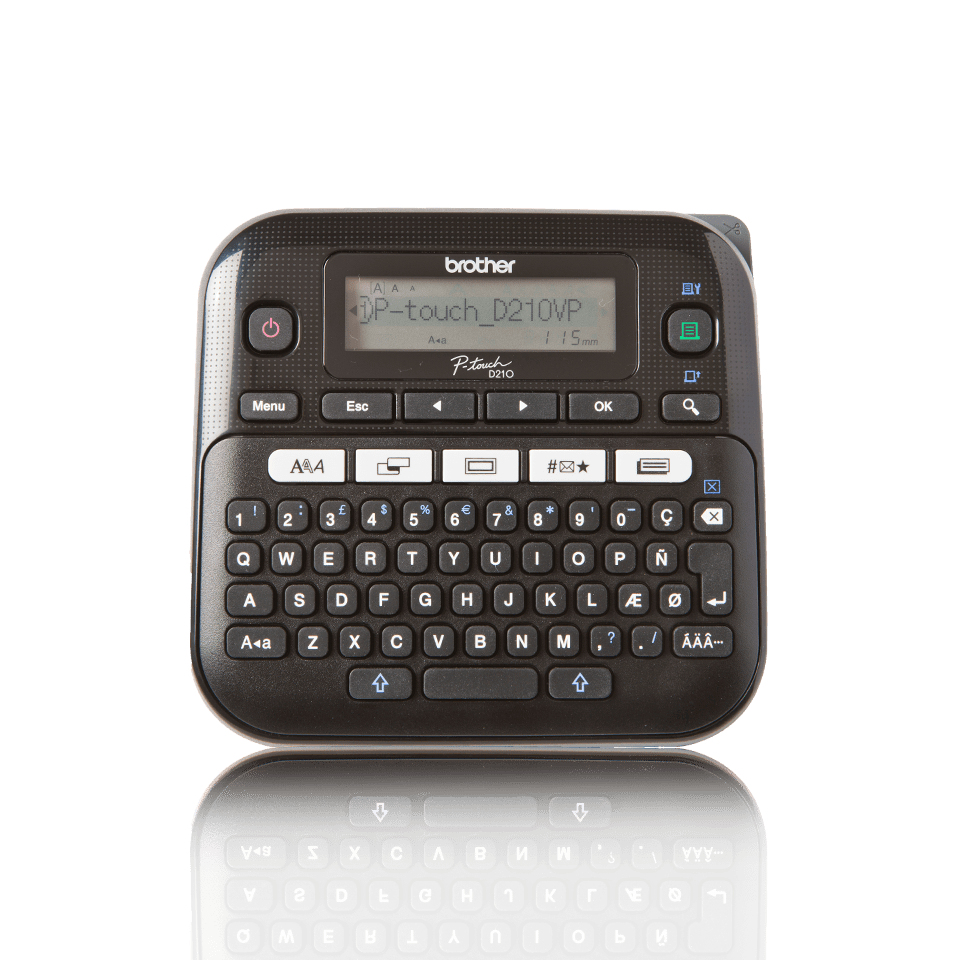
Brother PTD210VPZU1 Brother PT-D210VP label printer Thermal transfer 180 x 180 DPI 20 mm/sec QWERTY
The PT-D210VP is a fast and easy way to create durable labels to identify cables and plugs, file folders, USB drives, filing cabinets, CD/DVD discs and office equipment. Create signage for mail rooms, notice boards, shelves and also use for staff or visitor name badges. Create decorative labelsDon't settle for simple labels anymore. Thanks to the 27 built-in label templates, you are now able to easily create stylish labels by simply typing in the text required, and then print. The P-touch D210VP then sets the font style and size automatically, and within seconds your label is ready to apply. Graphic displayThe 16 character graphic display lets you view and select from the hundreds of symbols, and view the various fonts and frames in more detail than ever before. Preview your label on-screen before printing to ensure it will look exactly as you expect. High-speed printingSave time with the fast 20mm/second print speed. Wide-range of durable, easy peel labelsBrother TZe laminated tape cassettes are available in a wide range of colours and widths to give you even more labelling options. Each label incorporates a split-back, that makes the backing easy to remove. These laminated tapes are incredibly durable, and are designed to withstand extremes in temperature, sunlight, moisture, abrasion and chemicals. Start labelling immediatelyEverything you need is supplied - an AC adapter is included to save on the cost of batteries, and the black on white tape cassette means you can start labelling immediately. All are all housed in a durable carry case.
Part# PTD210VPZU1
SKU S19454
In
Stock
Brother
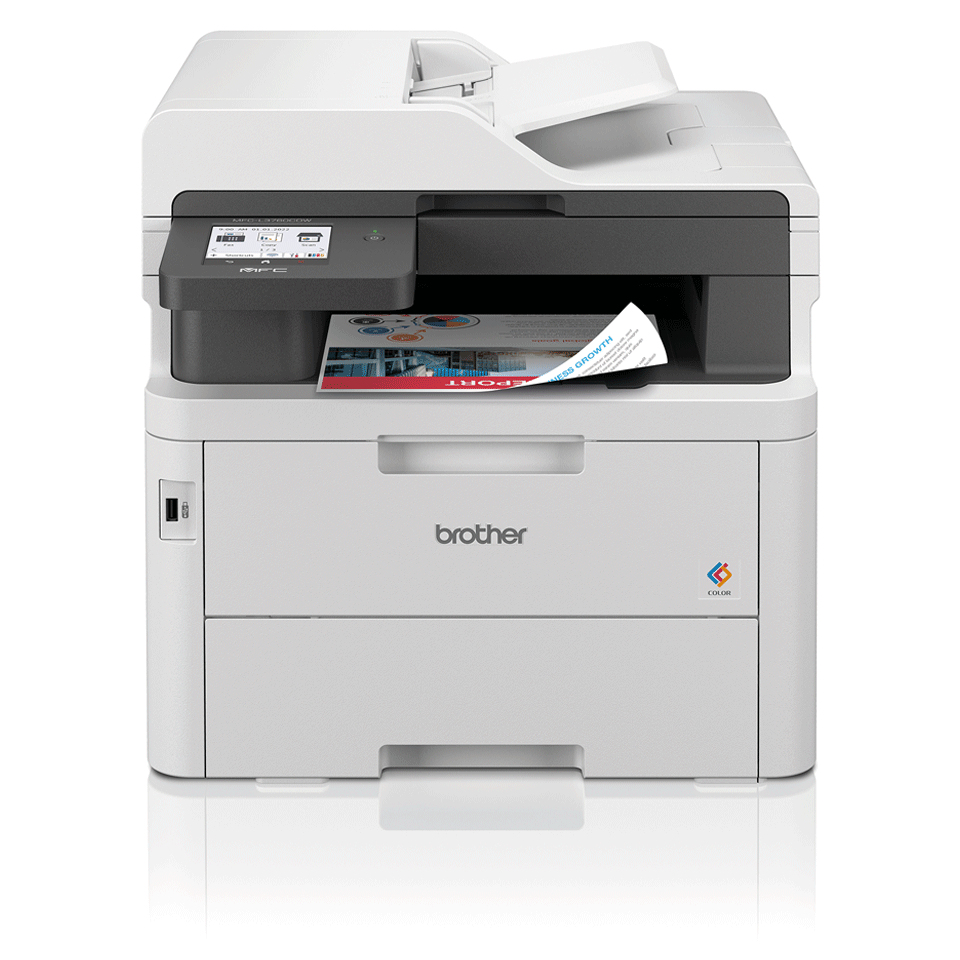
Brother MFCL3760CDWZU1 Brother MFC-L3760CDW LED A4 600 x 2400 DPI 26 ppm Wi-Fi
The office and home environment is continuously changing with the goal of increasing efficiency and productivity. Be confident that you have a reliable device that prints quickly and effortlessly, with:- 2-Sided print, up to 10 sides per minute- Scan up to 21 images per minute3- 8.8cm Colour touchscreen- Gigabit ethernet, 5GHz WiFi and USB- Print directly from desktop, USB or mobile app- 512MB Internal memory- 50 Sheet Automatic Document Feeder (ADF) - 250 Sheet paper input tray - Comes with 1,000 black, 1,000 colour page yield toners, 2,300 black, 3,000 colour maximum yield available
Part# MFCL3760CDWZU1
SKU S19454
In
Stock
Brother
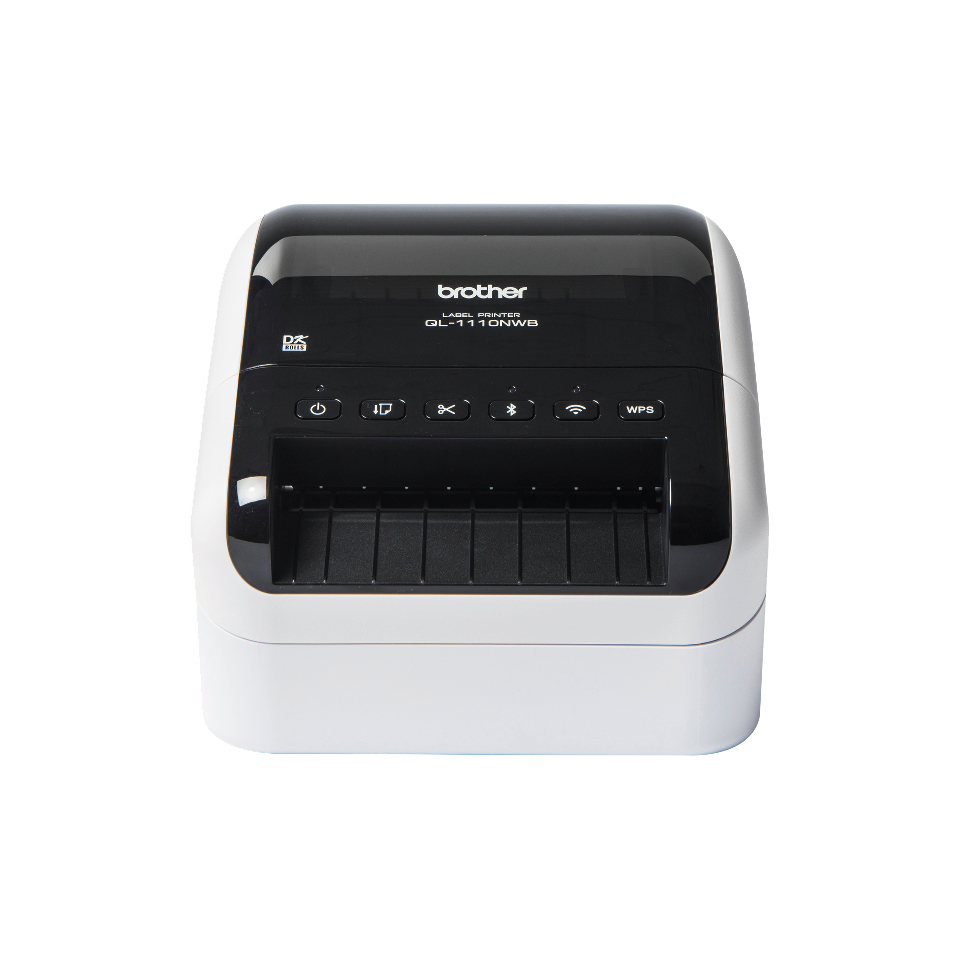
Brother QL1110NWBCZU1 Brother QL-1110NWBC label printer Direct thermal 300 x 300 DPI 110 mm/sec Wired & Wireless DK Wi-Fi Bluetooth
This wide format shipping label printer has a 4 inch(101.6mm) print width - to offer maximum compatibility with various shipping label software packages.Easily send your products to a Fulfilled By Amazon (FBA) warehouse using the crop print function. Simply print the PDF that contains the multiple barcode labels from your FBA account, and let the driver detect, extract and print each individual label to the QL-1110NWB automatically.With USB, Ethernet, Wi-Fi and Bluetooth, you can choose to print labels from your PC, Mac, smartphone or tablet, whichever is most convenient. Plus with Apple MFi certification and AirPrint, all your connectivity options are covered.With a range of SDK's (Software Development Kits) for Windows, iOS and Android, the QL-1110NWB can be easily integrated into your own systems and software.Wide format shipping/barcode label printerThe QL-1110NWB is the ideal label printer for mail rooms, warehouses, and anyone who needs to print high quality shipping labels containing barcodes, images and text.FBA (Fulfilled By Amazon) labelsEasily print labels suitable for sending your products to Amazon fulfilment centres using the crop print function in the driver. After Amazon creates your PDF containing the barcode labels to attach to your products, tick "crop print" in the driver to automatically extract each individual label from the A4 sheet, and print to individual labels on the QL-1110NWB.4 inch (101.6mm) print widthTo ensure maximum compatibility with third party shipping label printing software, the QL-1110NWB has a print width of 4" (101.6mm) - the specification required by the majority of parcel carriers.Includes many connectivity options as standardPC and Mac users can connect via USB, wired ethernet or by Wi-Fi. Or easily connect your mobile device using Bluetooth. For full compatibility with Apple devices, the QL-1110NWB is MFi certified, and also includes AirPrint.Built-in memory to store label templatesConnect directly to specialist equipment using the USB host port - no PC required. These devices can then send commands to select the required label template stored in the printer memory, send the required data to merge onto the label, then issue the command to print. One example is to scan barcodes containing the commands to select and print the built-in templates, to print copies of barcodesPrint from PC, Mac, iOS and Android devicesThe free P-touch Editor label design software for PC and Mac lets you add text, images, barcodes and frames to your labels. Or use the free iPrint & Label app for iOS and Android to create and wirelessly print labels from your mobile devices.Microsoft Office and database printingThe P-touch editor add-in for Microsoft Office (Windows only) allows you to select and print data directly from Word, Excel and Outlook. From Microsoft Word, highlight an address and click the add-in, in the toolbar, to print this on a label. Highlight cells in Excel and again click the add-in. For Outlook, select the contact with the address you require to print this label.Easily add label printing into your existing systemsBrother provides free software development kits for Windows, iOS and Android for system developers to easily incorporate the QL-1110NWB into legacy software.Large range of labels for any applicationBrother DK rolls slot-in easily for fast label changes. Several types are available:- Pre-sized die-cut adhesive labels in paper and plastic film material.- Continuous adhesive labels in paper and plastic film material that can be cut to the length you need (up to 3 metres).- Non-adhesive card ideal for receipts and name badges.- Removable adhesive for repositionable labels.
Part# QL1110NWBCZU1
SKU S19454
In
Stock
Brother
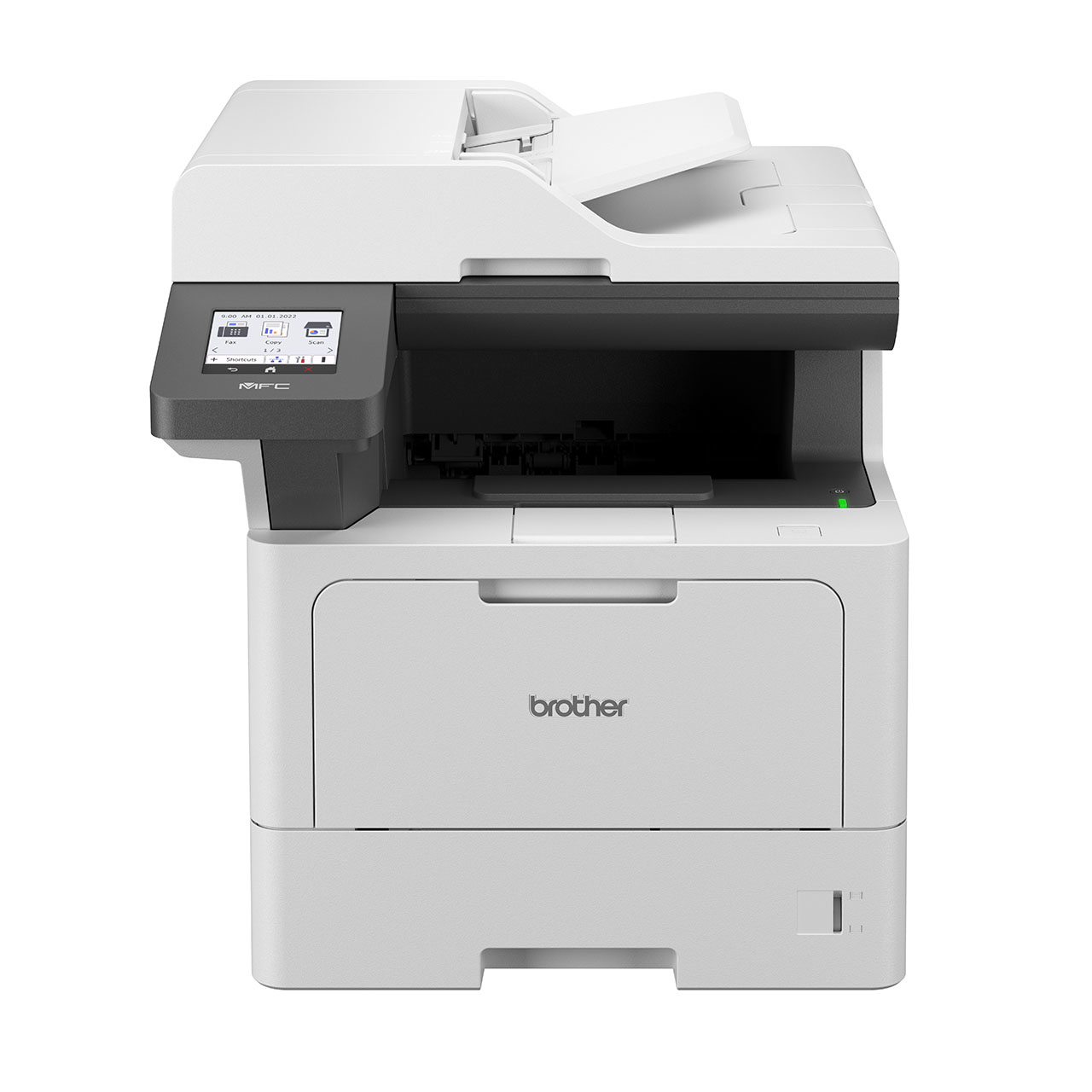
Brother MFCL5710DWQJ1 Brother MFC-L5710DW Laser A4 1200 x 1200 DPI 48 ppm Wi-Fi
ENHANCING BUSINESS PERFORMANCEBuilt for business, this mono laser printer is designed to deliver professional performance with high-speed, high-quality printing and scanning you can depend on.The MFC-L5710DW also gives you the added flexibility of tailoring the paper input to suit the print needs of your business.
Part# MFCL5710DWQJ1
SKU S19454
In
Stock
Brother
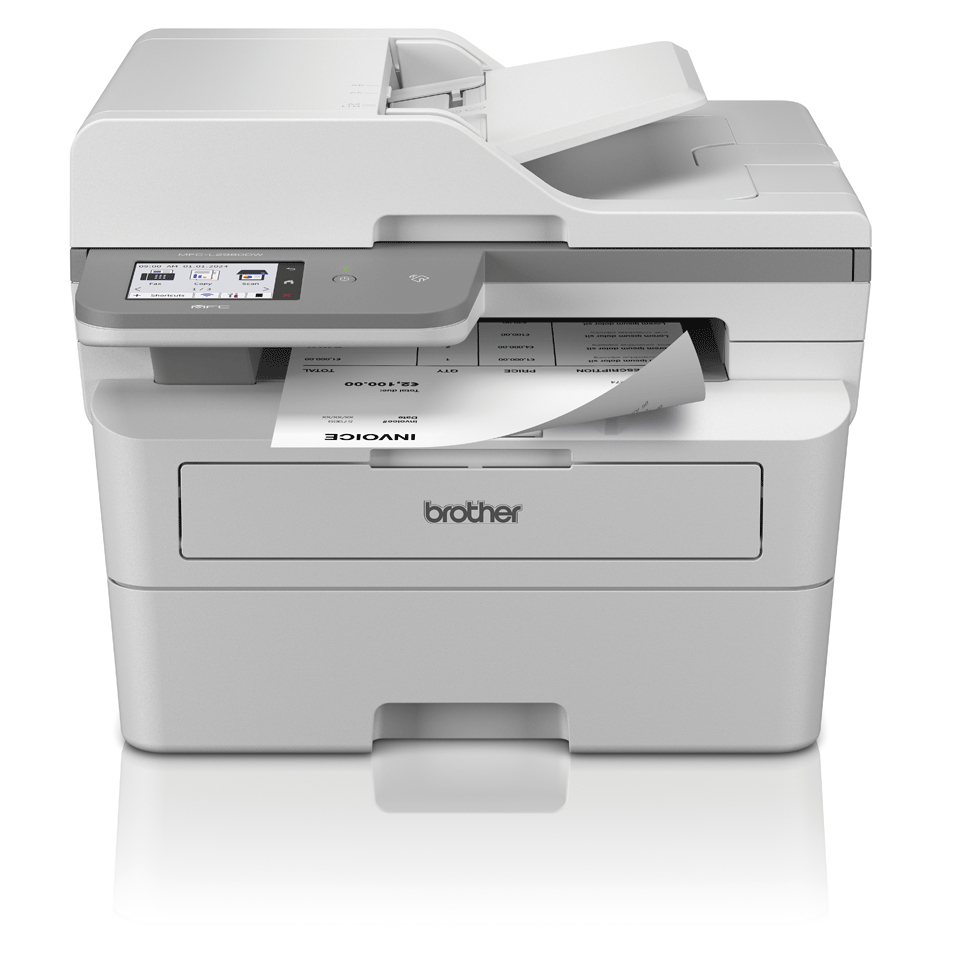
Brother MFCL2980DWQJ1 Brother MFC-L2980DW multifunction printer Laser A4 1200 x 1200 DPI 36 ppm Wi-Fi
Make everyday business printing simple with our desktop range of mono laser printers.Simple to set up and easy to use, our compact mono laser business range quietly producesprofessional quality documents with minimal fuss. Designed to improve productivity at workand at home, these devices are ideal as part of a managed print service (MPS) and have beenexpertly developed for a hassle-free printing experience
Part# MFCL2980DWQJ1
SKU S19454
In
Stock

Item(s) added to cart

